
YouTube Removes Dislike Button from Shorts: Creator News Update
Twitch introduces longer pre-roll ads, YouTube hides dislike button on Shorts, and we clarify EU refund laws for digital goods.
Twitch introduces longer pre-roll ads, YouTube hides dislike button on Shorts, and we clarify EU refund laws for digital goods.

Are YouTube collaborations actually worth it? Or are other creators just my competitors?
Learn if taking a break from YouTube will affect your monetization status.

Entire governments are pushing to legally ban a large portion of your audience from accessing YouTube. If you target a younger demographic, your business is at risk.
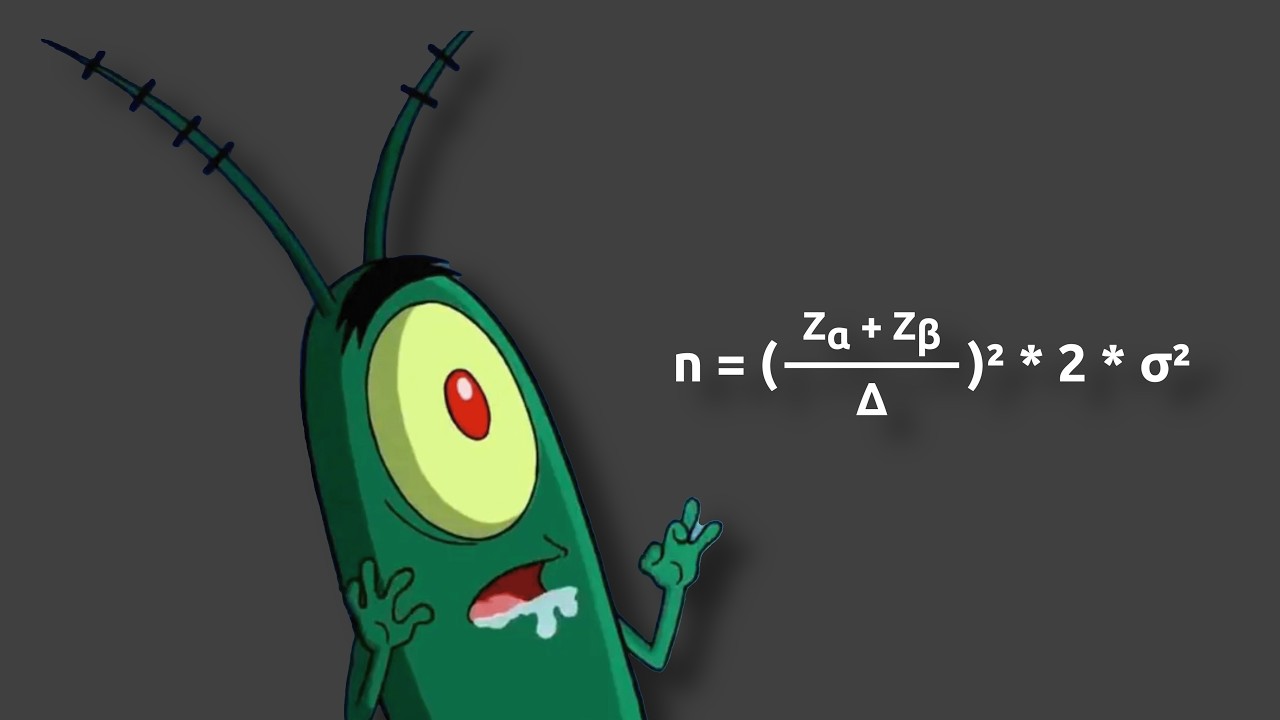
Explains how YouTube A/B tests use statistical confidence, sample size, and thumbnail performance gaps to decide whether a test has a winner.

Why did my YouTube channel suddenly stop growing after 6 months? Because you hit your ceiling.

My shorts get thousands of views, but my main videos literally get only two. Should I quit?

Is it okay if I really don't care about making money from YouTube? Yes, absolutely.
Is a face cam actually necessary for channel growth? The short answer is no.

What is the hardest lesson you've learned from your YouTube channel? It's the realization that effort doesn't equal views.
Wait a second, I'm getting a serious déjà vu here. Am I just reading the exact same script as last week?
YouTube is currently testing a feature that will merge your hard drives and drive even more Creators to burnout. Google has just drawn a clear line of what they consider “real” Creators.
YouTube wants to clone you, Twitch wants to micromanage your sponsorships with AI, and we need to talk about the mysterious "top fans" privacy setting floating around. Let's dive right into the creator news.

YouTube blocks your search traffic and Gemini Omni turns your face into a deepfake template. Twitch exploits small streamers.

Hey everyone, and welcome to the creator news. Usually, we'd be a bit more professional, sitting in front of a green screen, but today is my birthday, and it's been a long two weeks.
YouTube is taking offline the Clips feature, breaking a native marketing tool for streamers for now. We'll explore why this forced shutdown could be a win for your channel and when to expect the replacement.

TikTok LIVE loses viewers while Twitch thrives. We discuss YouTube Live's challenges and new features, and introduce image carousels in Shorts.

We're starting today with an open source escape route from the Adobe subscription trap. YouTube is testing an AI that fast forwards viewers through your videos, destroying your pacing.

YouTube is once again artificially inflating view counts and it now seems to also require an AI for liking comments. Meanwhile, Twitter is testing a turbo gift button.

YouTube's AI ad machine replaces Brand Connect, Twitch dumps its TikTok copycat, Adobe's AI editor assistant, and mysterious QR codes in YouTube Shorts desktop feed.

Welcome to Creator News! If you're a thumbnail designer, your YouTube workflow just got a quality of life upgrade, and you might snag more contracts.

Let's start with the biggest story of the week. Coffeezilla published a 30 minute investigative piece on the current state of deepfakes and AI scams.
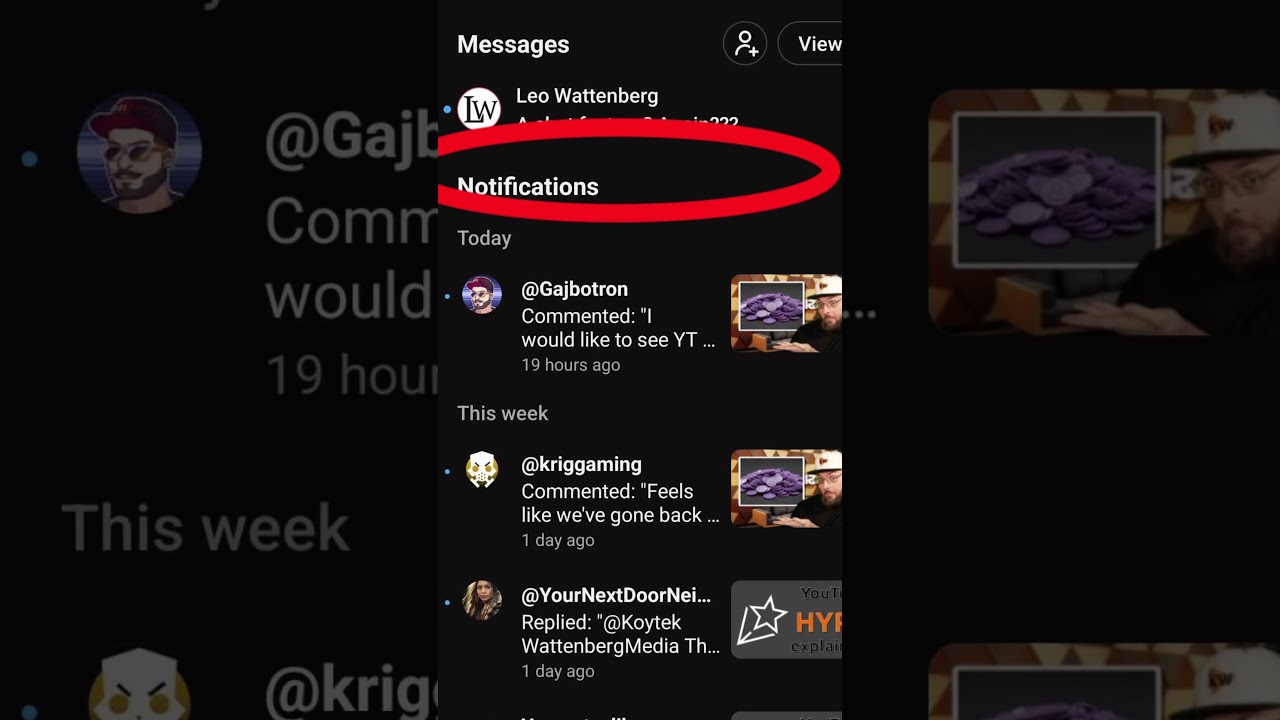
Explains where YouTube hid its new mobile DMs, how invite links work and why the rollout feels limited.

Good content alone isn't enough. If you're not view botting and everyone else is, you're at a disadvantage.

If your YouTube revenue suddenly drops next month, don't panic. Twitch officially greenlights combined chat for multistreamers.

YouTube intensifies its fight against ad blockers, which could result in fewer desktop views but increased revenue. Twitch introduces a new role to separate business and talent.
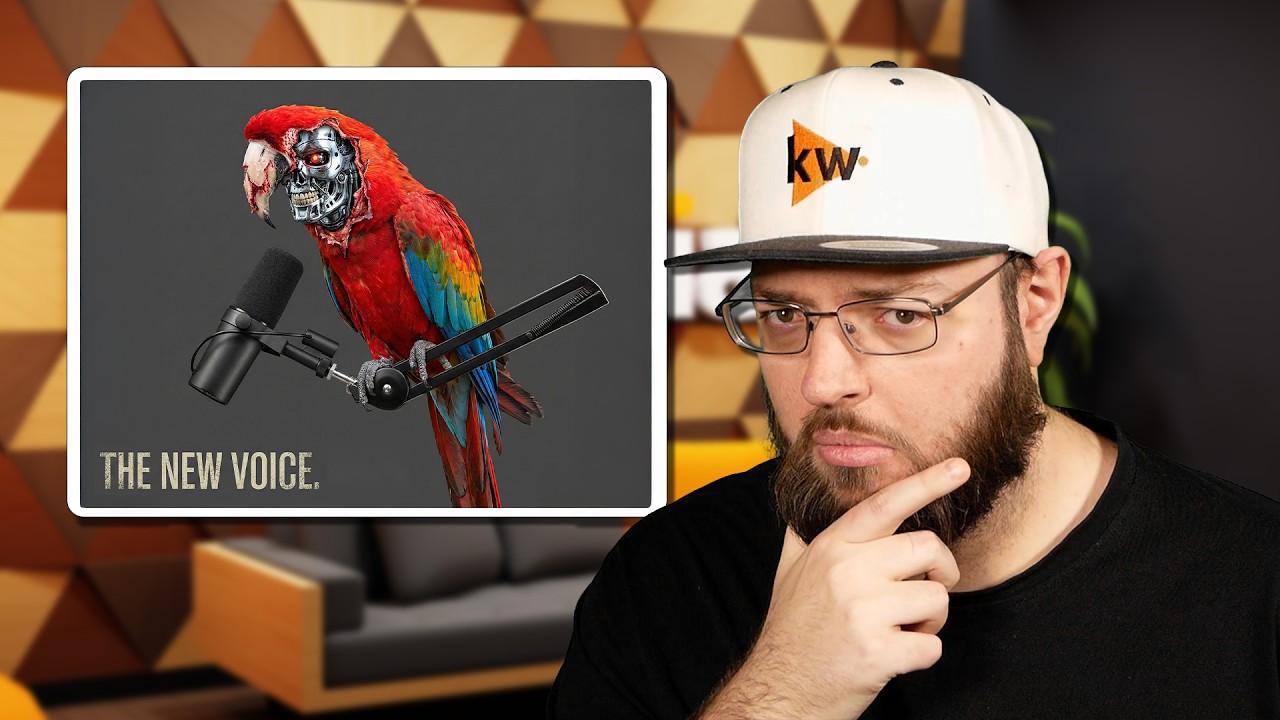
YouTube has just introduced a new AI feature they're calling their most impressive update yet. They've named it "Expressive Speech" for automatic captioning in eight languages.

All right, if you thought the YouTube search overhaul last week was already the headline of January, hold on. YouTube has updated its monetization policies, and for once, it's actually a positive change for your wallet.
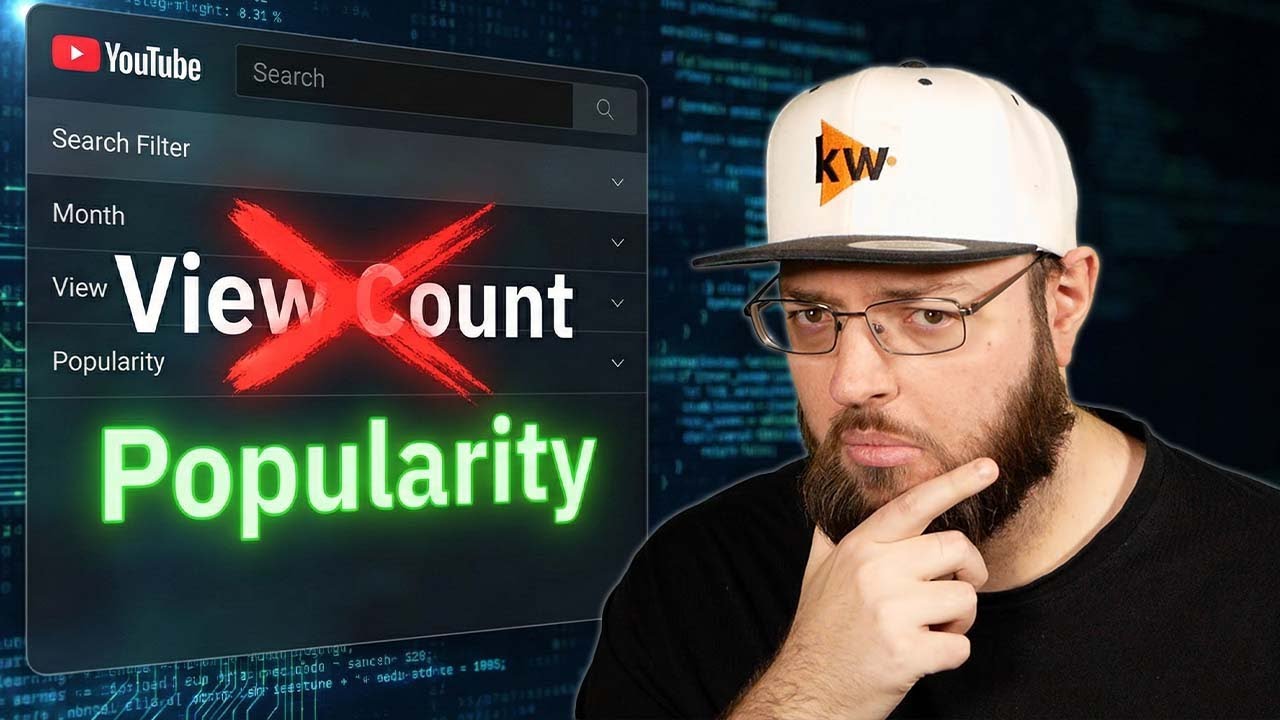
Happy New Year! While most of YouTube's engineering teams are still on vacation, the Search and Discovery team has just quietly launched one of the biggest search overhauls in years.
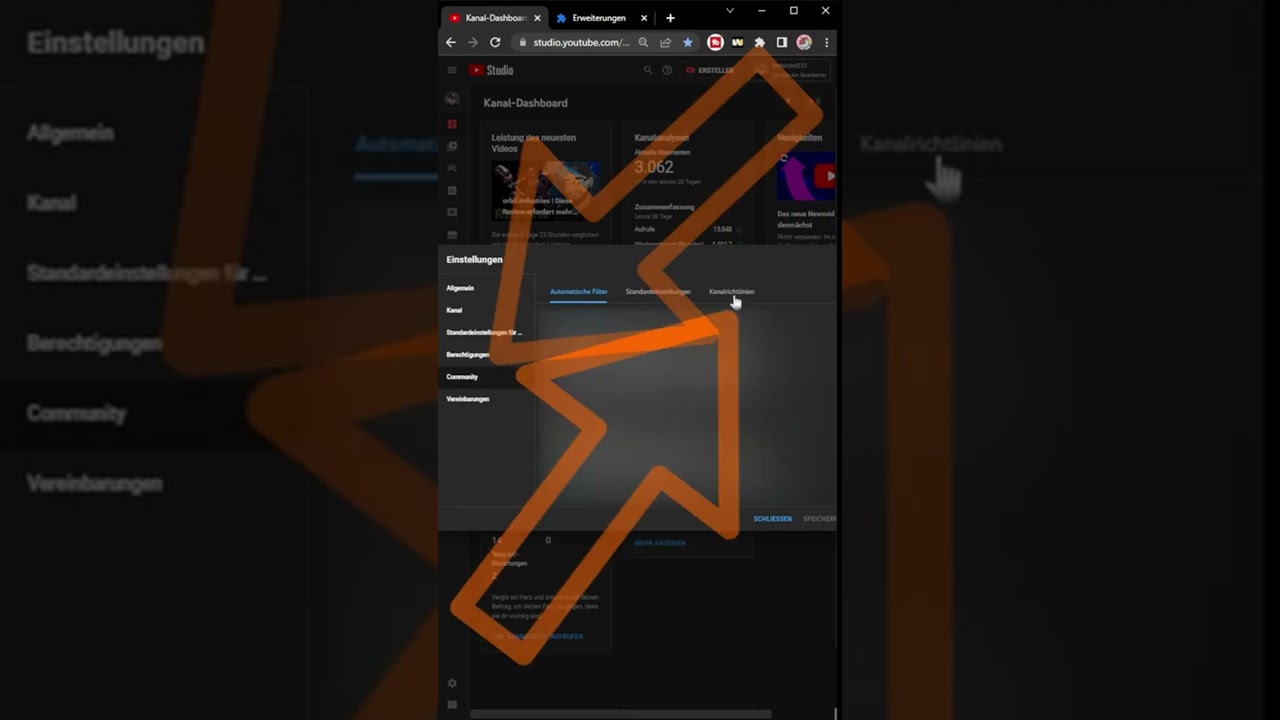
Shows how to set up YouTube channel guidelines with an intro message and up to three custom community rules.
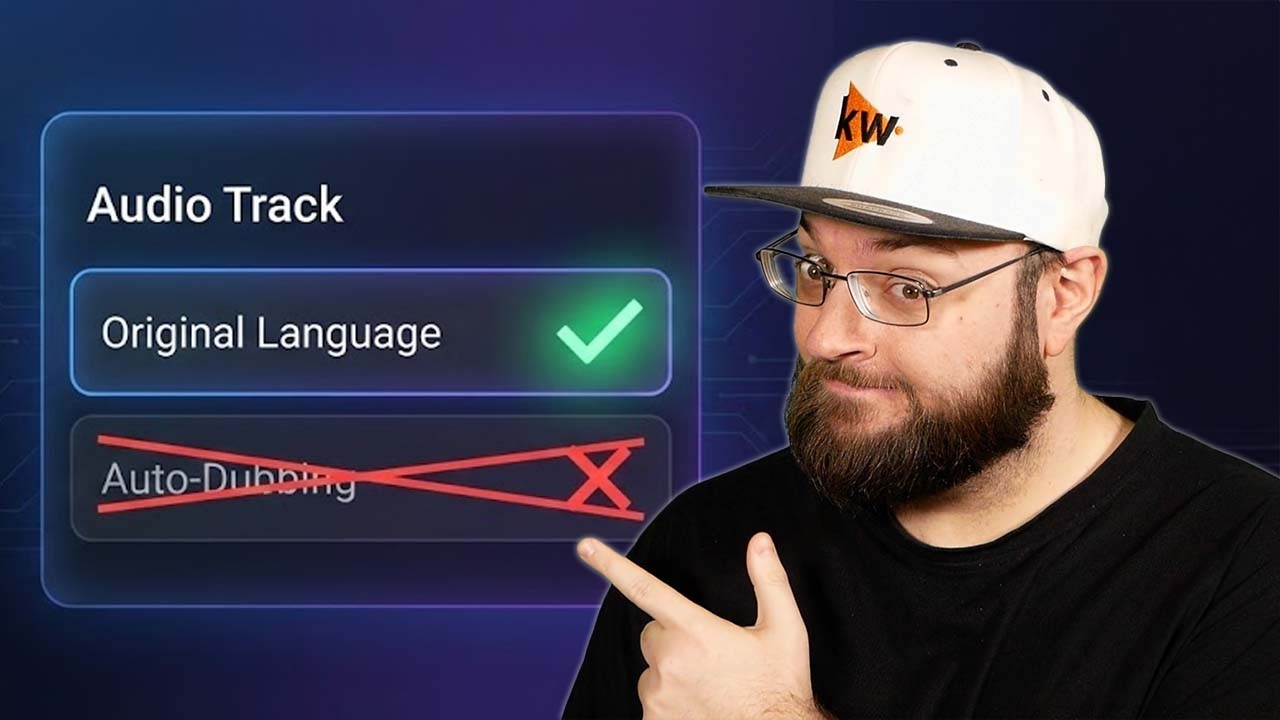
Discover the latest YouTube updates affecting creators, from AI tools to community features and monetization changes.

YouTube is a big deal this year ahead of Code Break. Even major tech Creators are referring to the current wave of updates as a complete operating system update for the platform.

Welcome back to the channel! Today, we're diving into some significant changes in the world of content creation, particularly affecting our Australian creators.
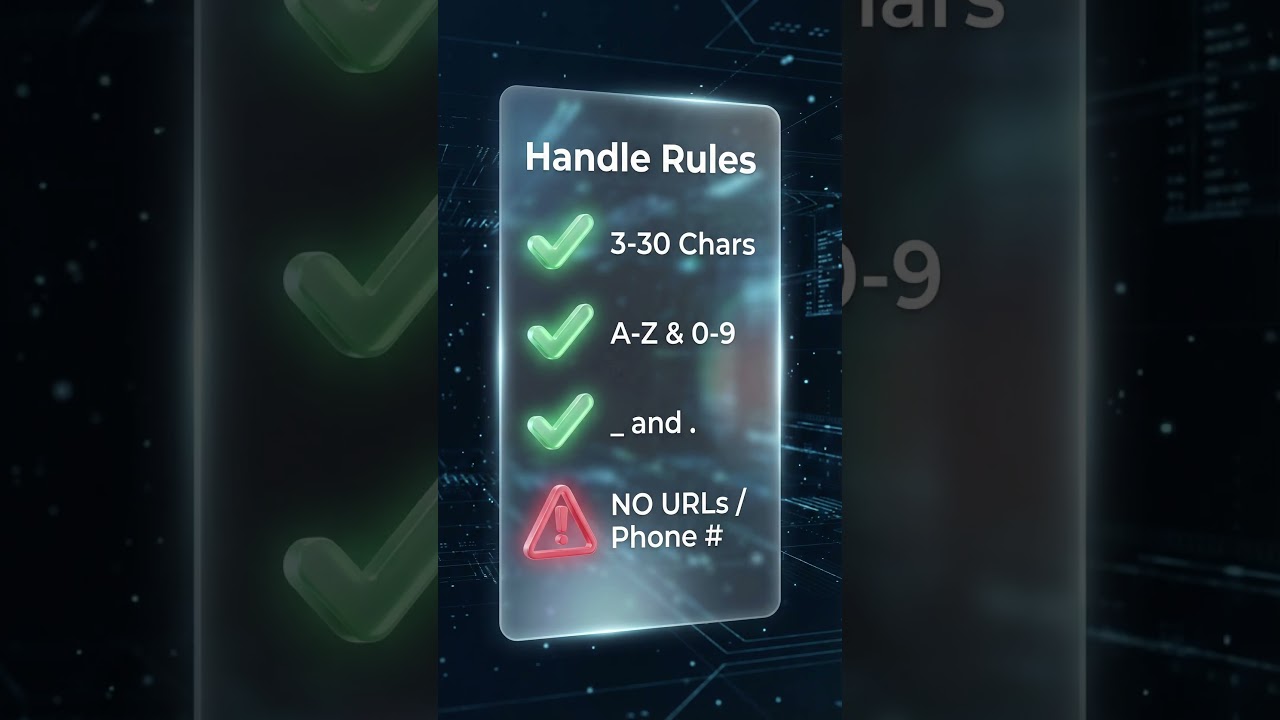
Stop looking like a bot in live chat. YouTube just replaced display names with ad handles.
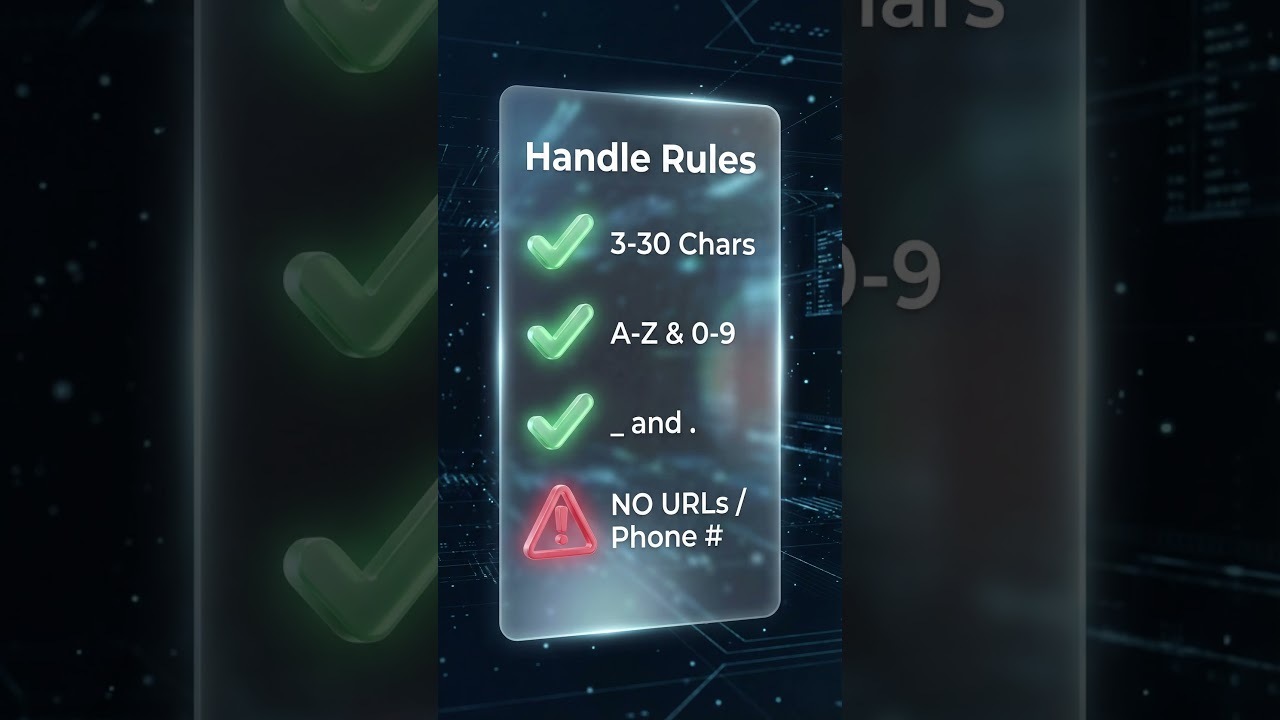
Does your name in live chat look like a barcode or bot? YouTube just updated the chat logic.

We teach you to build sustainable, safe channels. You know the rules and follow them.

Learn about YouTube's new 'Who Can Comment' settings, ad changes, and the pilot test for in-app messaging (DMs).
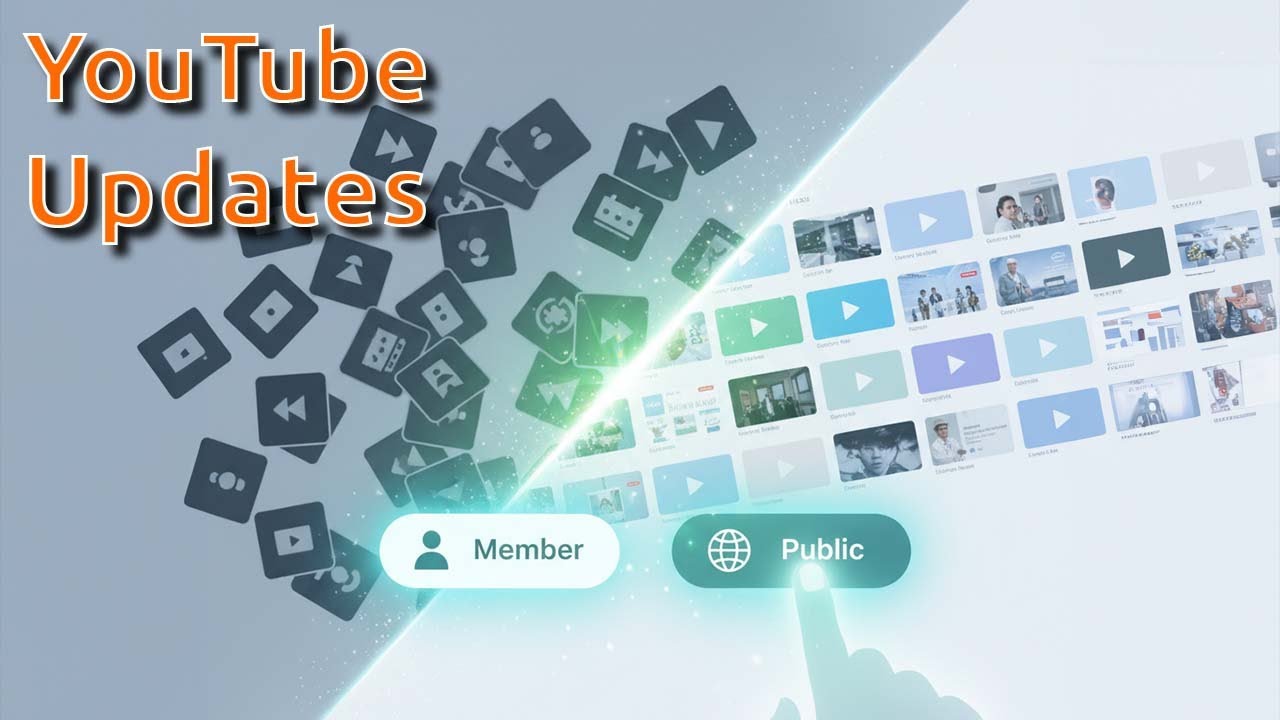
Discover targeted content with YouTube's new category leaderboards & filter exclusive membership content.
What's up everyone and welcome back to the YouTube News. This week we need to cover two serious topics.
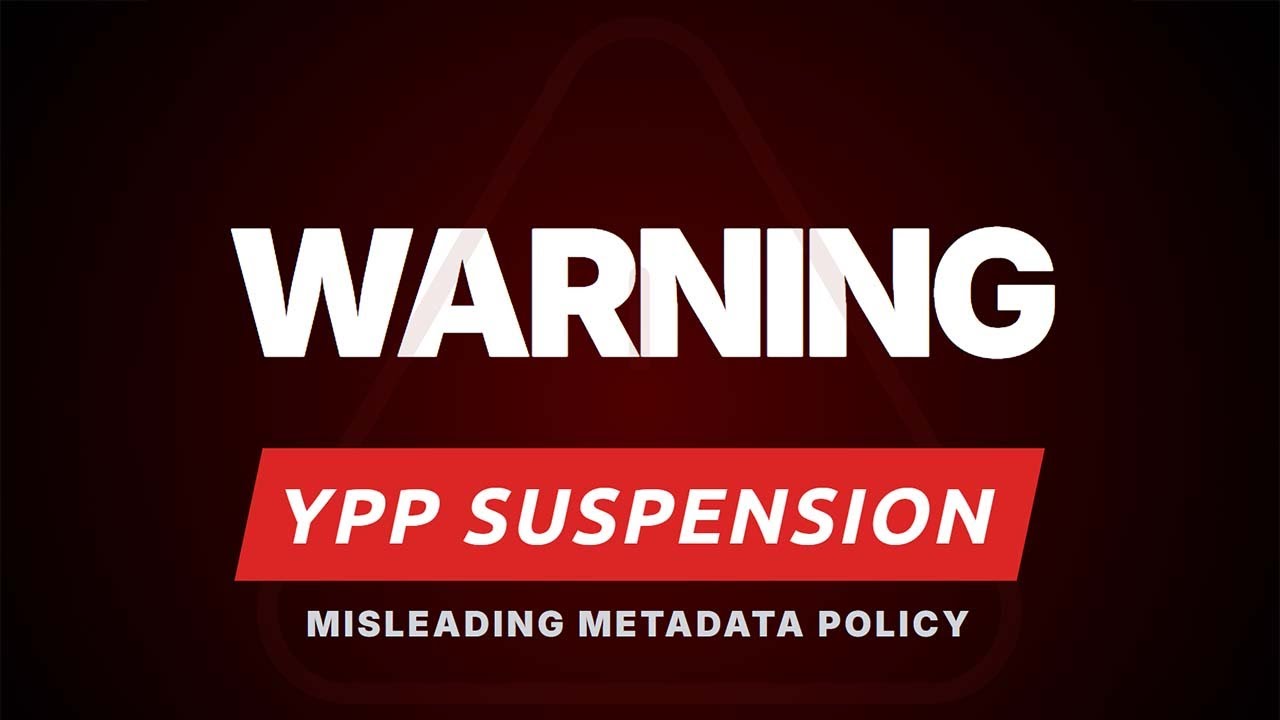
What's up everyone, and welcome back to the YouTube News! Let's dive right into the most important update: YouTube is scaling up enforcement of its existing policy against misleading metadata.
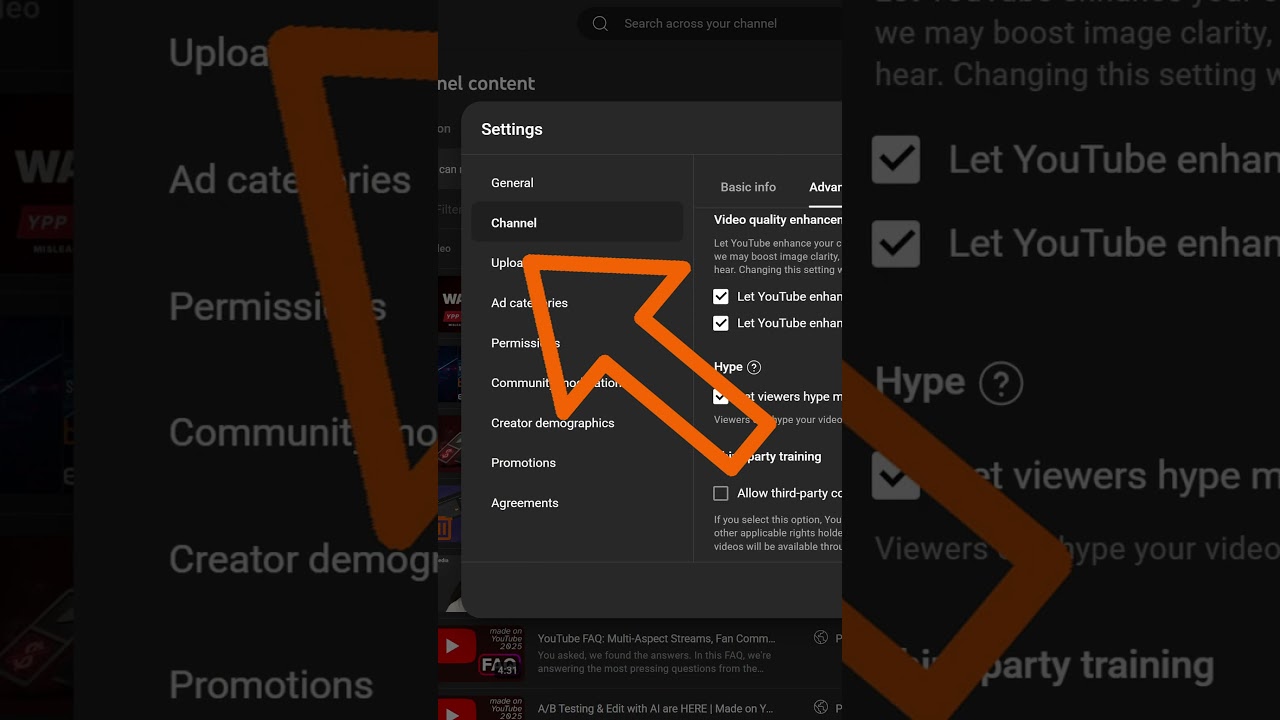
A quick walkthrough for disabling YouTube's AI super resolution setting in Studio so uploads are not upscaled automatically.

YouTube's latest: Reinstating terminated creators, introducing Ask Studio AI, and bringing full community features to desktop.
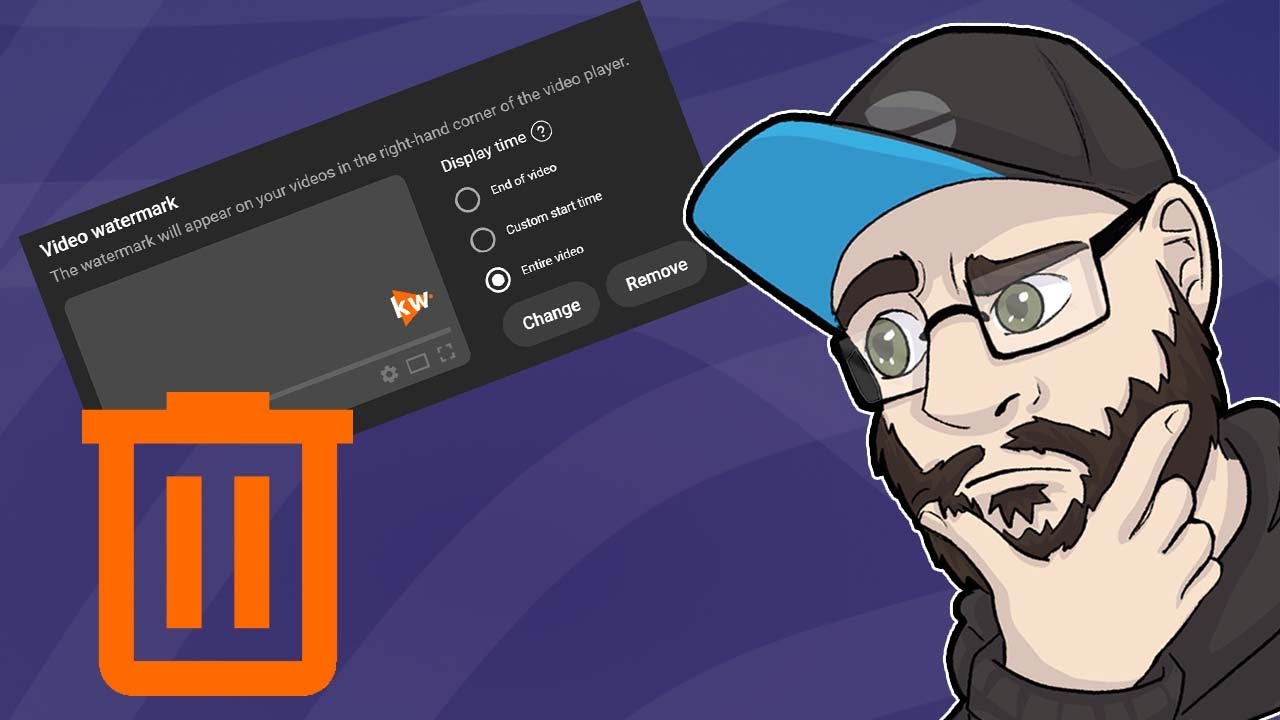
What's up everyone and welcome back to the YouTube news. This week, YouTube is finally getting rid of a feature that probably no one uses anymore.
What's up everyone? After our follow up video on the recent YouTube announcements, we've received some excellent, very specific questions in the comment section—and I love the energy!

Here's how to use the new YouTube Collabs feature in under 60 seconds. In YouTube Studio, go to your video details, scroll all the way down, click show more.
Just a few days ago, we discussed all the announcements from the Made on YouTube event. If you haven't watched those videos yet, you can find them in the description below.
We've got some big news this week. Autodubbing is getting an upgrade that makes it actually somewhat usable.

Breaks down how YouTube Hype works, what the available data suggests, and how smaller creators can think about the feature strategically.
We've got some new YouTube updates to share. But before we dive in, we still have three open slots for one on one in depth channel consultations here at KW Media.

Shows a quick free workflow for creating gaming thumbnails in GIMP, from composition and assets to readable final thumbnail design.

Let's talk about YouTube updates, specifically the memberships button on iOS. For some viewers, it was already visible, while others didn't see it.

Edit autodub videos with trimmed sections in YouTube Studio. Include 10 images in Community Posts. Learn about AI age verification impact on creators.
This week's YouTube updates: We need to talk about autodubbing. First, channels are getting notifications that their old videos will receive autodubbed tracks.

Let's talk about the recent YouTube updates. First things first: money.
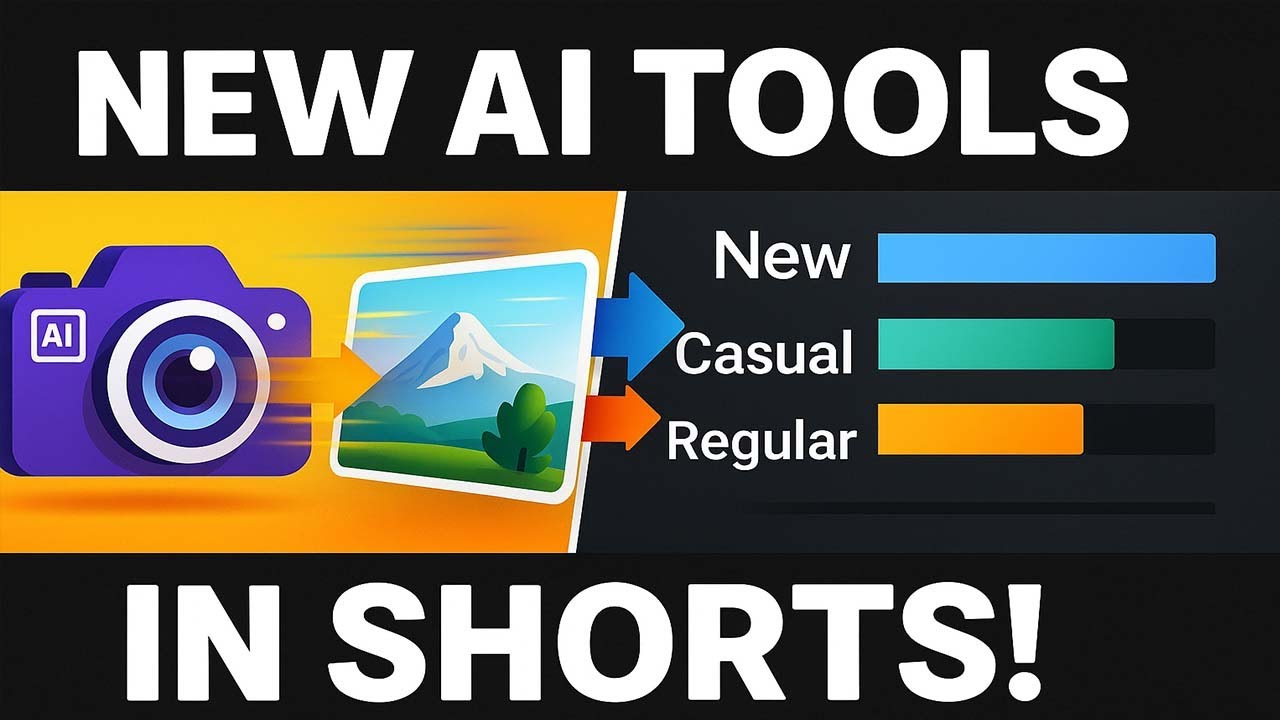
YouTube Shorts' AI update transforms photos to videos; region-locked for now. Detailed audience metrics revealed, and insights from VShojo's success.
A talent-first look at VTubing, agency models and why creator-owned cooperation can build a healthier future for virtual entertainers.
The YouTube free hype beta is expanding into the EU and a few other countries. I've listed them on the site.

We need to talk about the YouTube AI monetization policy update, which isn't really an update since 2019. The policy has remained unchanged and active.
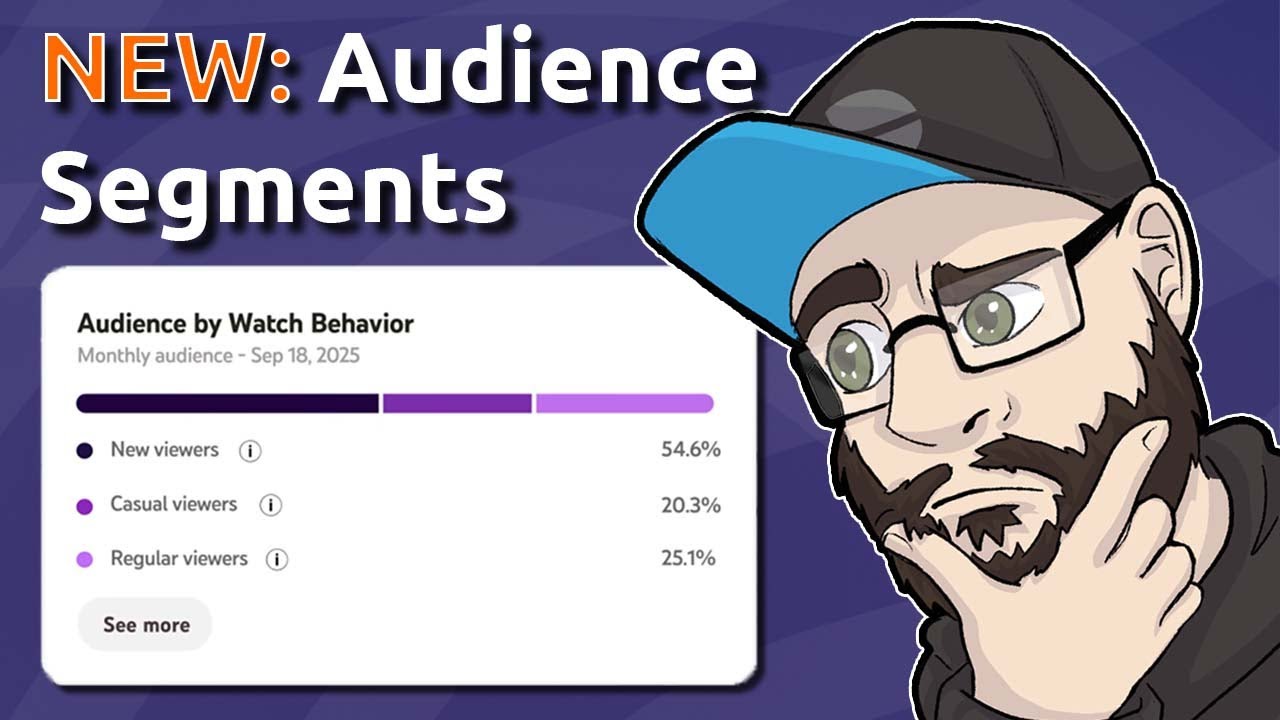
Discover new insights with YouTube's updated analytics. Now, viewers are categorized into New, Casual (1-5 months engagement), and Regular (6+ months) segments.
Let's dive into the latest YouTube updates. First up, a recap of the live streaming policy we mentioned last week.

The YouTube Shopping sticker in Shorts is being upgraded. Instead of opening a palette beneath the short, viewers will now be directed directly to the seller's website to purchase the tagged product.
Here are seven ways creators are earning money right now. Sure, you might know a few of these, but there's a good chance you were looking at at least one of them.
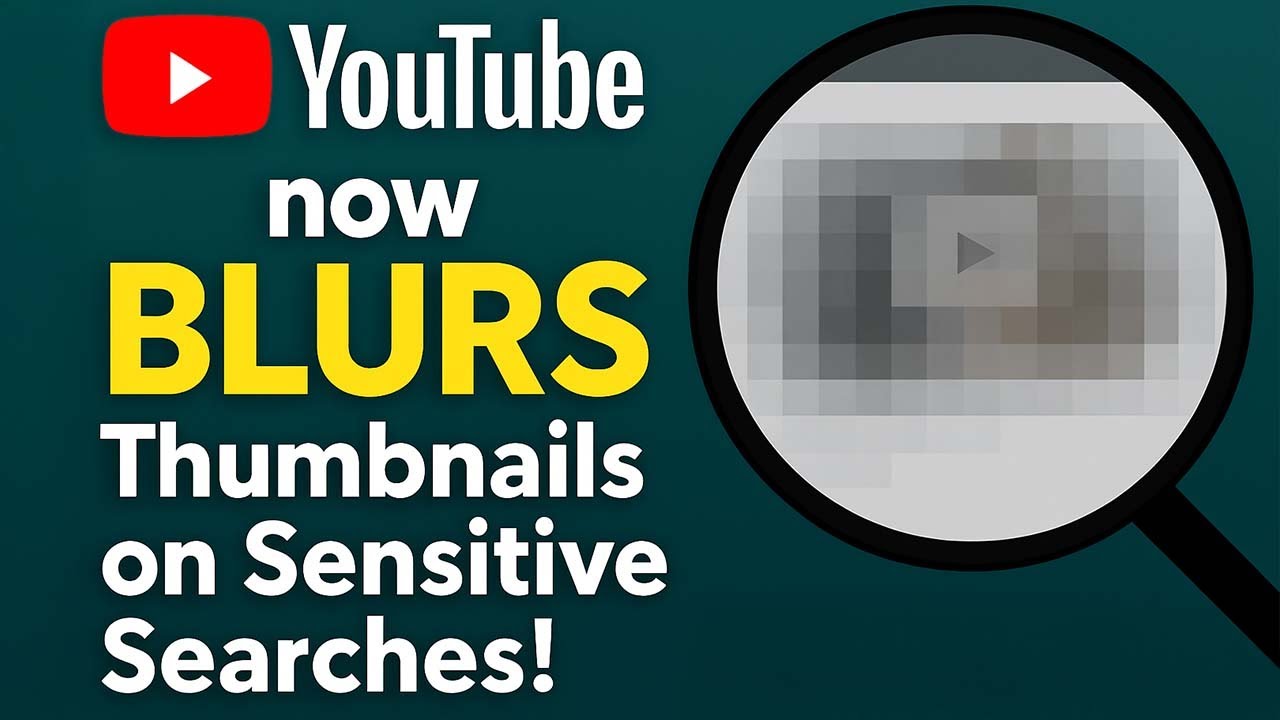
Quick YouTube updates this week. YouTube has changed the way thumbnails are displayed for sensitive search results.

Discover the latest YouTube features: AV1 codec support for live streams, side-by-side ad eligibility requirements, and voice replies now on Android.

Still stuck under 100 views? Let's fix your discoverability today with five easy steps.
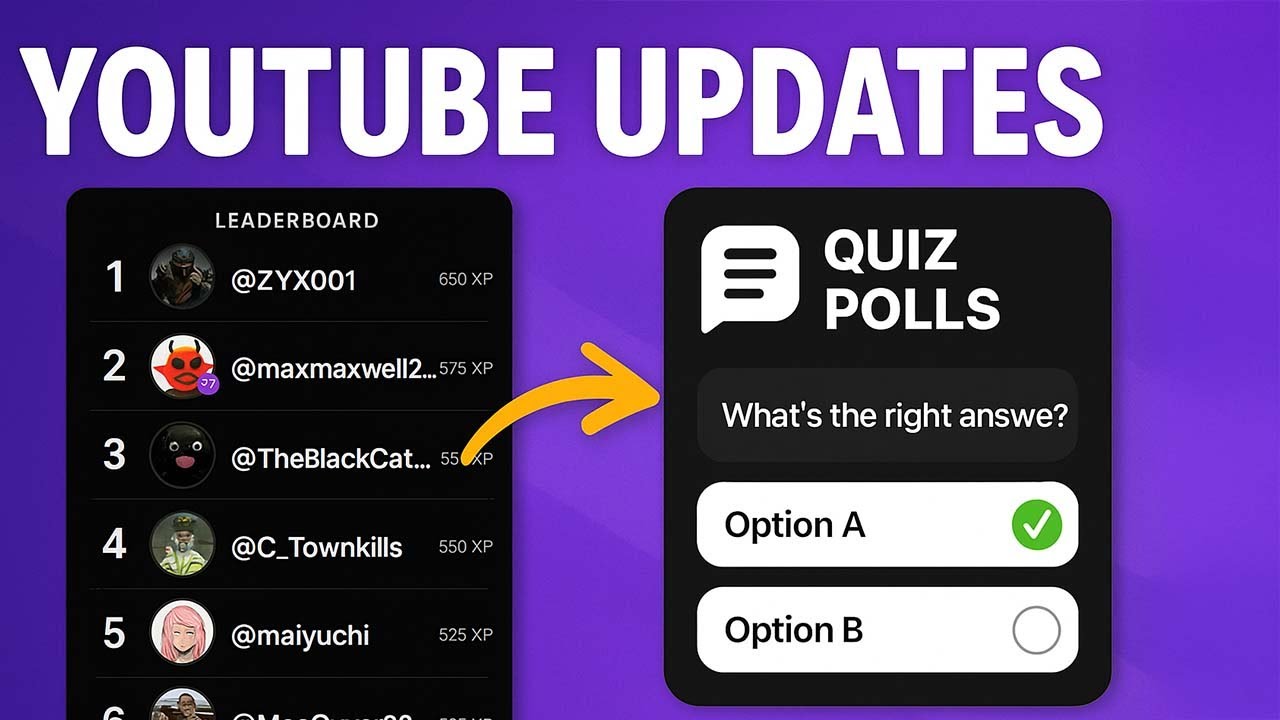
Let's talk about YouTube updates. The launch window for the YouTube AI inspiration tab in the EU, UK, and Switzerland has been updated.

YouTube Updates: This week, we start with a new playlist feature called Playlist Voting . It's turned off by default, and creators can enable it only in the YouTube main app (not on desktop or in YouTube Studio).
YouTube updates weekly, fresh off the press. Let's start with the automated midroll ads update for videos with at least 8 minutes runtime, which is set to launch on May 12th.

We had the opportunity to talk to someone who is actually working on the YouTube side by side ads for live streams, and we have some new information to share. Firstly, why are they only side by side and not full screen?
Hey Creators, let's analyze the initial weeks of autodubbing data. To be honest, when autodubbing first launched, I was quite skeptical.

YouTube enhances vertical live stream gifts with combo options and expands AI-powered inspiration tools to EU, UK, and Switzerland.

YouTube's new 'Subscribe Plus' button combines subscriptions and memberships, but is it confusing? Also, autodubbing is now available to all YPP creators.

Walks through YouTube Live's Take a Break feature and how to configure it in a stream setup with OBS.

YouTube Updates: This week, we had a launch on March 27th. YouTube Shorts is getting an update with a small rectangle at the bottom of the shorts, displaying or teasing comments—a "comment teaser," if you will.

New KW Media tools: View YouTube subs in app, updated analytics, 'Take a Break' in live streams, improved Shorts view.

A new scam involves private videos featuring a fake YouTube CEO sharing encrypted documents about monetization updates.

YouTube cracks down on gambling, bans non-certified site links, adds age limits for casino videos. Plus, shopping & monetization updates.
This week, there's a minor update to the "Replace Music" feature in YouTube Studio. This is particularly useful if you've received a copyright claim.
Discover upcoming YouTube features: voice comments, Shorts promotions, and improved mid-roll ad placement.
Discover the latest YouTube updates, including a new Analytics card in the Audience section and upcoming auto-completions for mobile chats by Q1 2025.
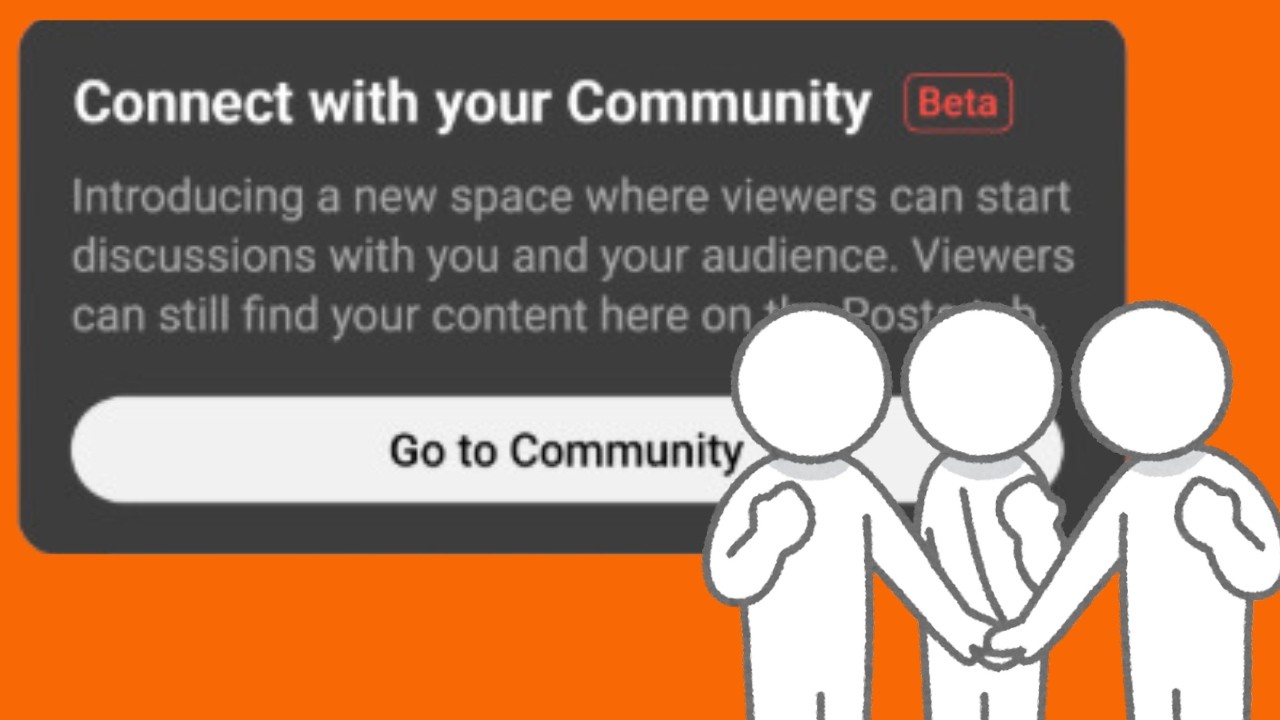
YouTube introduced so-called Fan Communities yesterday, initially for smartphones. The desktop version (computer) will follow, but only after full rollout on smartphones.

Discover the latest YouTube updates, including Q&A Stickers for mobile livestreams, 10MB thumbnails, and the upcoming launch of YouTube Courses.

Hello and welcome to another video on my YouTube channel! Today, I'd like to discuss a topic that is very close to my heart: the future of sustainability in our industry.

Happy New Year! YouTube has released its first updates of 2025 and we're naturally here for you right away.

YouTube preview images, known as thumbnails, were limited to 2 MB for a long time. This often meant that you had to downscale from higher resolutions like 180p to 720p.
Discover YouTube's new features: Jewel pricing, Super Chat Goals for all creators, paid Hype, Dreamscreen AI backgrounds, and the Year in Review gaming recap.

Learn about YouTube's gradual rollout of MLA and Auto Dubbing, and discover upcoming features like correct display of long shorts and 'Jewels' for vertical live streams.
Share your ideas for new YouTube features and rank them in our survey to help improve the platform for creators.
Multilingual audio (MLA) is rolling out, and YouTube Studio mobile gets a community overhaul. Learn about new features and potential changes to gifted memberships.

Learn how to edit thumbnails for your YouTube Shorts directly from the app. Select a frame, add text, and customize your short's preview.

Discover how YouTube's new poll feature enhances Shorts interactivity, allowing your community to vote on two answers.

The mobile studio is getting a cleanup: The "Content" tab has been adjusted and now offers "Shelves" with all formats. There is still the list view, which can be selected via "View All".
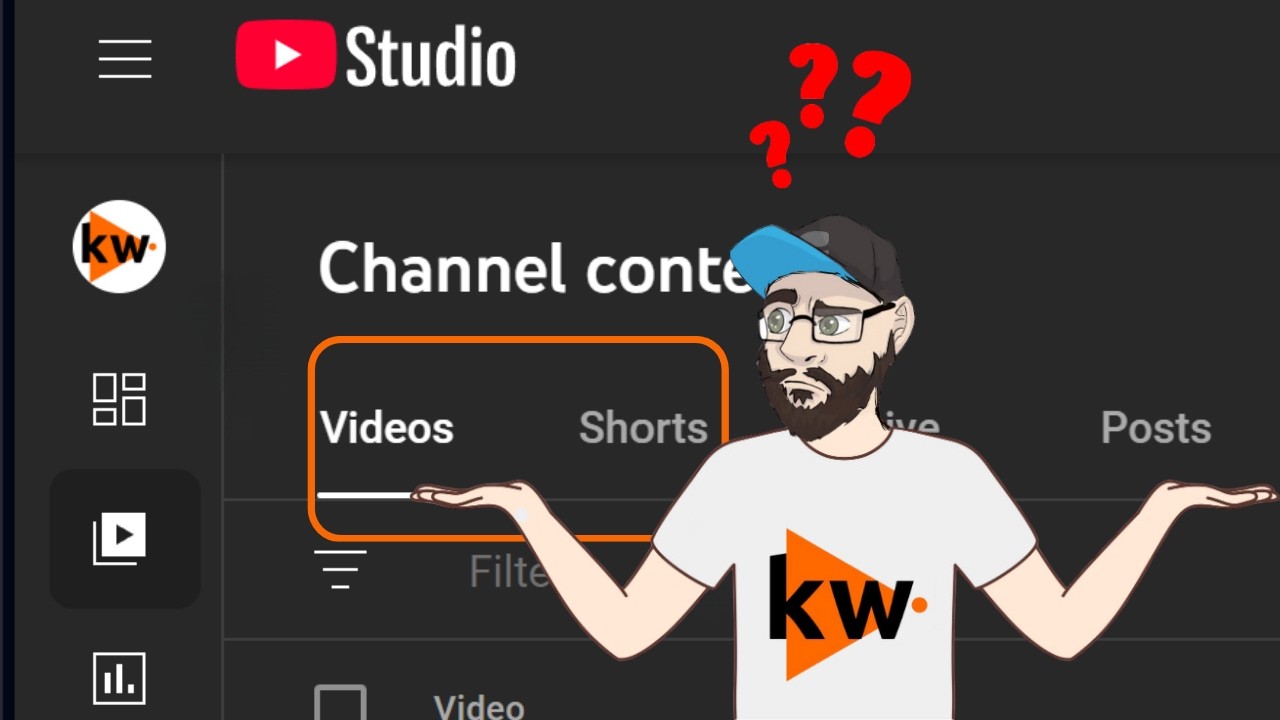
YouTube's Shorts rollout: Delays in Studio, feed changes, legal risks. Memberships mark 5 years with new badges.

Learn about upcoming YouTube features, including live stream reminders in Shorts feed, paid Hype, and Super Chat Goals.
YouTube has now officially announced the 3-minute Shorts. I've linked a summary of the news above.

We need to talk about YouTube Shorts: starting October 15th, they will support a duration of up to 3 minutes.
Last week was the "made on YouTube" event. Of course, we already discussed the announcement in the Q&A stream, in case you missed it - feel free to check it out!
This week's YouTube news includes AI-generated comment summaries, premium price changes in India, and why you might not see the 'Add Yours' sticker in Shorts.

Get the latest on YouTube: editable thumbnails, live stream previews, expanded BrandConnect, enhanced mobile tools for creators, and better ad blocking controls.

Learn how viewers can stay informed about new content after subscribing. Discover YouTube Studio's reach tab for key metrics.

The YouTube updates this week start with the Memberships Bonus Program. This is a real thing, not a scam, and is offered directly through YouTube Studio.
Discover how YouTube memberships can boost your connection with viewers & generate extra revenue.

A new feature for Creators with Channel Memberships: the 'Become a Member' button now animates when you ask viewers to join.

Learn how to plan and schedule a live stream on YouTube, including setting details like title, description, language, visibility, and start time.

There are YouTube news again! We're kicking off with so-called Shorts thumbnails, the previews for Shorts.
Discover how to bid on keywords to boost your YouTube ad's visibility, click-through rate, and attract more viewers.
If you are excluded from the YouTube Partner Program, you have been able to appeal this decision for 7 days prior to its effective date since July 31st.

Discover how jump cuts enhance video engagement by removing filler, improving pace, and boosting viewer retention on YouTube.

The YouTube Shorts feed now has the ability to save sounds and music for later use in the Shorts editor as a creator.

Discover where to find impressions data in YouTube Studio, how viewers interact with your videos, and the importance of click-through rates.

YouTube's new text-to-speech function lets Android users add voiceovers to Shorts. iOS users, unfortunately, will have to wait.
Discover how hashtags can help categorize your content & increase discovery. Tips include using 5 or fewer hashtags & monitoring their effectiveness.

YouTube introduces an 'Add Yours' sticker for Shorts, allowing creators to encourage user-generated content. Also, longer Shorts may be on the horizon.
Discover YouTube's standardized rules for respectful interactions and content quality improvement.
Discover how to get your videos showcased on the YouTube homepage as featured content, boosting visibility & audience reach.

There are fresh YouTube updates. Let's start with a little Android experiment, as the Google Lens search is now available via the YouTube search for some selected Android users.

Discover YouTube's engagement metrics in YouTube Studio. Analyze views, impressions, click-through rates, and average view duration to understand viewer interactions.

Discover your YouTube Studio dashboard, a creator's hub for managing content & tracking performance.

YouTube now supports letters and digits in 75 languages for @handles, with some character length changes. New special characters also allowed.

Explore YouTube Studio's central hub for creators. Manage content, track performance, and stay updated on YouTube's latest features.
Discover how YouTube's Community tab helps creators engage with fans, share updates, and grow their channels.

Making it easier to share channels is the goal. That's why an experiment is currently running for both creators and users: when sharing a YouTube channel on a smartphone, there is now the option to generate a QR code.
Discover how branding can help your channel stand out. Learn to create a memorable identity with consistent elements like banners, profile pictures, and thumbnails.
Discover YouTube Analytics, a free tool to measure your channel's success. Track key metrics like impressions, views, CTR, and retention.

YouTube Test & Compare explains how thumbnail A/B tests work and what Creators should consider when evaluating the results.

Explains YouTube's Thumbnail Test & Compare feature and how creators can use it to improve engagement with better thumbnail decisions.

Discover YouTube's renamed 'Inspiration' tab in Analytics, offering new features like 'Ideas & Outlines' and 'Breakout Videos' to spark content creation.
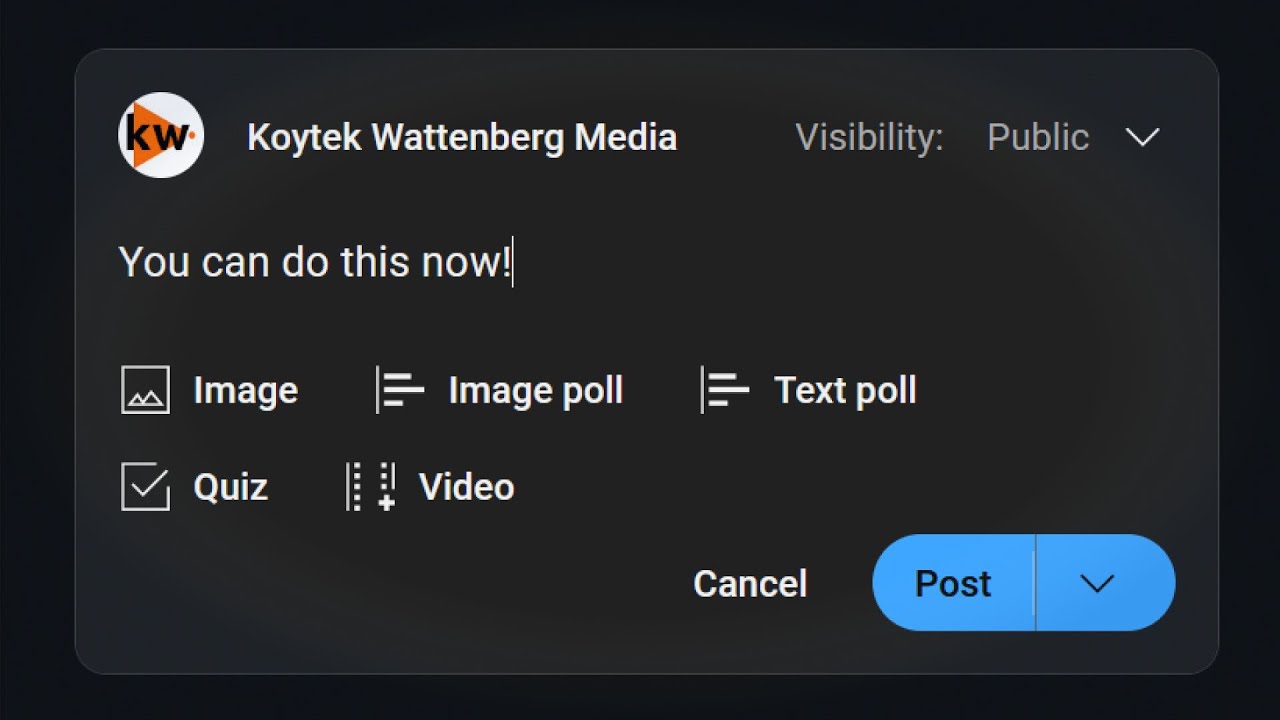
Learn about the new payment view in YouTube Studio, upcoming mobile live streaming, and relaxed requirements for Community Posts.
Explains what reused content means for YouTube monetization and what creators can do after monetization has been disabled.

YouTube introduces Super Chat replies for creator-viewer interaction and new monetization tools: timestamped AFG violations & upcoming A/B testing.

Explains the YouTube Promotions tab, its objectives, and when paid promotion can be beneficial for channels.

Get ready for YouTube's summer feature drop: Thumbnail A/B testing (Test and Compare) and enhancements to Super Chat Likes and reply threads.
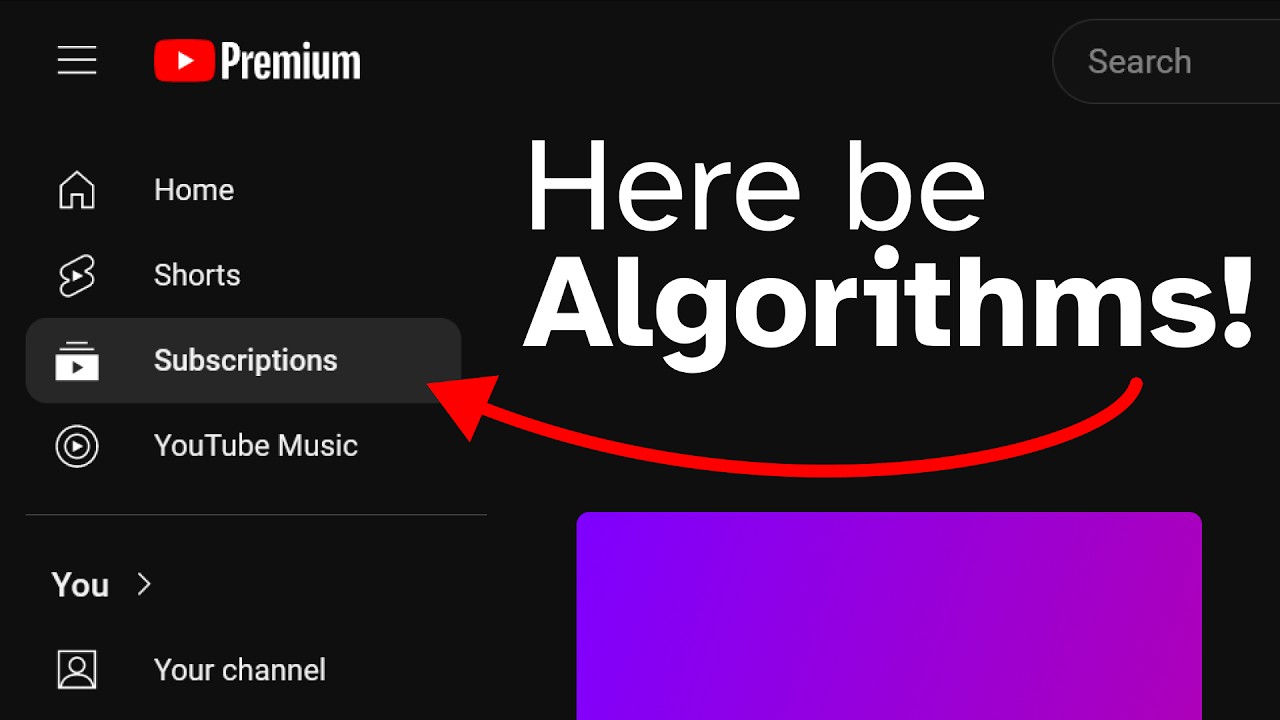
YouTube's new 'Most Relevant' filter sorts videos based on user interaction. This optional feature improves the viewer experience by personalizing subscription feeds.
Discover YouTube's updated shopping features: Shopping Collections, Affiliate Hub, and new platform integrations.

Hi there! We're kicking off with some interesting updates from YouTube.

YouTube's 'Jump Ahead' experiment benefits Premium users & affects creators. Also, advanced YouTube Shorts features & better retention graph segs.

New YouTube Studio Mobile features include a notification feed filter & Clips Library. Plus, HDR streaming improvements with RTMP/S for better quality.

I'm on vacation and this computer is dying, so please excuse the noises the fan is making. So let's get straight to the news for mobile devices.

There is a new Analytics Card: "Top Earning Content" in "Format". This breaks down the highest-earning content by formats such as videos, short-form content, and livestreams.

YouTube's new UI puts recommended videos before titles, descriptions, and comments, confusing users. Key changes hit live streams, Vertical Live, and Shorts.
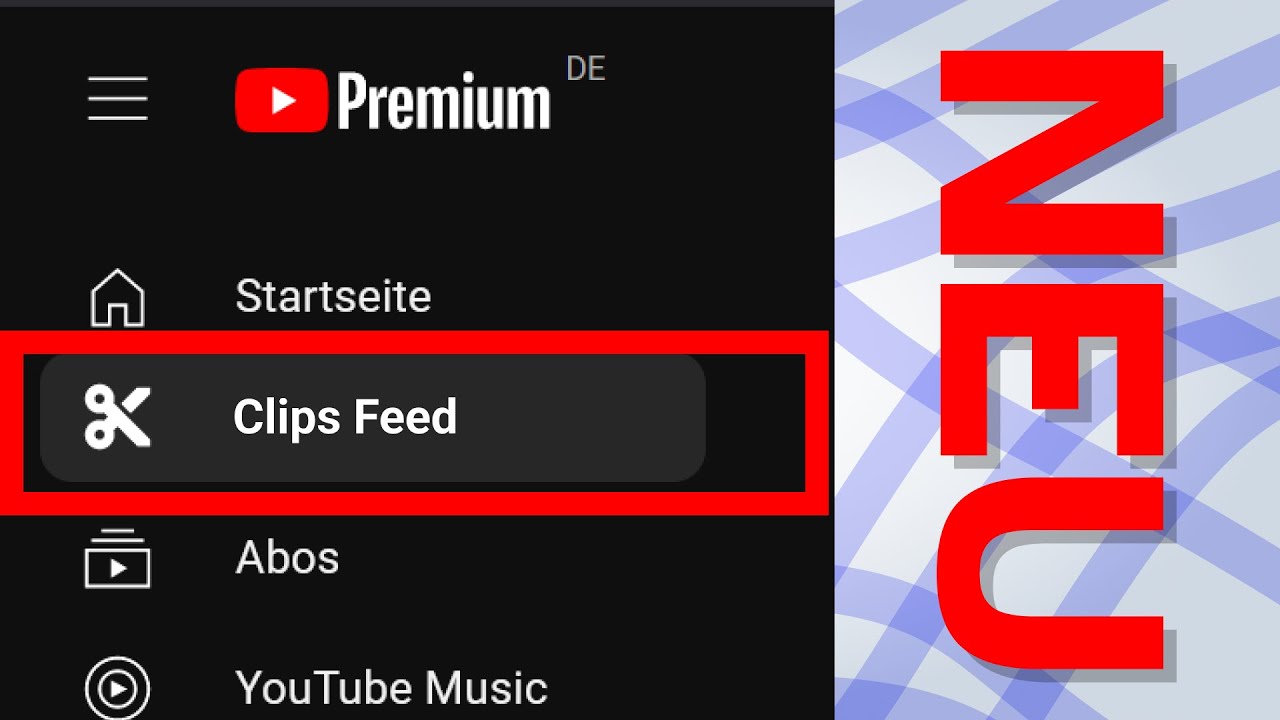
Discover YouTube's latest innovations: an updated Clips Feed, the introduction of Collections in Subscriptions, and the expansion of the Community tab to Fan Communities.
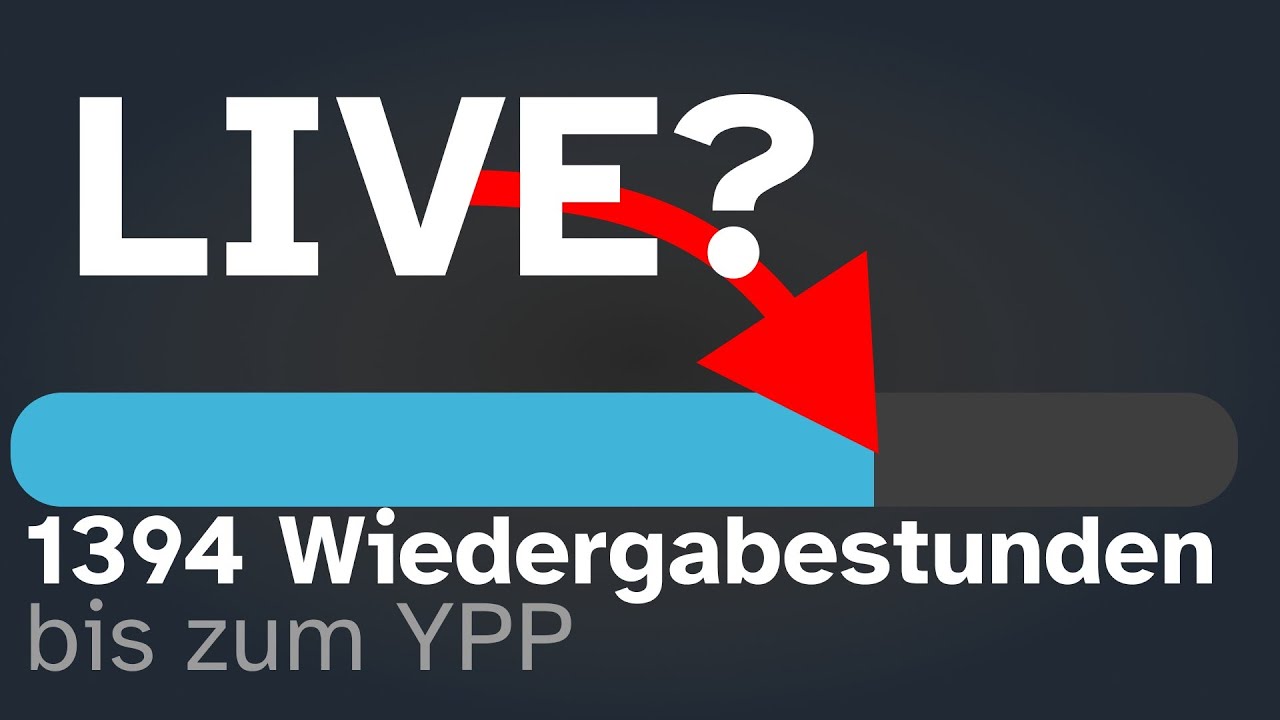
Clarify whether YouTube Live stream hours count towards the requirements of the YouTube Partner Program.

Shows how to customize the profile picture, channel banner, and watermark on a YouTube channel.
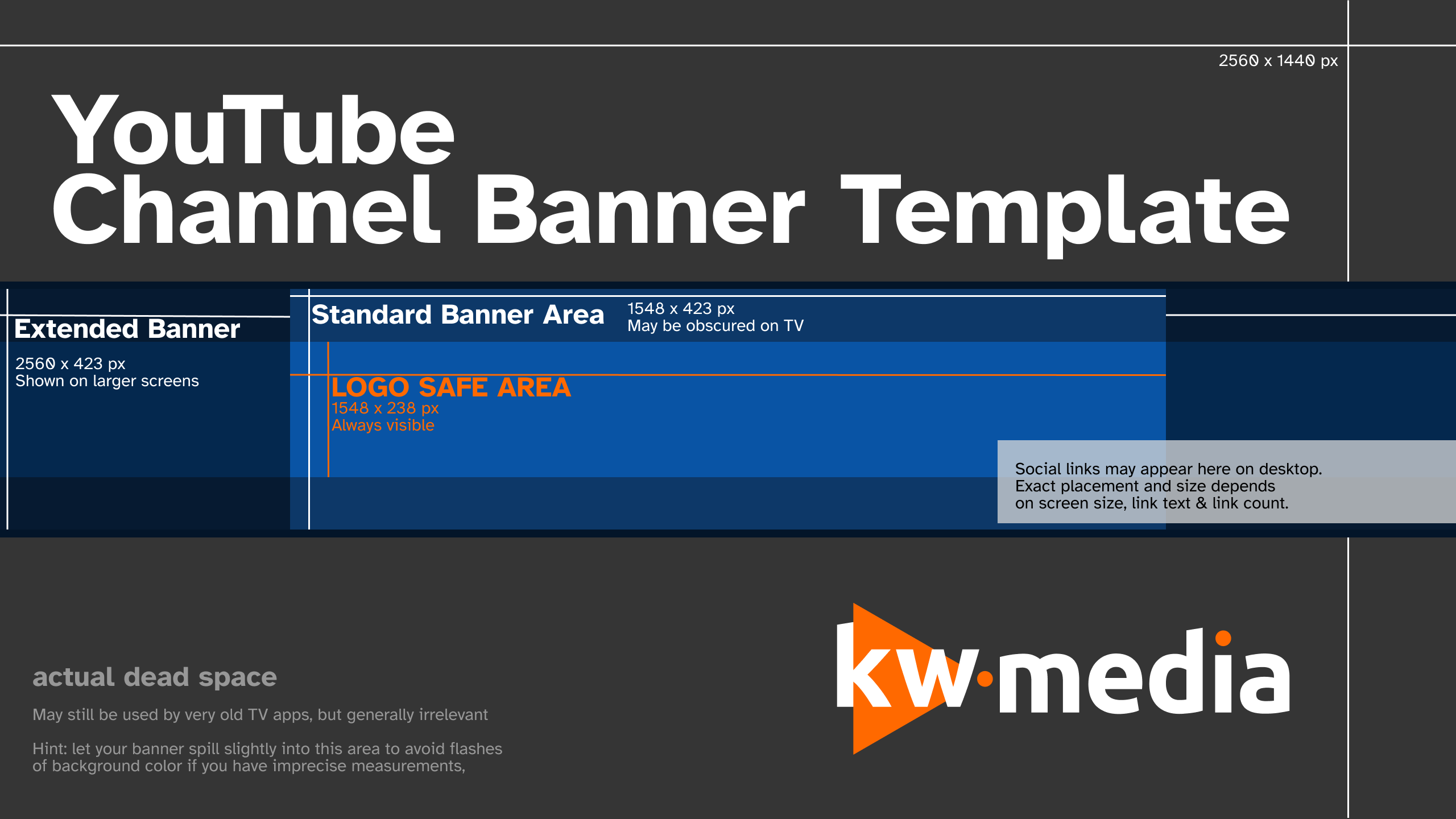
Download and use a YouTube channel banner template with safe areas and dimensions for desktop, mobile, TV and profile layouts.
Learn how to set up a personal or brand YouTube channel in 2023. Simple steps to get your channel started, including naming and managing multiple accounts.

Explains how to start a YouTube channel in 2024 and differentiates between personal channels and corporate/brand channels.

Summarize the new fan funding tier of the YouTube Partner Program and explain which features are unlocked earlier.

Learn how to link your YouTube channel with Discord by following simple steps: access Settings, choose Connections, select YouTube, and sign in with your Google account.

From now on, you can respond to comments on your own videos with a short answer. Simply go to the reply menu where you'll find the new button to create a short.
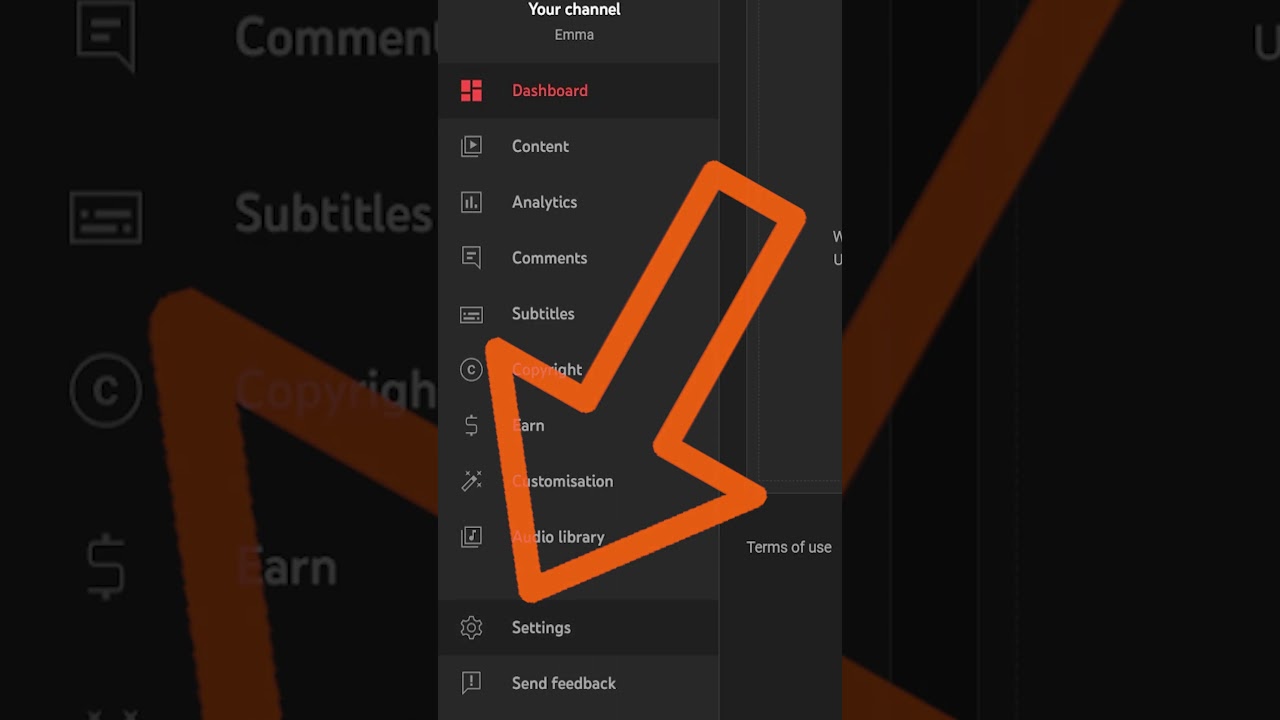
Learn how to receive live redirects during your streams by configuring YouTube Studio settings.

Learn how to enable YouTube Live Redirects to grow your audience. Adjust settings in YouTube Studio under Community.

Phishing emails are on the rise, tricking users into downloading PDFs that clone browsers and compromising YouTube channels.

OBS lets you save streaming presets with Profile & Scene Collections. Transfer settings like bitrates and scenes between devices for seamless streaming.

Understand the core principle of OBS: scenes composed of sources. Learn how to use various source types and customize their position and size.

Learn how to link your Twitch or YouTube account to OBS for seamless streaming.
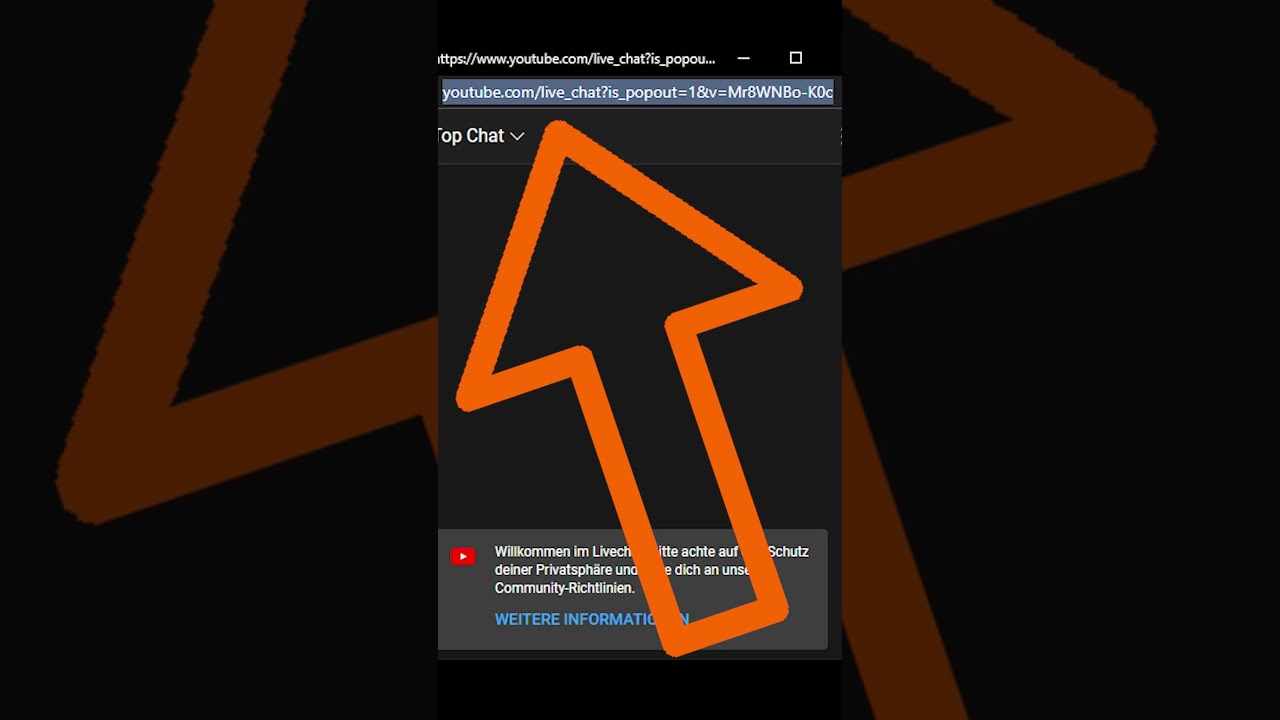
Learn how to display YouTube Live Chat in OBS with free tools. Open chat in a new window, copy the link, and add it as a browser source.

To capture from gaming consoles or DSLR facecams, you need a so-called capture card. Once this is connected to the console and your computer, you can then add the capture card as a source in OBS.

Explains why YouTube chapters in videos sometimes don't display and what requirements must be met for them to appear.

Did you know watermarks from third-party platforms and free software can hurt your Shorts' ranking? Learn why & how to avoid it.

Existing YouTube Partners (non-Music Creators) must sign a modified contract to keep using platform features.
Reach the YouTube Partnership Program through Shorts views. Learn how 10 million views in 90 days can qualify you.
Learn how to activate monetization for your existing Shorts to start earning revenue share.
Discover a growing library of musical pieces for your videos with Creator Music. Monetize your content while respecting licensing terms.
Starting February 1st, 2023, creators in the YouTube Partner Program will be able to monetize their YouTube Shorts using the YouTube Short-atreat share model, with earnings likely coming from every five to ten Shorts.
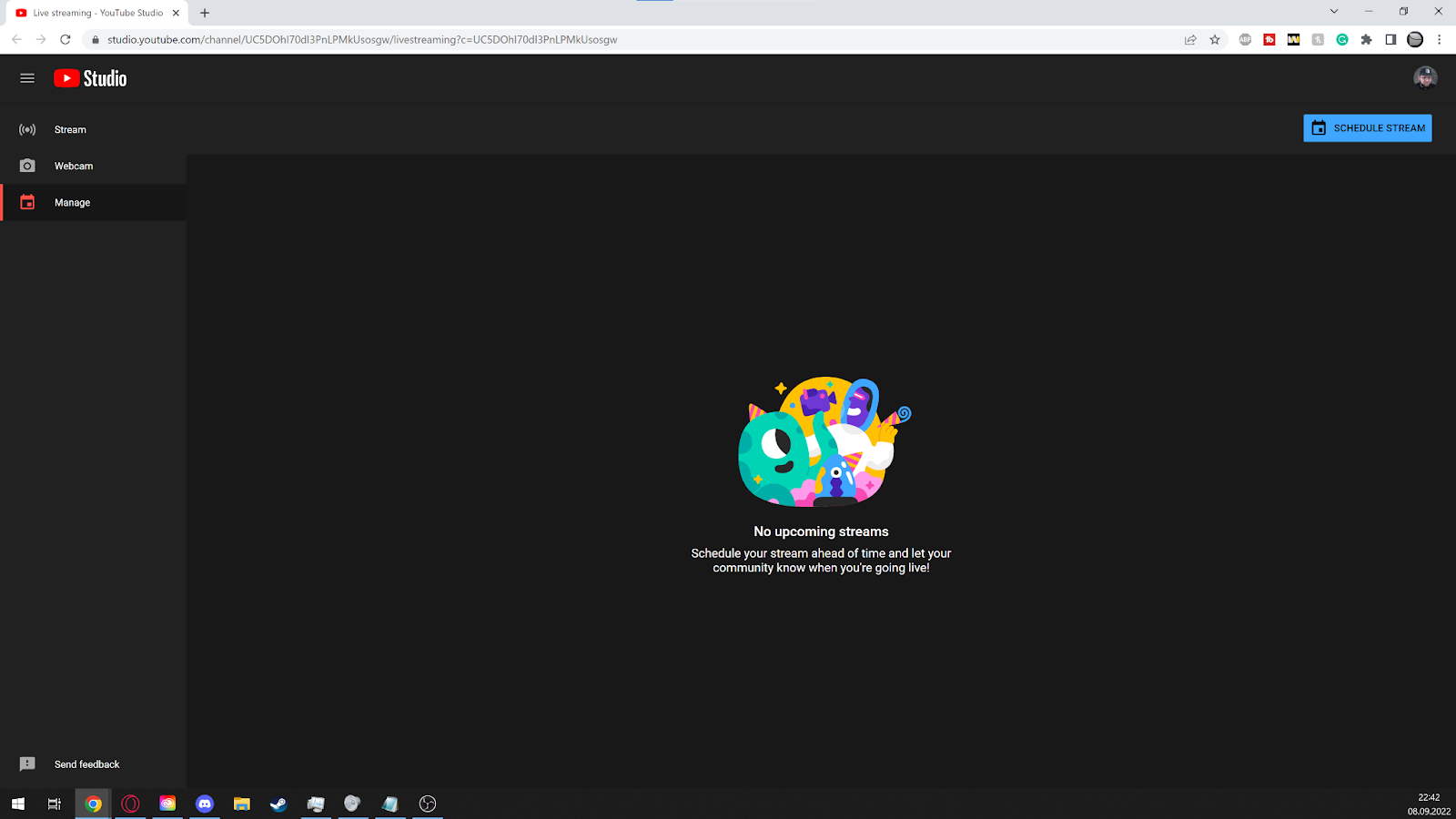
A beginner-friendly walkthrough for setting up YouTube Live streams, creating events, choosing settings and going live with confidence.
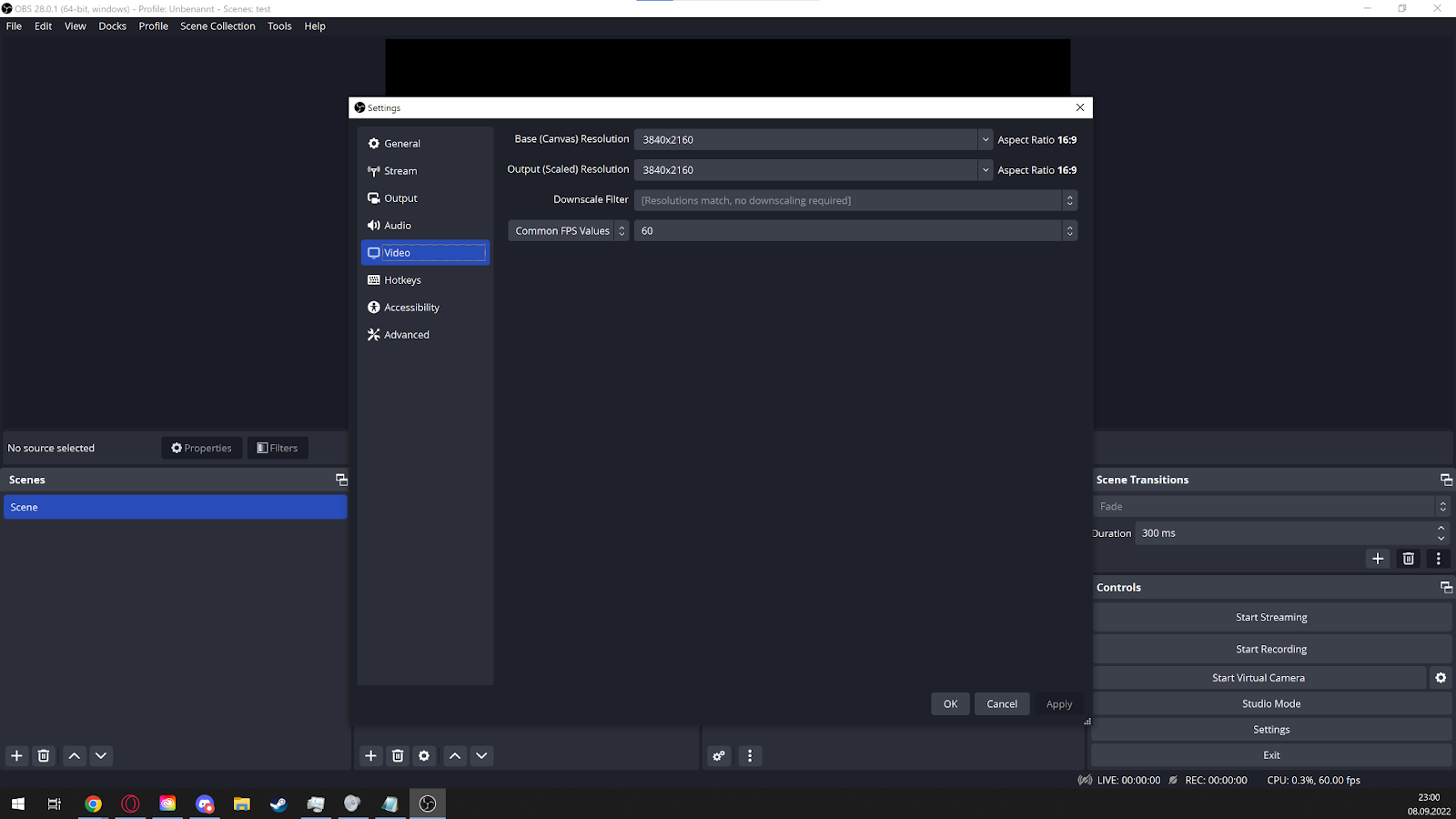
Learn the OBS basics for recording and streaming, from scenes and sources to audio setup, resolution and first-stream preparation.

Discover how YouTube's handles and aliases work. Learn to redirect users easily with custom URLs, channel IDs, and new handle options.
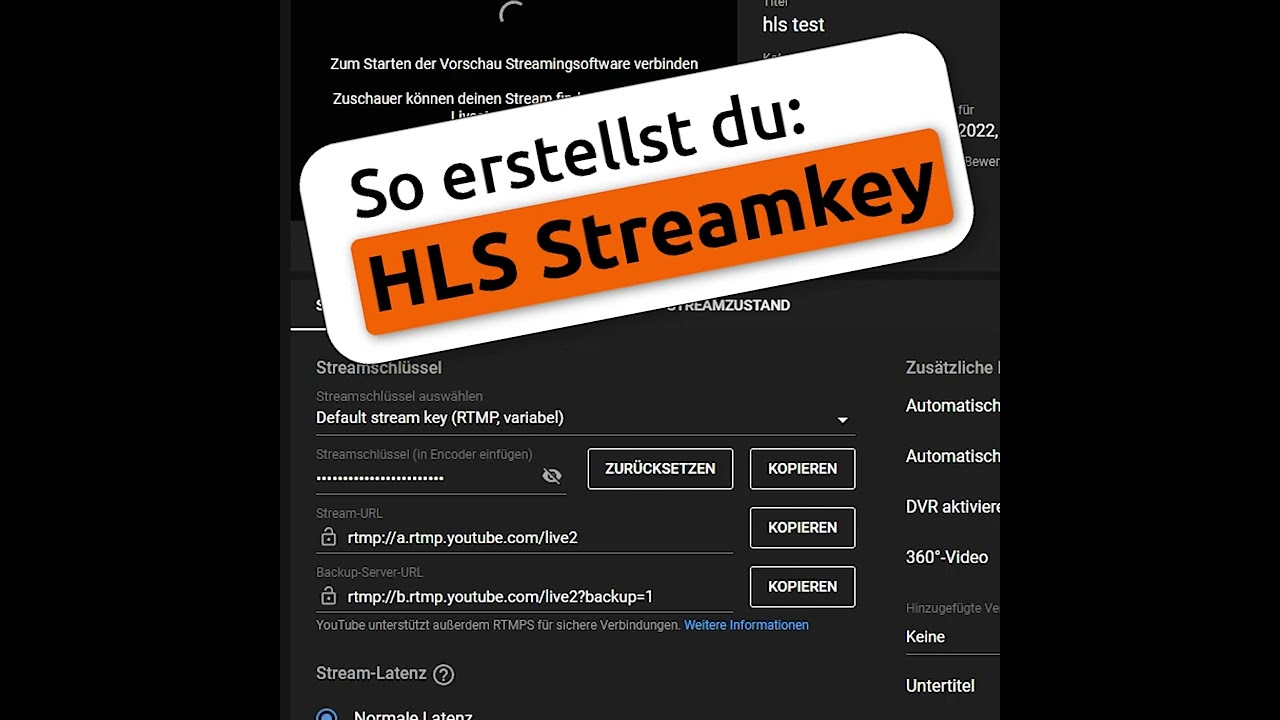
Learn how to set up an HLS stream key to display HDR content correctly on YouTube, involving a simple process in the Live Control Room.

Explains how to format text in YouTube descriptions using Markdown to make it italic, bold, or strikethrough.
Seven practical ways to reuse live streams after broadcast, from highlight clips and Shorts to podcasts, archives and evergreen content.
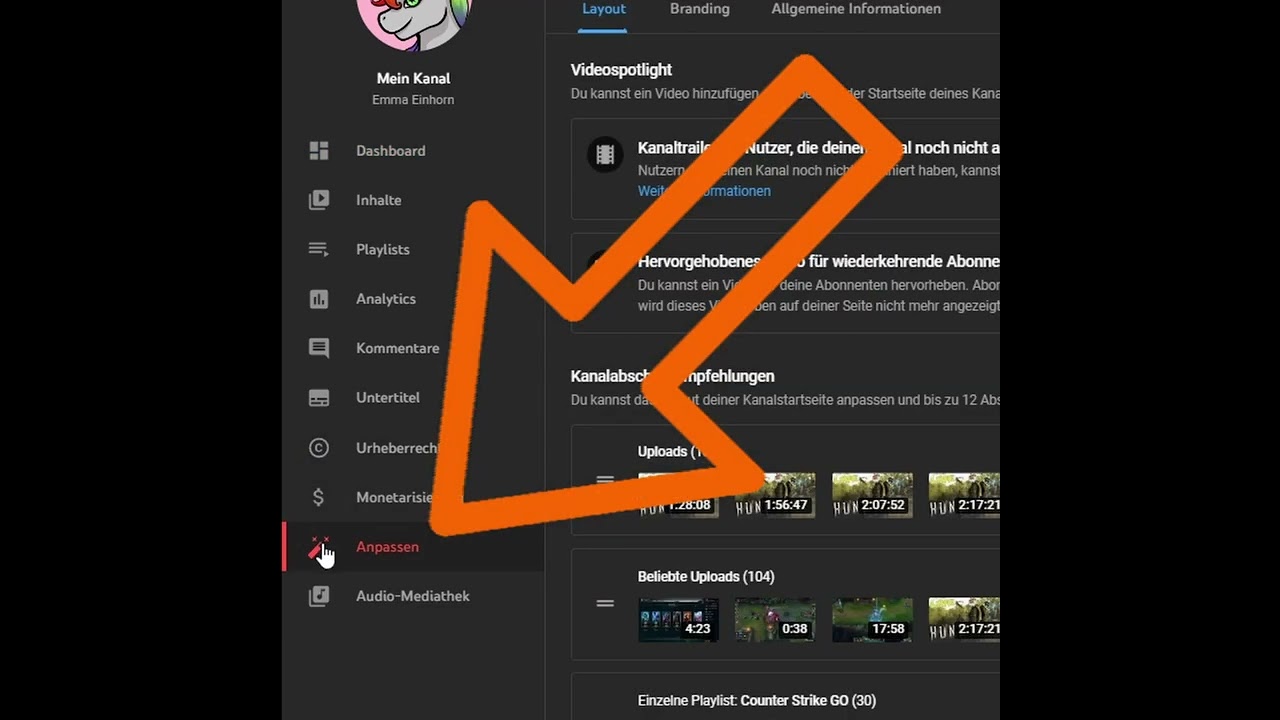
This is how you select channel trailers and highlighted videos for new and returning viewers.

Explain the strict mode for comment filtering and where you test it in the community settings.
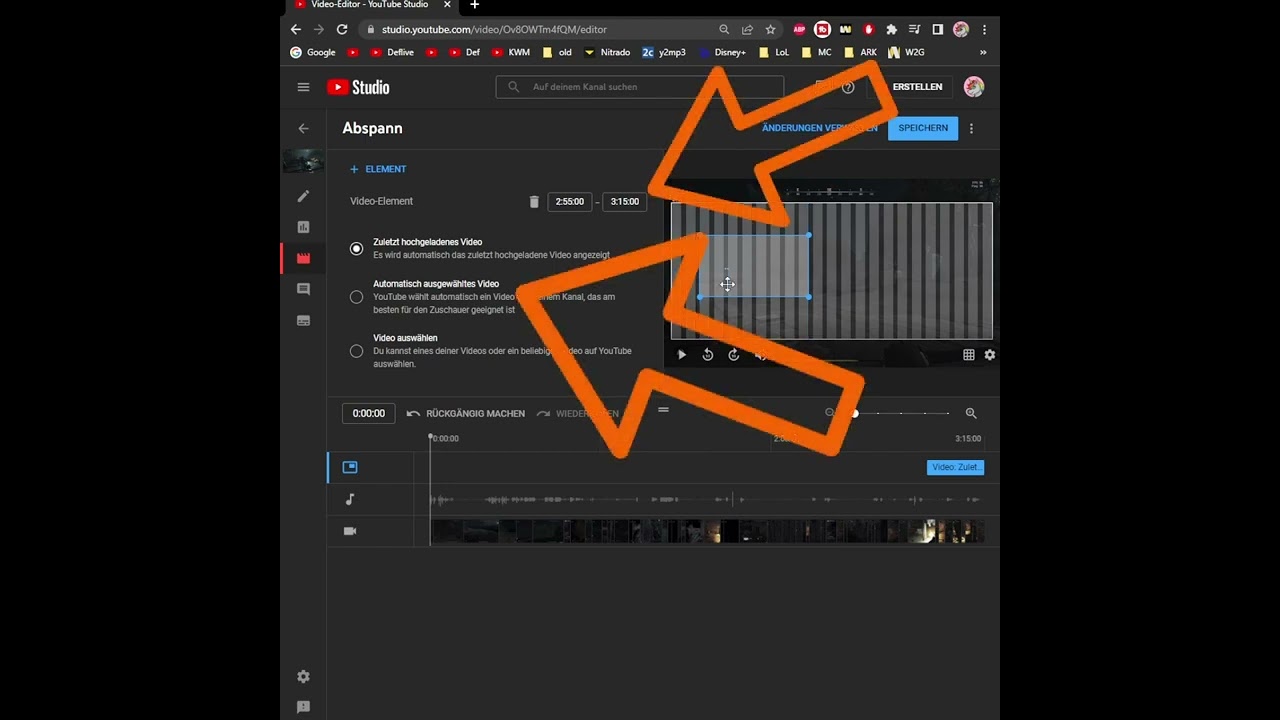
Create end cards using elements or templates and import existing end cards from other videos.

Explains how Creators can find, download, and use music from the YouTube Audio Library in videos.

This is how you find your purchases, memberships, premium editions, and refunds on YouTube.

Compare digital revenue on YouTube and Twitch and calculate how much Creators actually receive after fees.
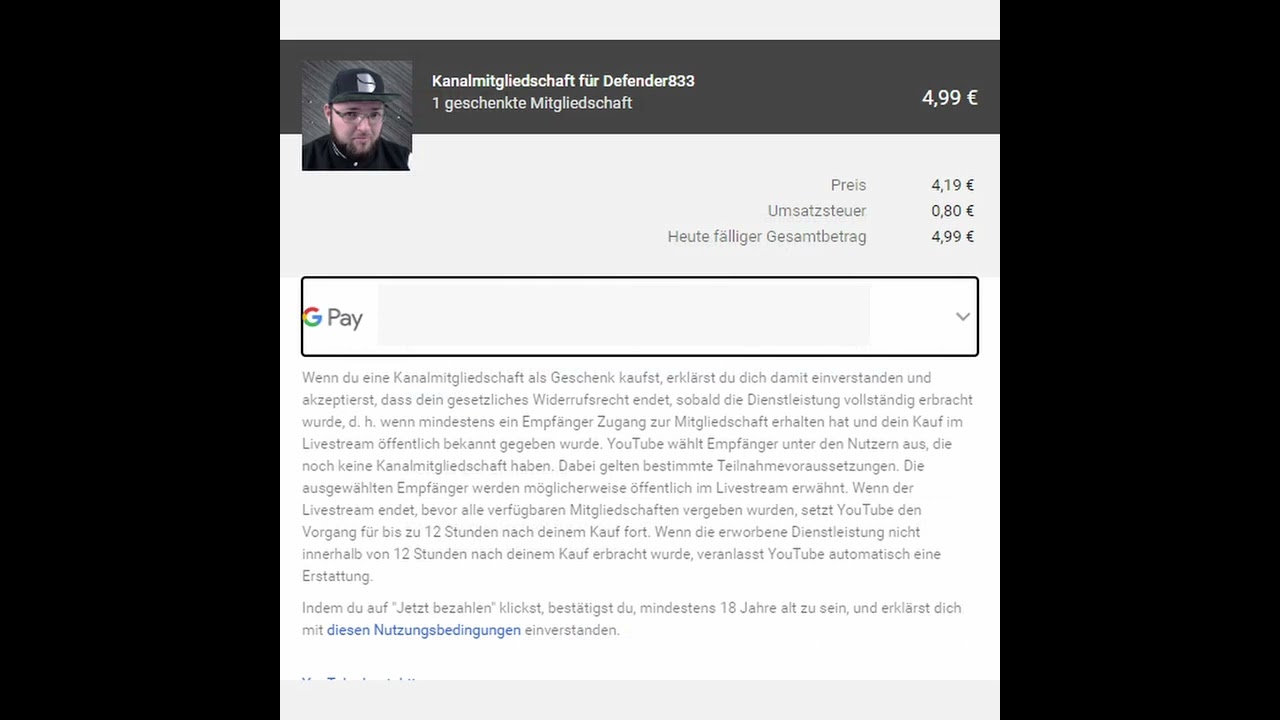
Explains when YouTube refunds gifted memberships and when Creators receive the revenue.

Explains how viewers gift YouTube memberships in the live chat and how YouTube selects recipients.
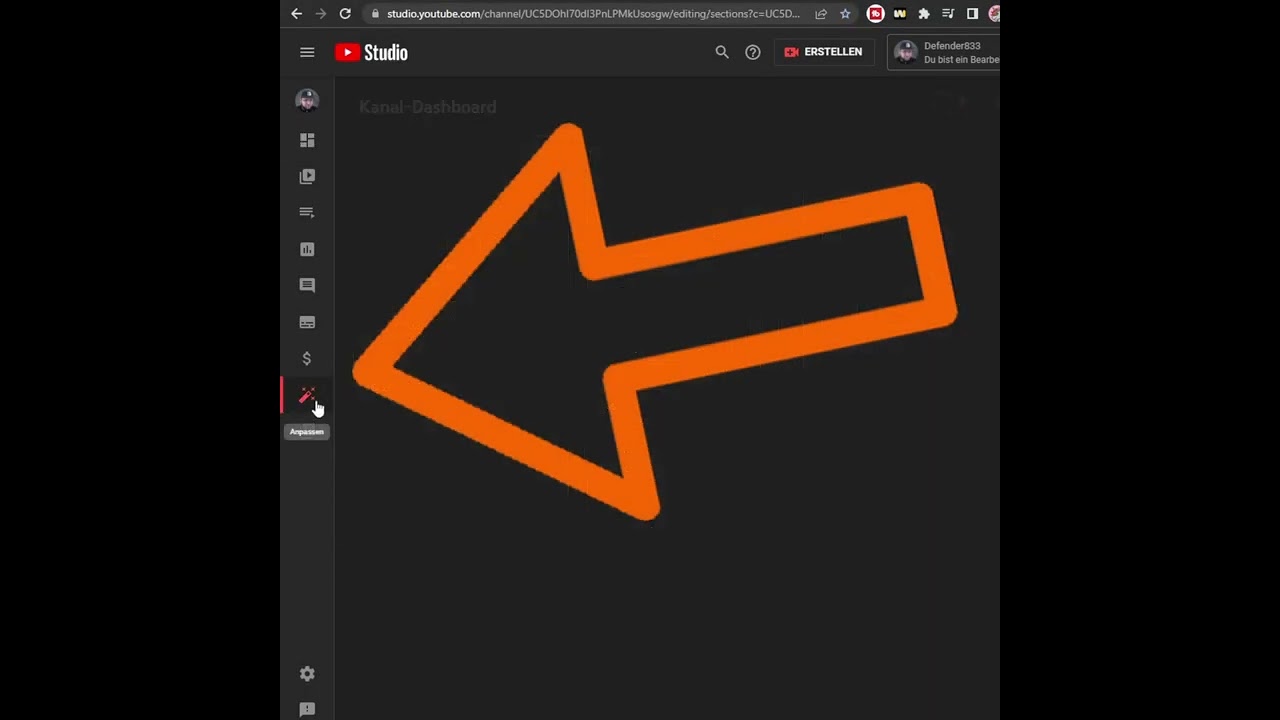
Explain when the Membershelf appears and how Creators can disable it in the Studio or Monetization area.
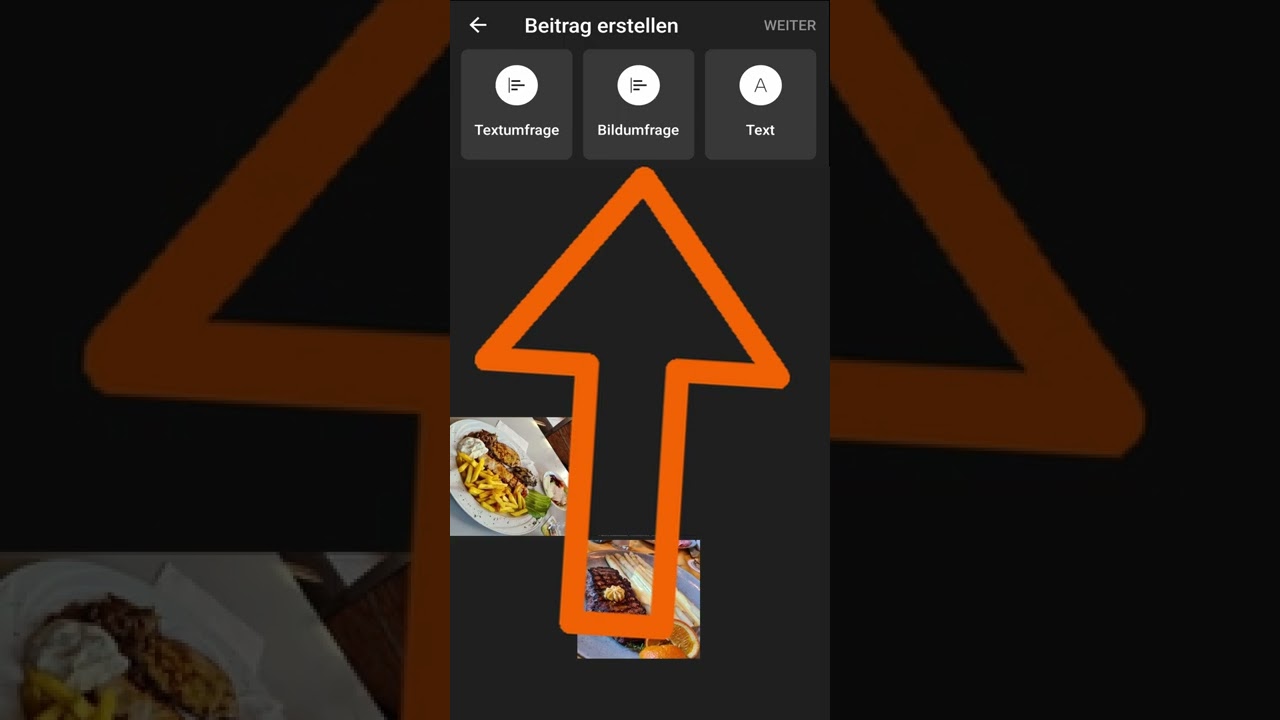
This is how you use image polls in the Community tab on Android and optionally link your own videos.

Explains YouTube Live redirects and how channels can control who is redirected after a stream.
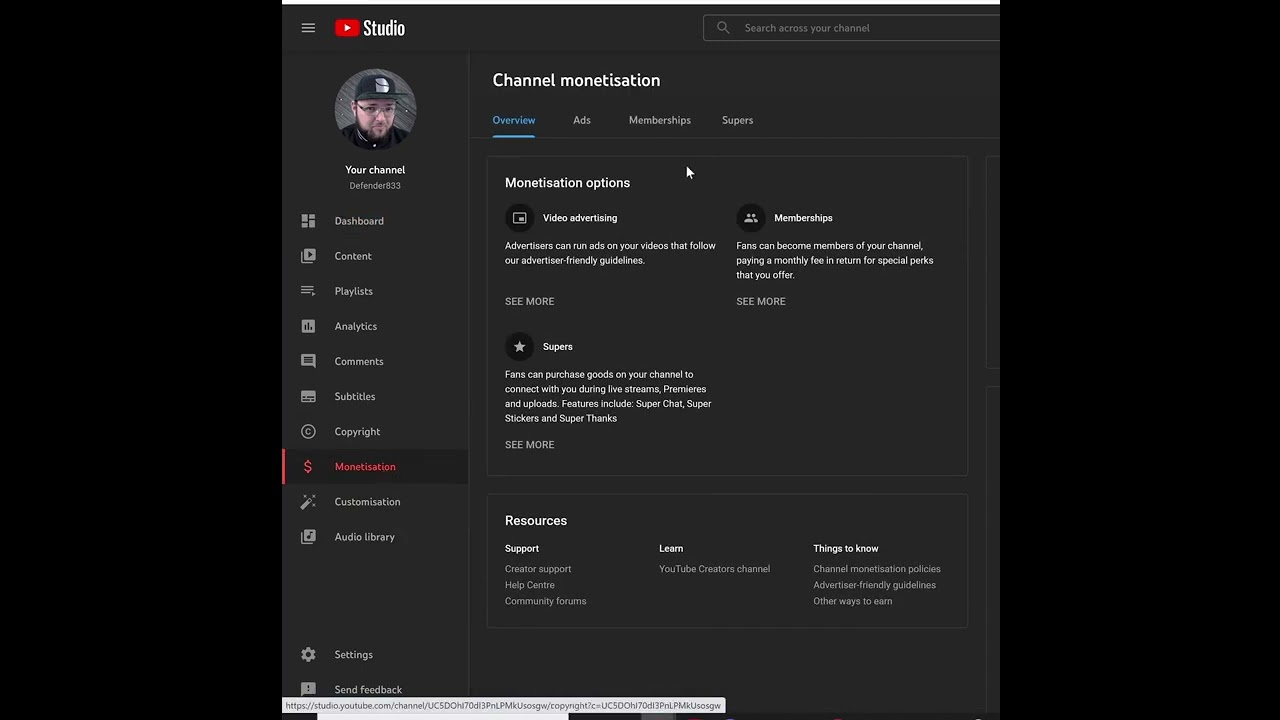
This is how you enable or disable Super Thanks in the Monetization section of YouTube Studio.
Explains how viewers send Super Thanks and how Creators receive revenue from YouTube transactions.

Set up channel guidelines so new viewers immediately understand chat and comment rules.
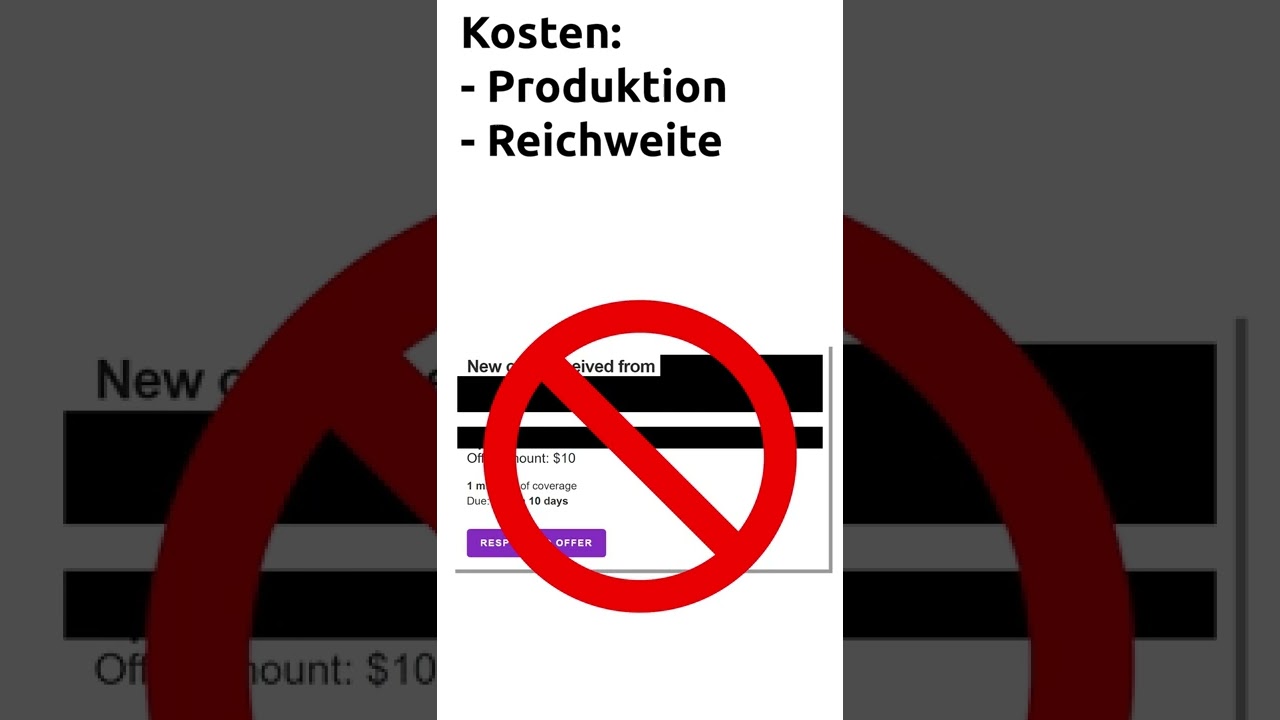
A quick tip on how to realistically estimate Creator Sponsorship rates in terms of production costs, reach, and taxes.
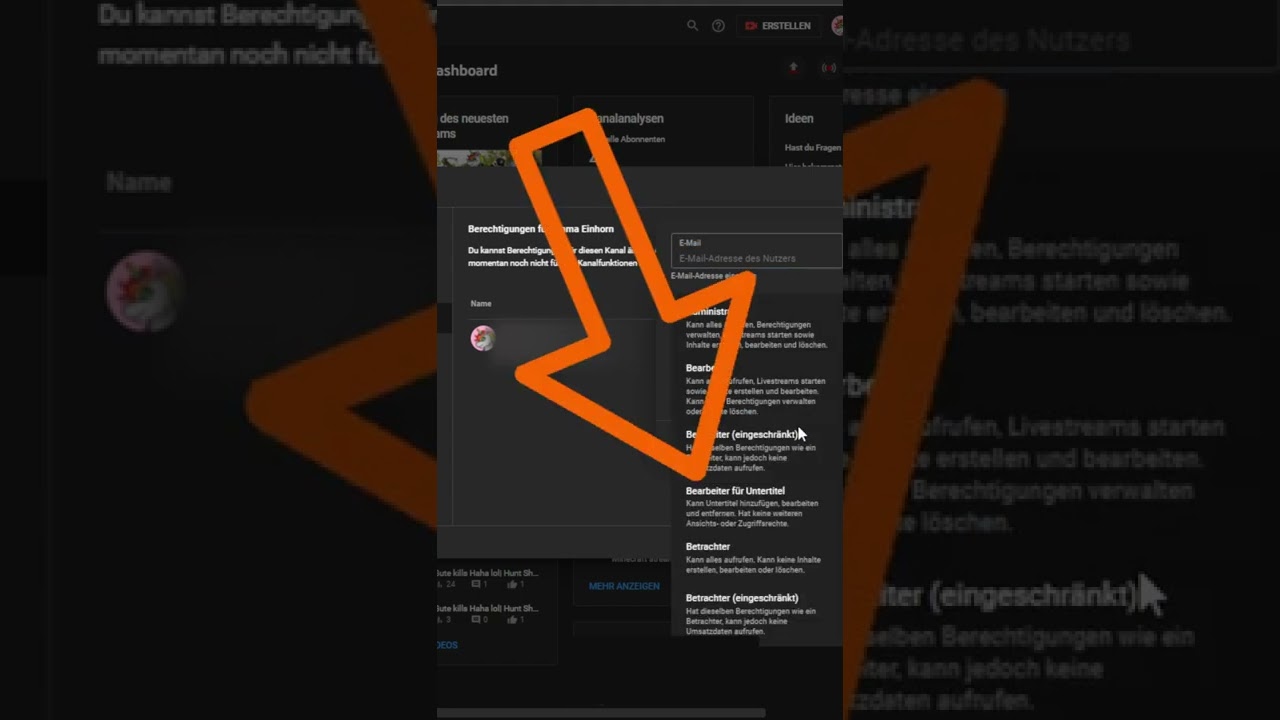
Explains the YouTube role for subtitle editors and how to add people to it via email.
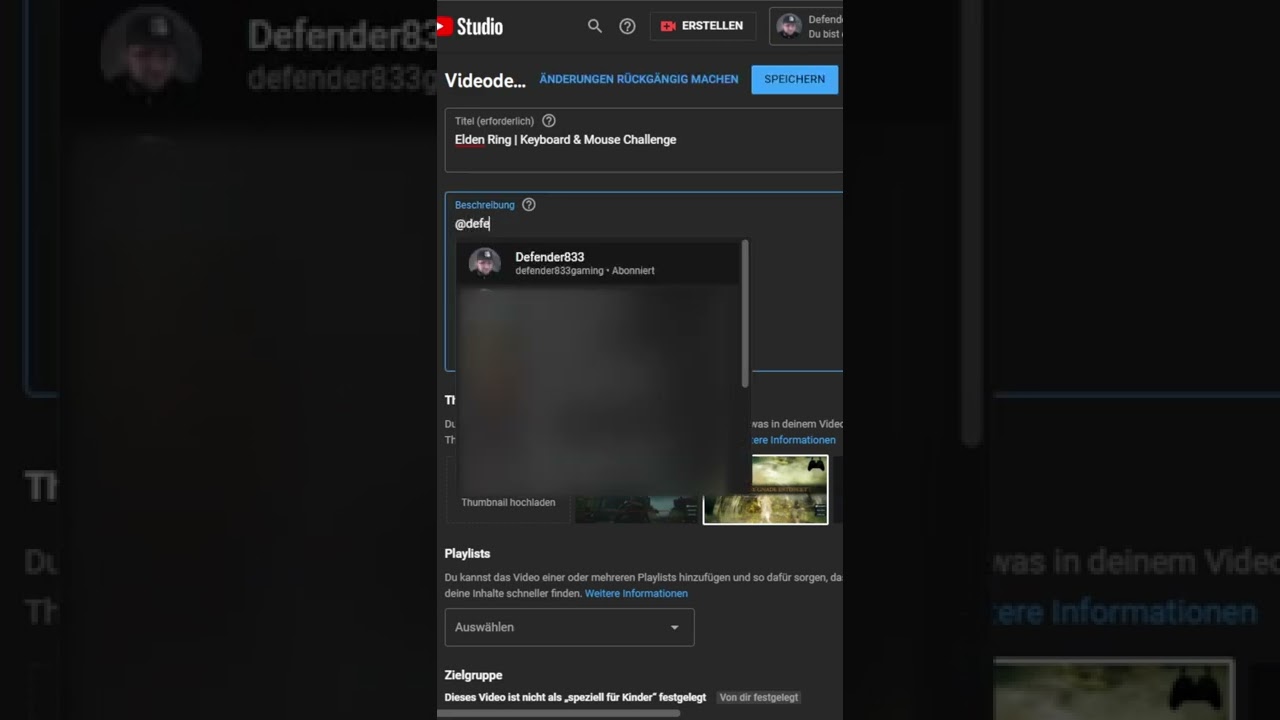
This is how you use @-mentions to directly link other YouTube channels in titles or descriptions.
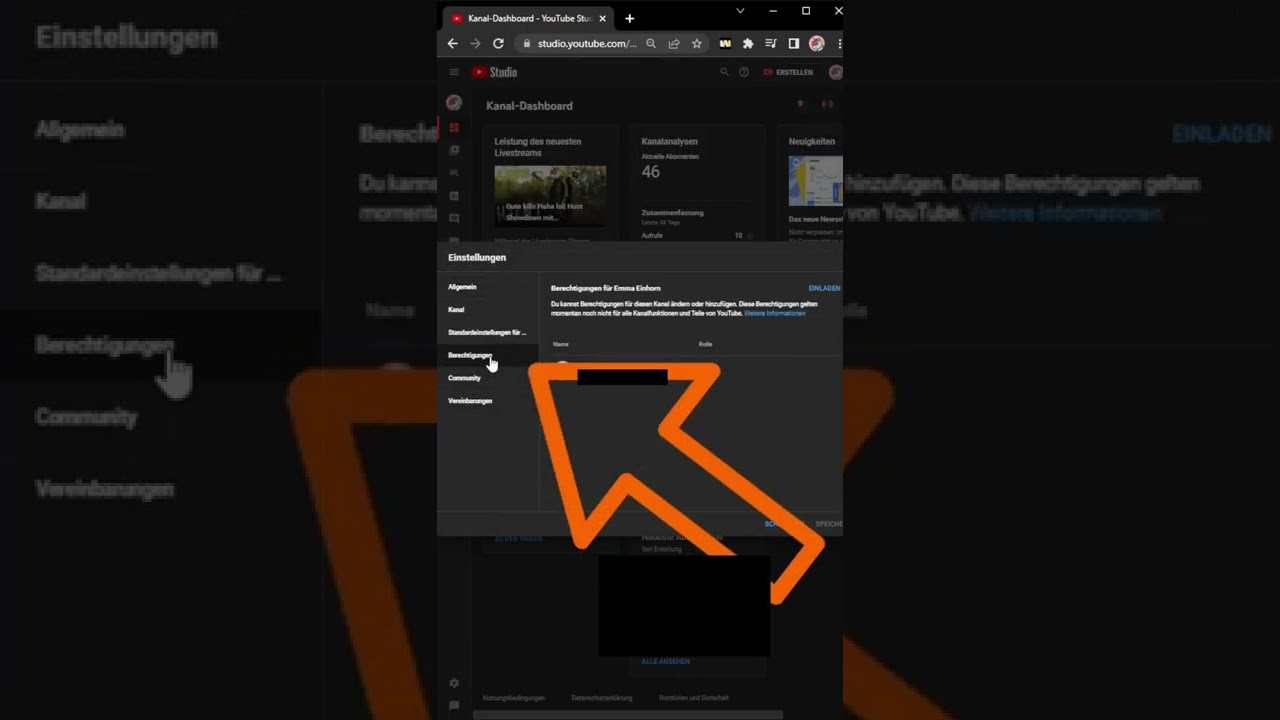
Why you should never share passwords and how to cleanly manage YouTube channel permissions in Studio.
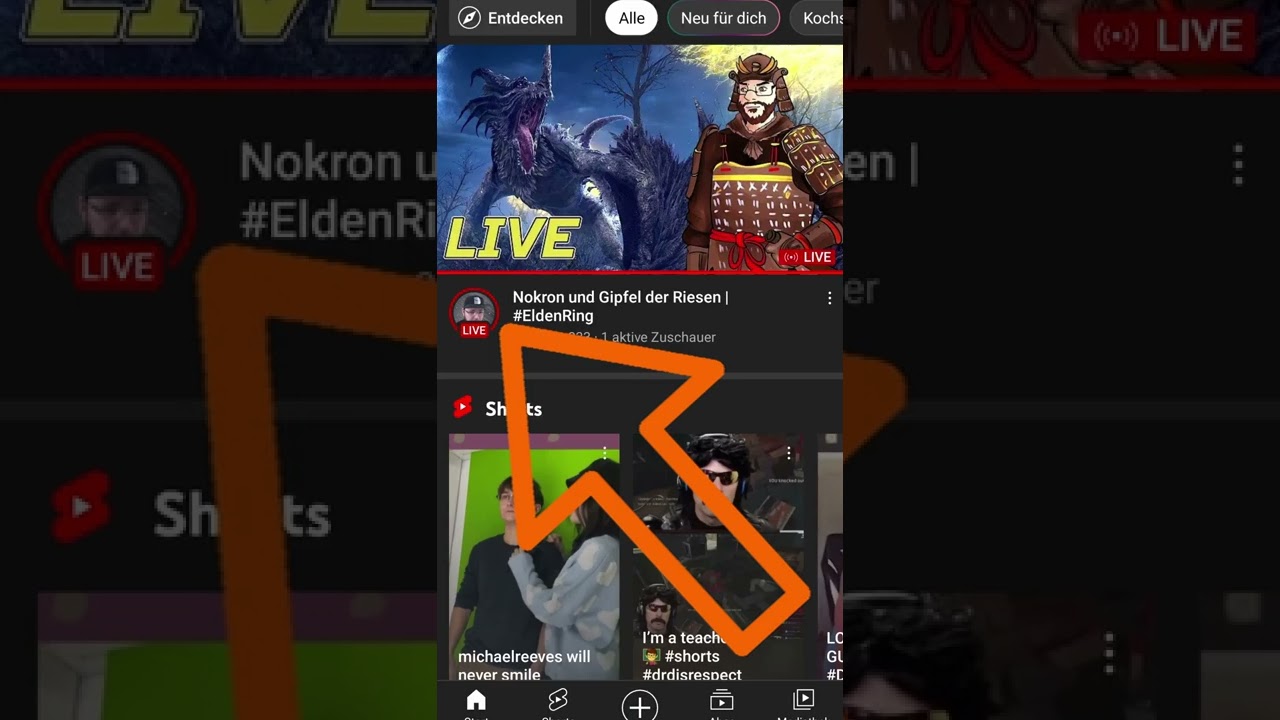
Explains the live indicator in the YouTube app and how viewers can directly access ongoing streams through it.
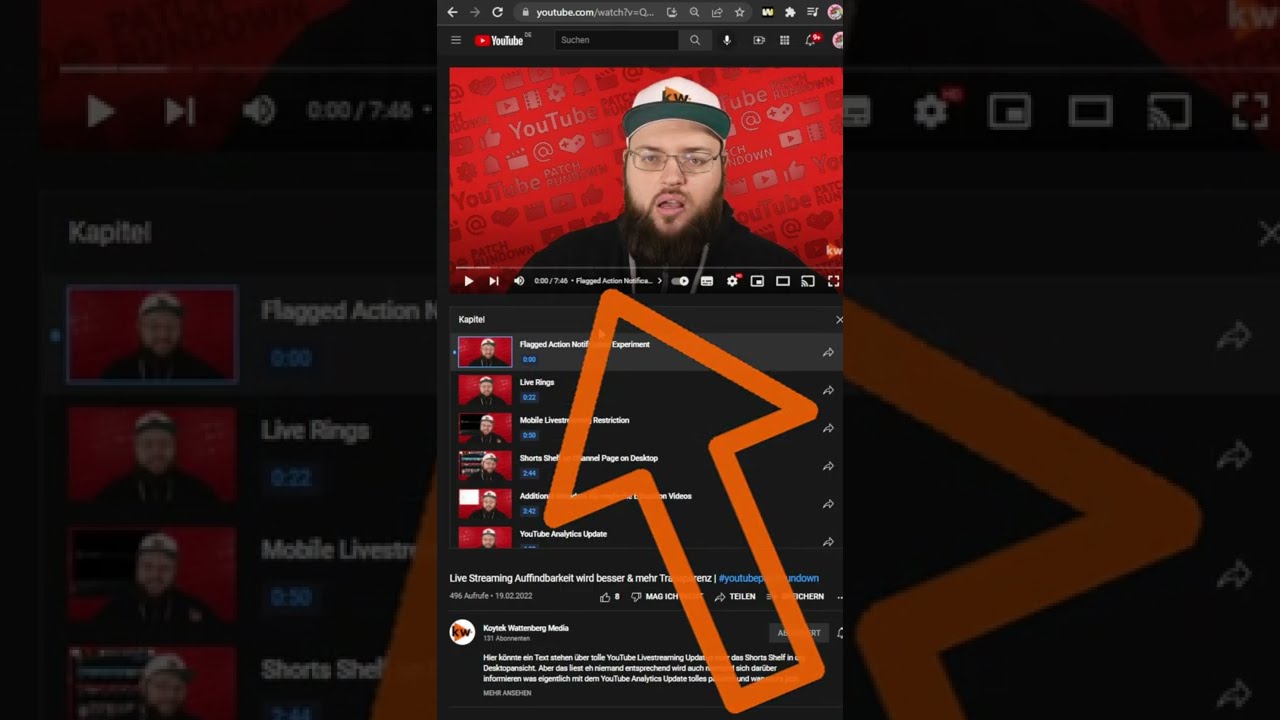
Explains how viewers can utilize YouTube chapters more efficiently on desktop and in the app.
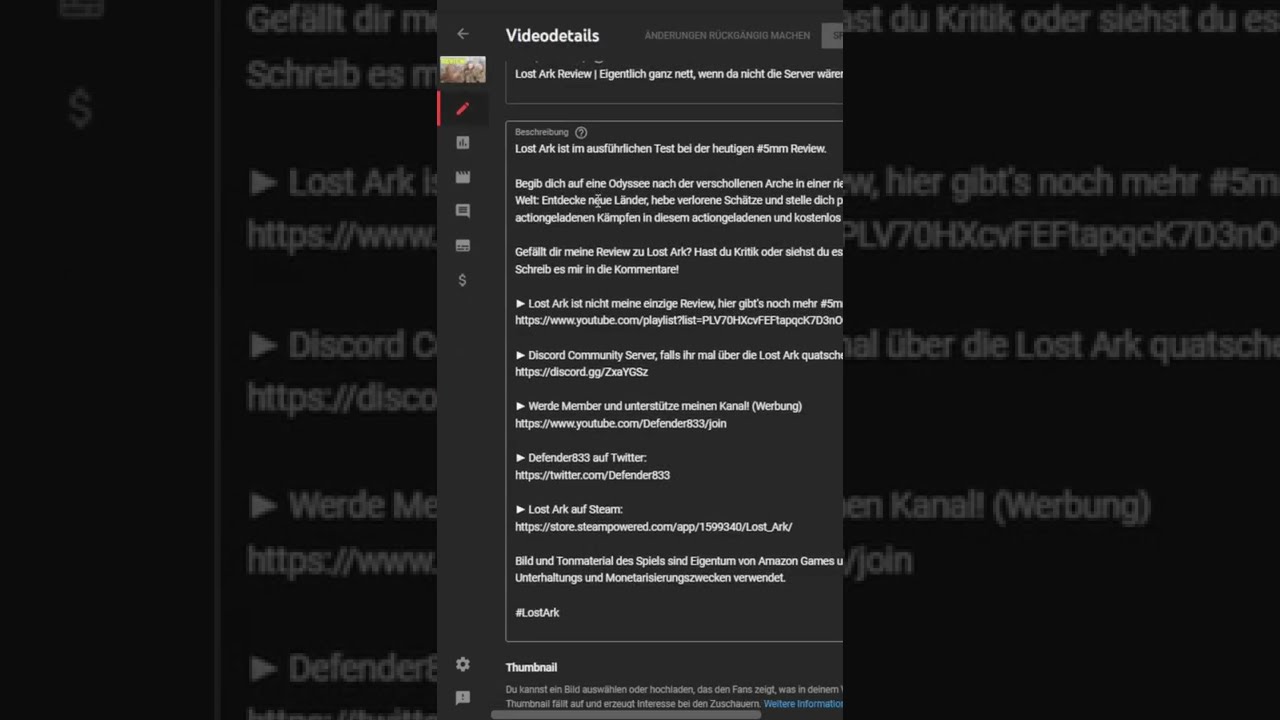
Explains how Creators can enable or disable the sampling of their videos for Shorts and what happens to existing sampled Shorts.
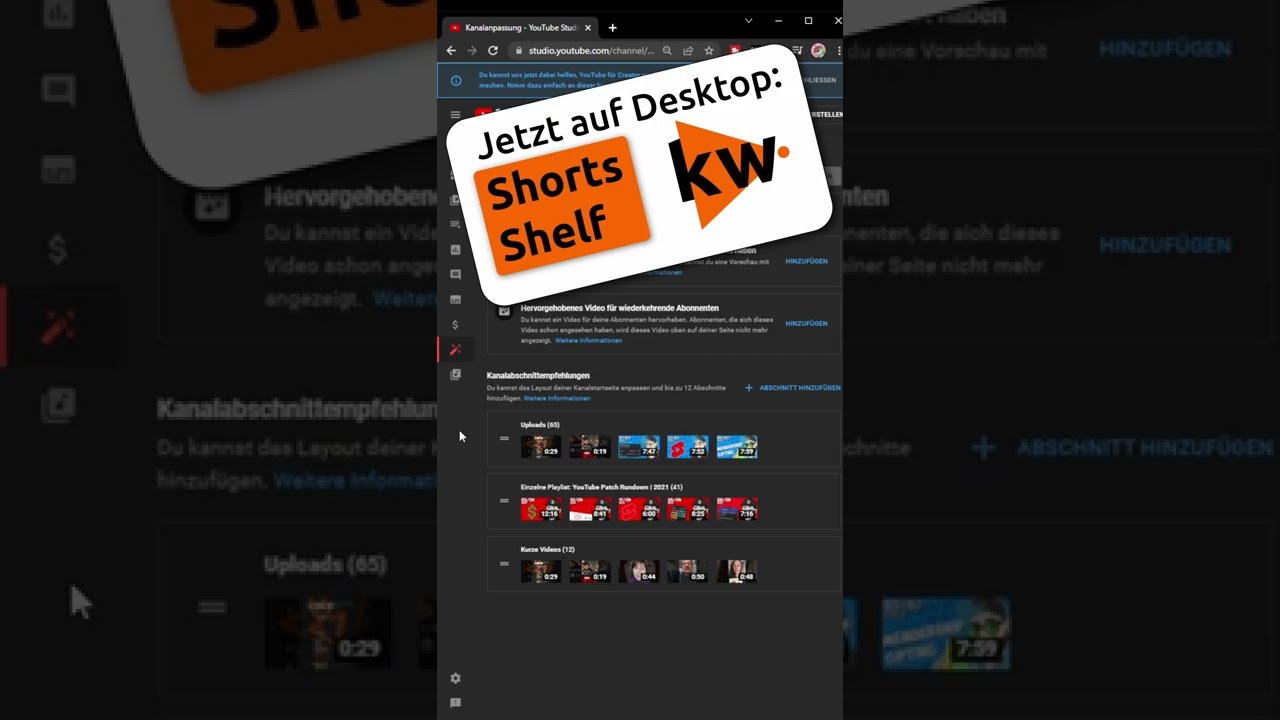
This is how you add the Shorts shelf as a channel section to desktop channel pages and place it in YouTube Studio.
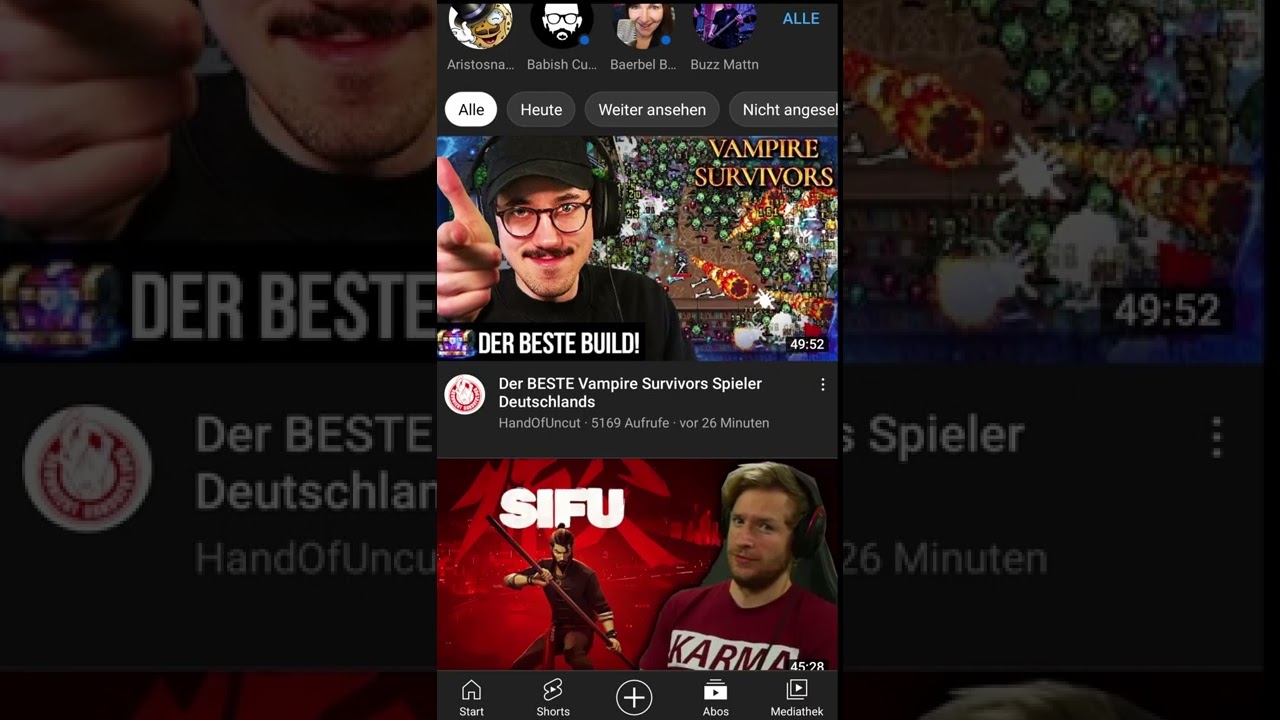
Shows multiple ways to create Shorts: via the Shorts camera, vertical uploads, or sampling other videos.

A practical content model for understanding audience intent on YouTube and planning videos beyond the old Hero-Hub-Help framework.
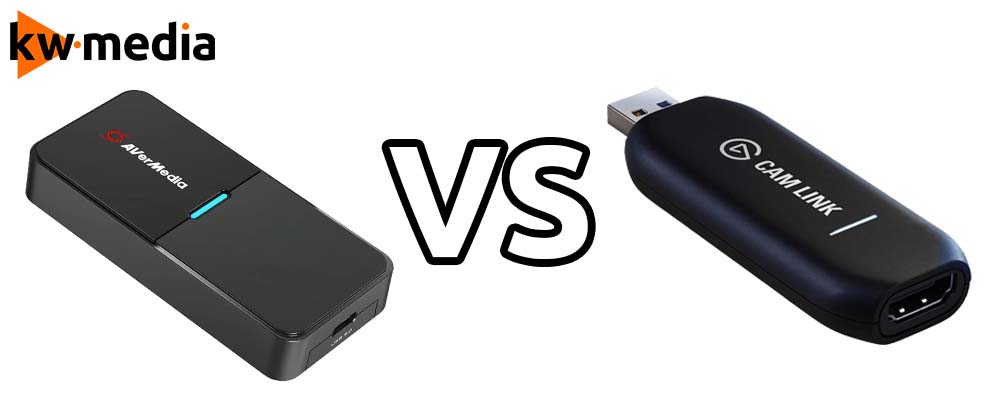
A practical comparison between AVerMedia Streamer Cap 4K and Elgato Cam Link 4K for camera setups, streaming, and recording.
What to do after receiving a YouTube strike: stay calm, understand deadlines, prepare an appeal and avoid making the situation worse.

Discover how to search for and access YouTube hashtag channels directly from the search bar or video descriptions.

Learn how to create engaging YouTube Shorts. Tap the app's plus icon, choose 'Create Short', record or use a clip, add music/text, and publish.
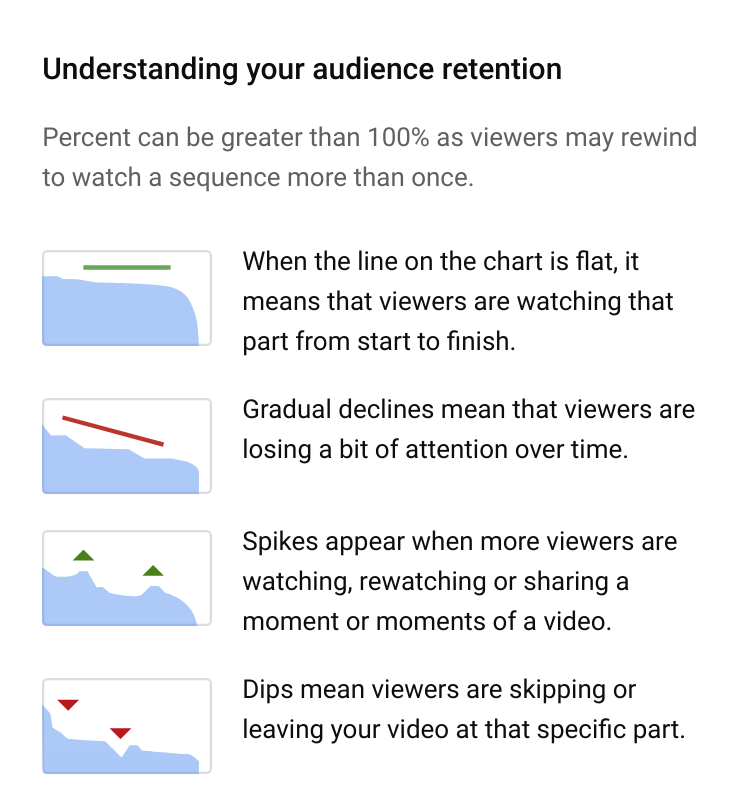
Why strong content matters more than growth hacks, and how creators can focus their energy on videos viewers actually want to watch.

Learn how to create engaging YouTube Shorts. Record or use existing clips, add music & text, then publish with a simple process.
Use the AIDA model to plan YouTube thumbnails that earn attention, create interest and improve click-through without misleading viewers.
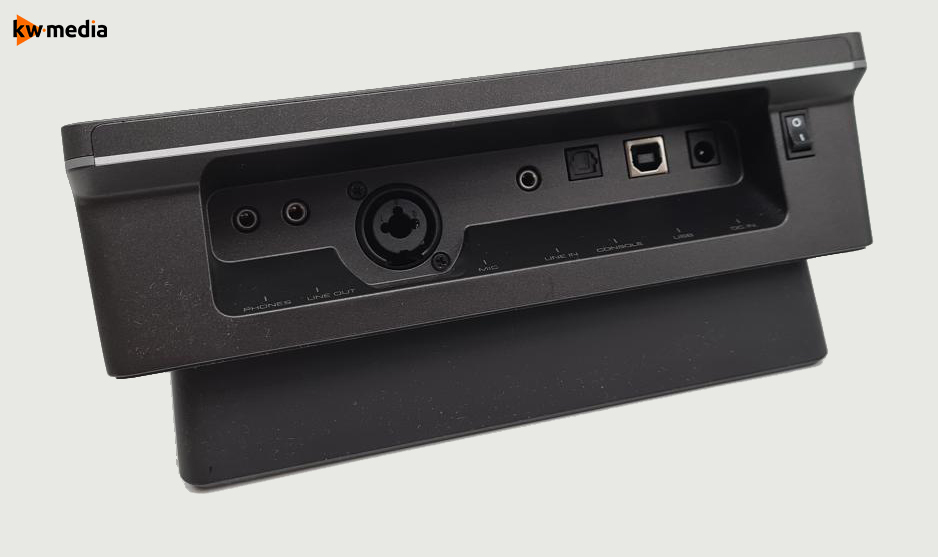
A creator-focused review of the AVerMedia NEXUS AX310 and Streamer MIC 330 for streaming audio, control and production workflows.
How to use social media to reach new viewers, revive older videos and support the growth of your YouTube channel without wasting effort.
A practical guide to sponsorships for YouTube creators, including pricing, negotiation, deliverables and valuing niche audiences.
A practical audio guide for creators covering microphones, levels, noise, room sound and the basics of making streams easier to hear.
The EEE model explains how small YouTubers escape the growth trap and plan content that pays off in the long run.
A practical guide to mobile production for YouTube and livestreaming, from phones and audio to setup choices for flexible creation.
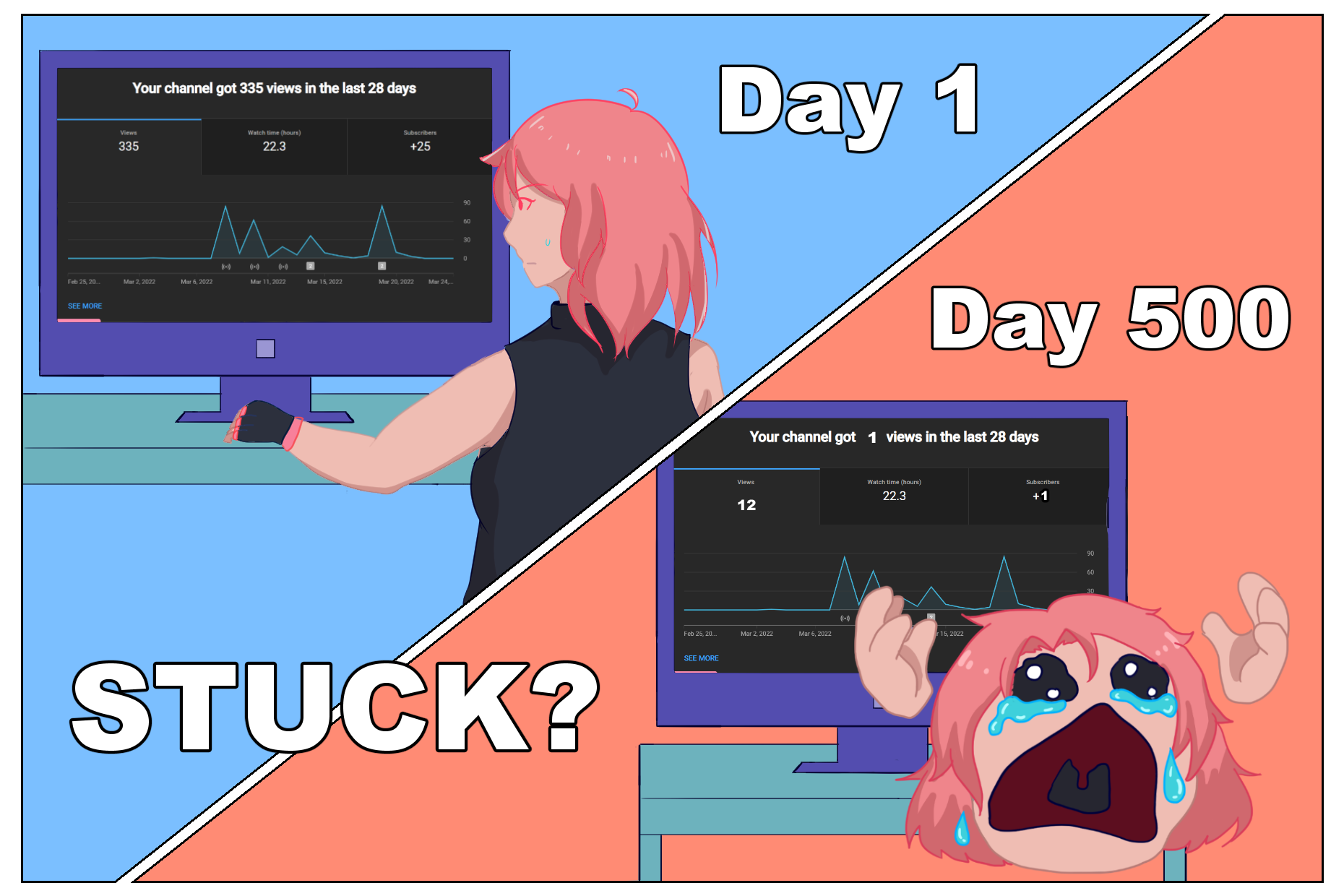
Why constant grinding can hurt creators, and how smarter planning, healthier pacing and better ideas can support sustainable channel growth.
A plain-language copyright guide for creators who want to use music, clips and other people's work without risking their channel.
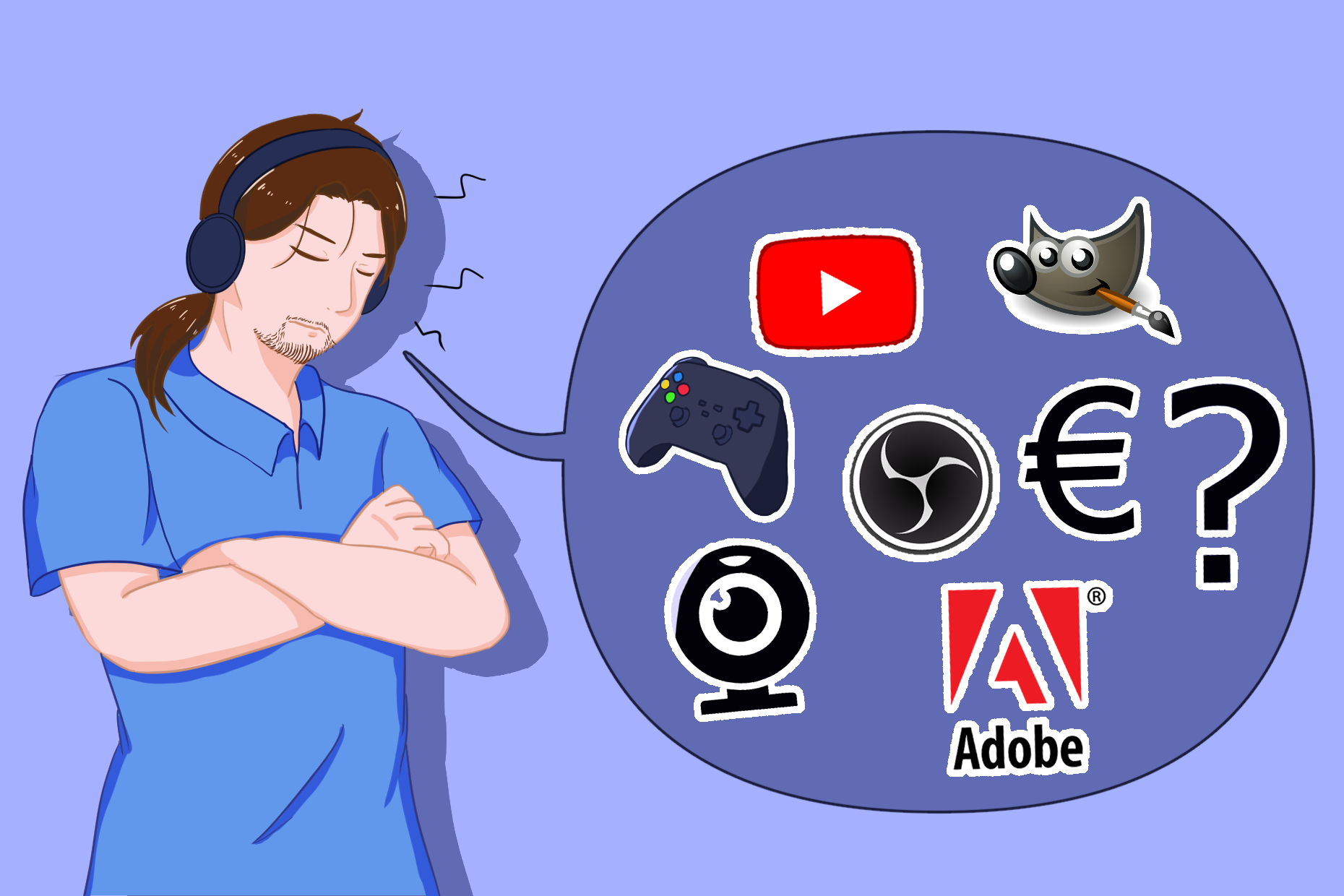
How to start a gaming channel on a budget, including practical priorities for gear, audio, software and early production choices.

A direct guide to better YouTube thumbnails, covering titles, contrast, readability and the mistakes that quietly cost creators clicks.
Where to find the YouTube Patch Rundown, what the news series offers, and how it informs Creators about platform changes.
A practical YouTube SEO guide for gaming channels, covering keywords, titles, descriptions, chapters, competition and search intent.
No posts in this category.