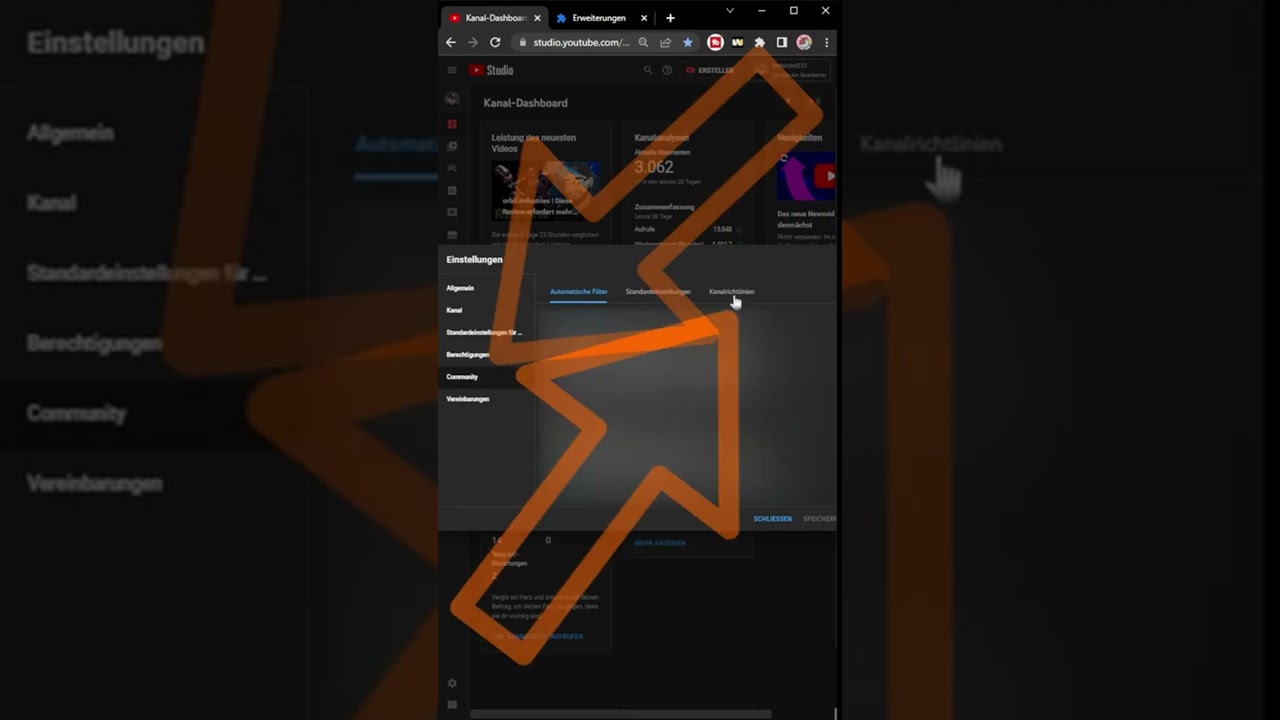
How to Set up: YouTube Channel Guidelines
Shows how to set up YouTube channel guidelines with an intro message and up to three custom community rules.
Topic
21 posts tagged YouTube Studio
Shows how to set up YouTube channel guidelines with an intro message and up to three custom community rules.
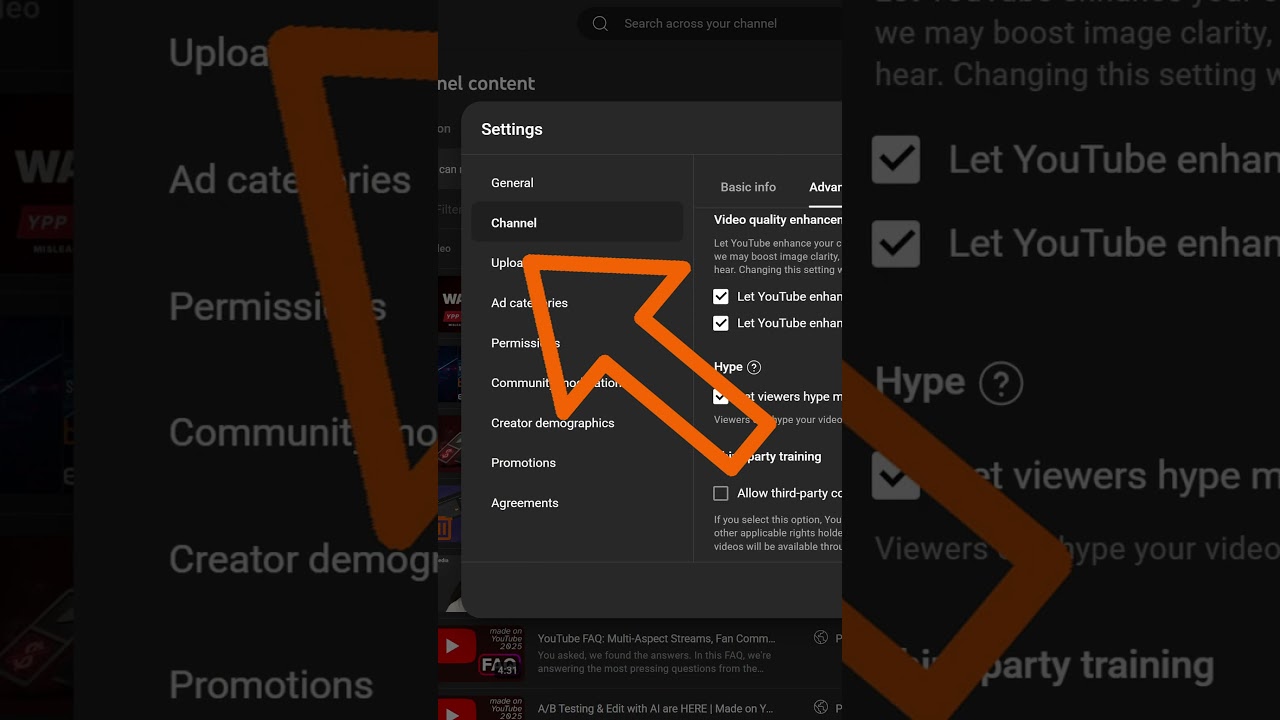
A quick walkthrough for disabling YouTube's AI super resolution setting in Studio so uploads are not upscaled automatically.
What's up everyone? After our follow up video on the recent YouTube announcements, we've received some excellent, very specific questions in the comment section—and I love the energy!
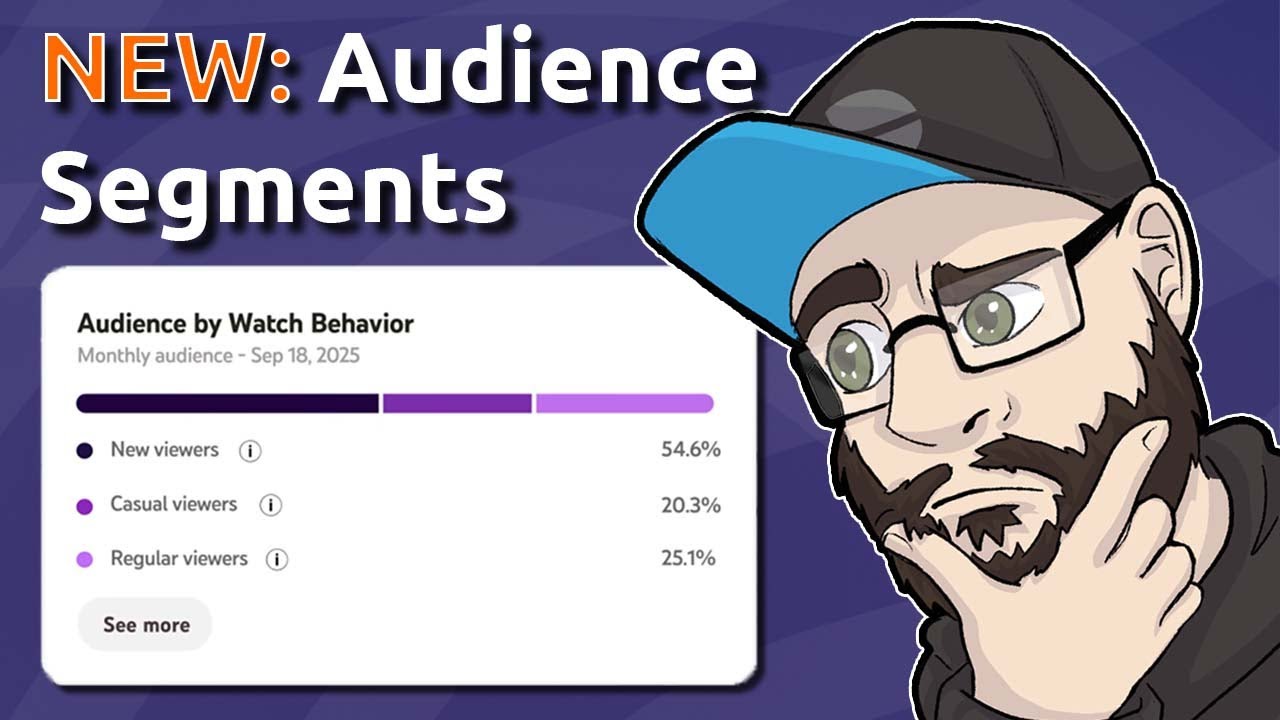
Discover new insights with YouTube's updated analytics. Now, viewers are categorized into New, Casual (1-5 months engagement), and Regular (6+ months) segments.
This week, there's a minor update to the "Replace Music" feature in YouTube Studio. This is particularly useful if you've received a copyright claim.

Happy New Year! YouTube has released its first updates of 2025 and we're naturally here for you right away.
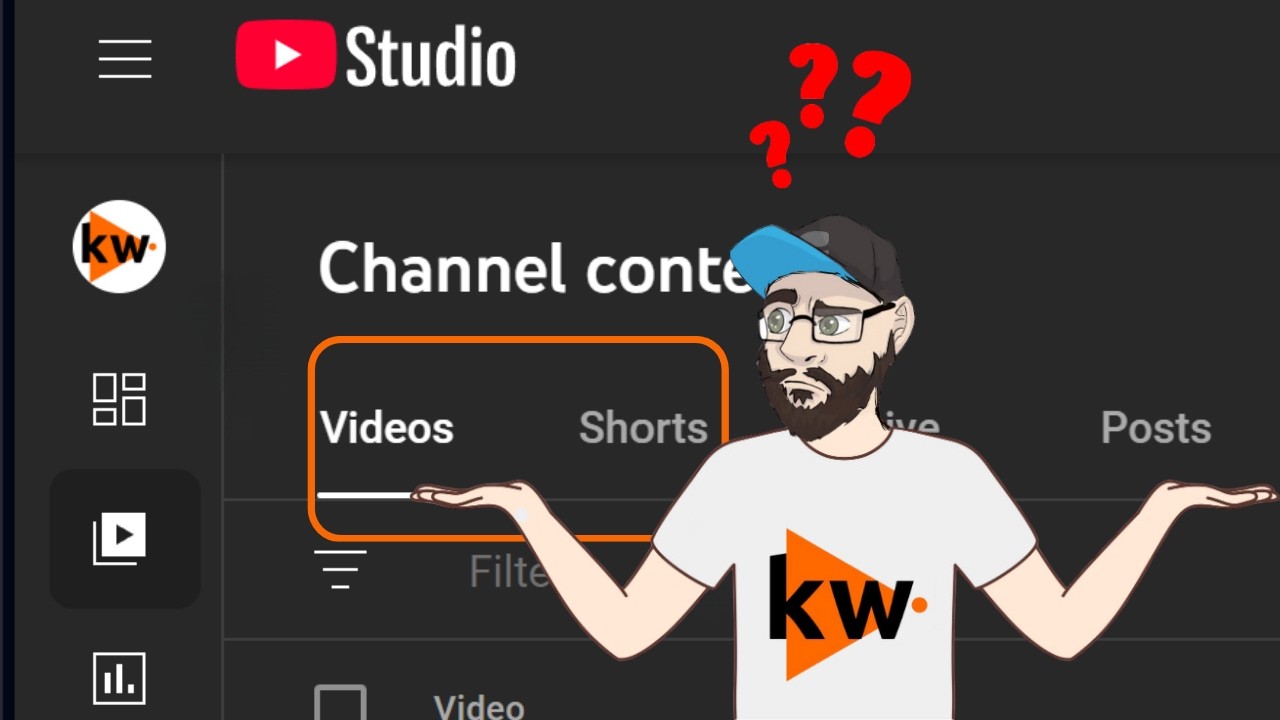
YouTube's Shorts rollout: Delays in Studio, feed changes, legal risks. Memberships mark 5 years with new badges.
Last week was the "made on YouTube" event. Of course, we already discussed the announcement in the Q&A stream, in case you missed it - feel free to check it out!

Discover YouTube's engagement metrics in YouTube Studio. Analyze views, impressions, click-through rates, and average view duration to understand viewer interactions.
Discover how branding can help your channel stand out. Learn to create a memorable identity with consistent elements like banners, profile pictures, and thumbnails.
Discover YouTube Analytics, a free tool to measure your channel's success. Track key metrics like impressions, views, CTR, and retention.

YouTube Test & Compare explains how thumbnail A/B tests work and what Creators should consider when evaluating the results.

Explains YouTube's Thumbnail Test & Compare feature and how creators can use it to improve engagement with better thumbnail decisions.

Learn how to set up a personal or brand YouTube channel in 2023. Simple steps to get your channel started, including naming and managing multiple accounts.
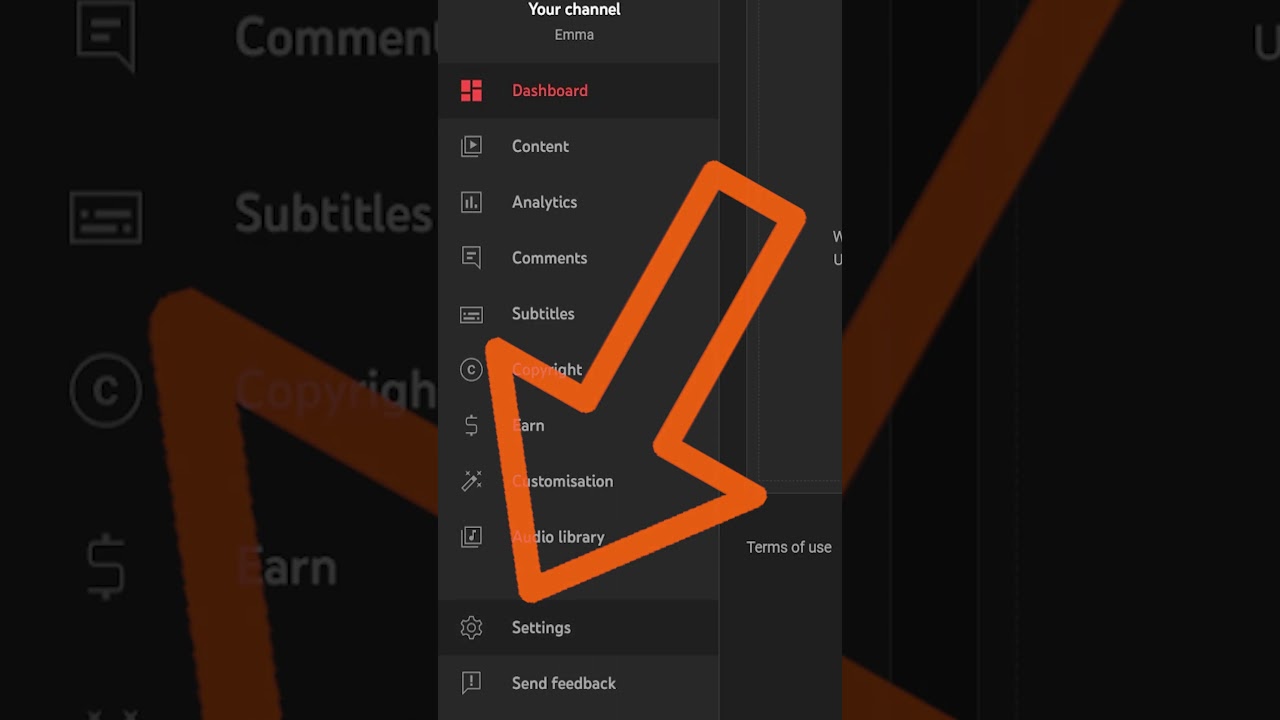
Learn how to receive live redirects during your streams by configuring YouTube Studio settings.

Learn how to enable YouTube Live Redirects to grow your audience. Adjust settings in YouTube Studio under Community.

Learn how to activate monetization for your existing Shorts to start earning revenue share.
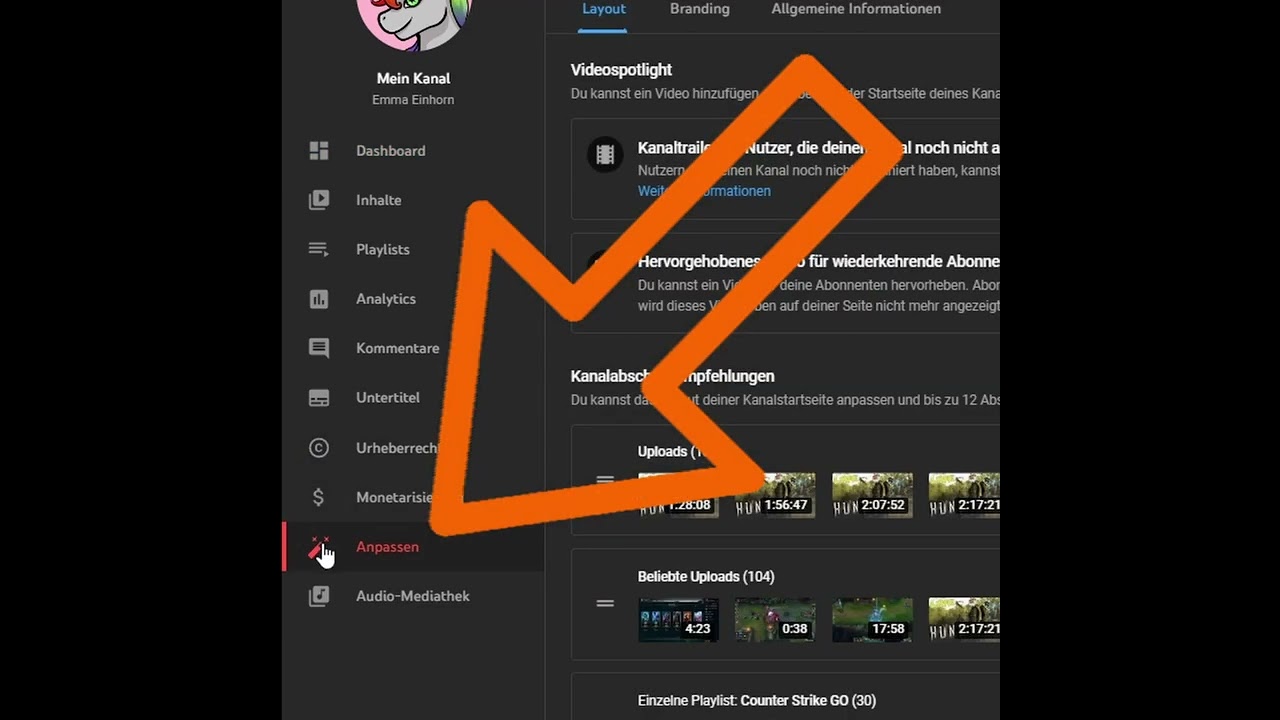
This is how you select channel trailers and highlighted videos for new and returning viewers.

Explains how Creators can find, download, and use music from the YouTube Audio Library in videos.
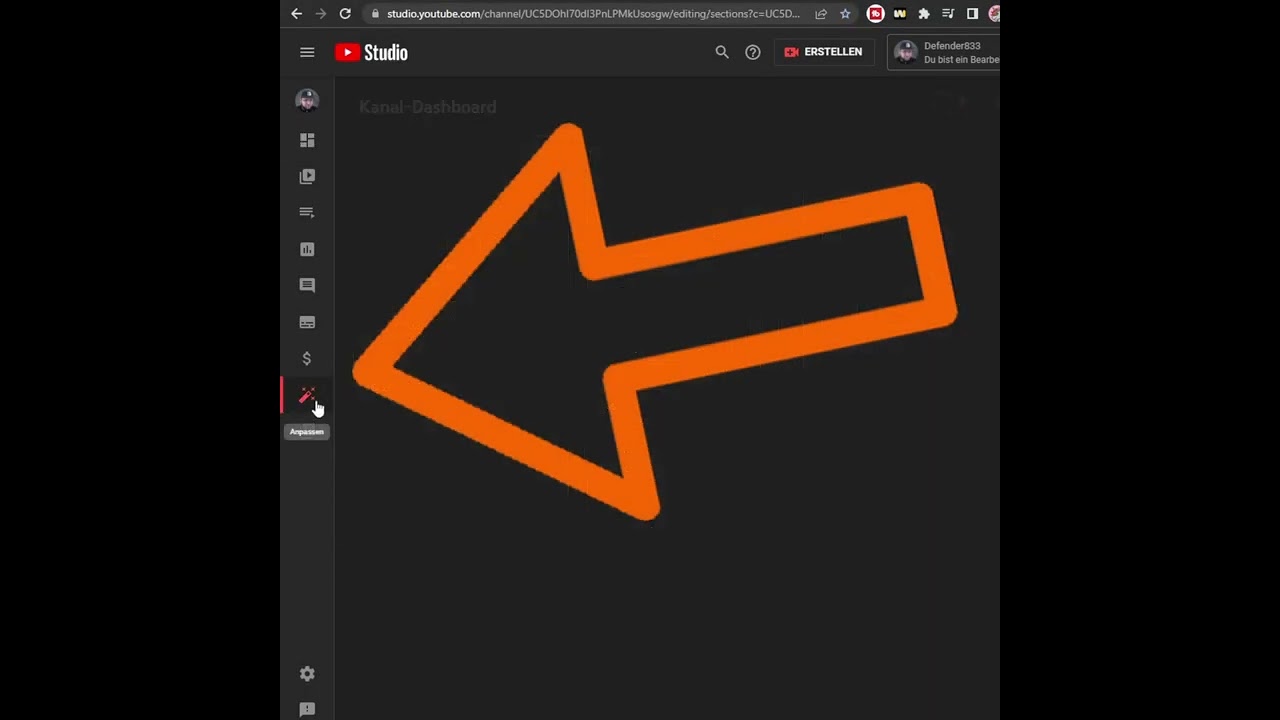
Explain when the Membershelf appears and how Creators can disable it in the Studio or Monetization area.
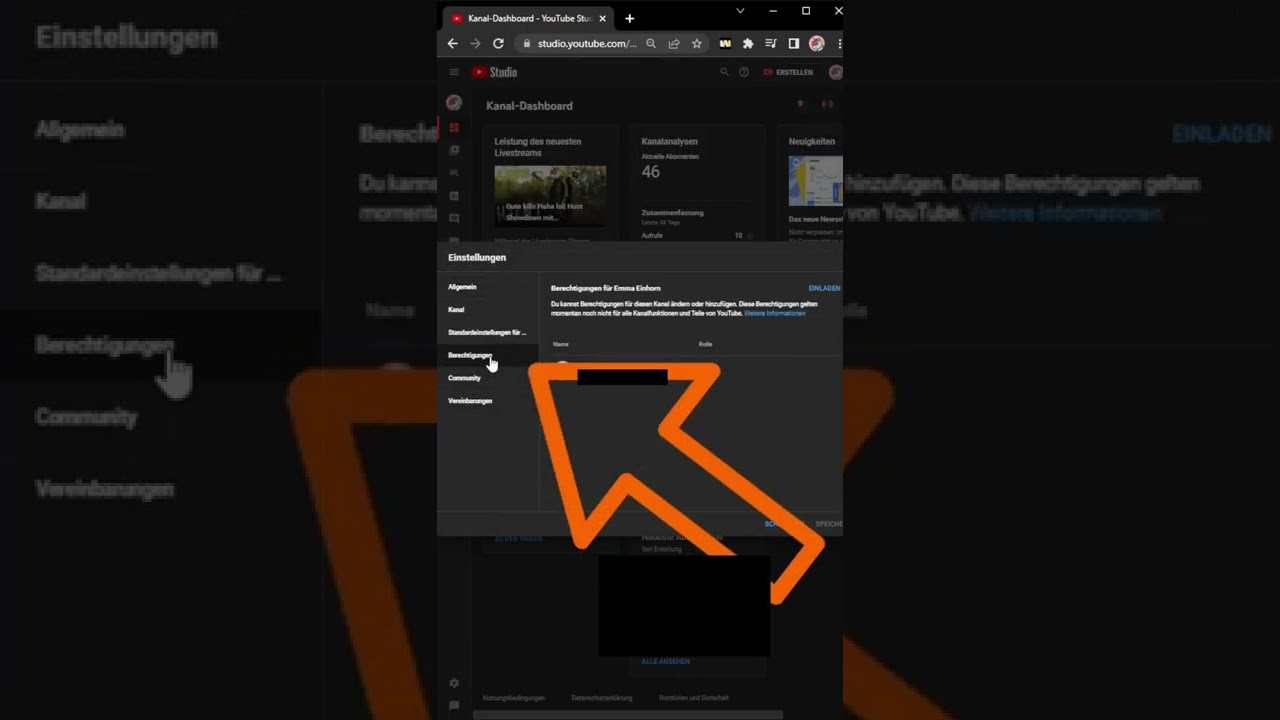
Why you should never share passwords and how to cleanly manage YouTube channel permissions in Studio.