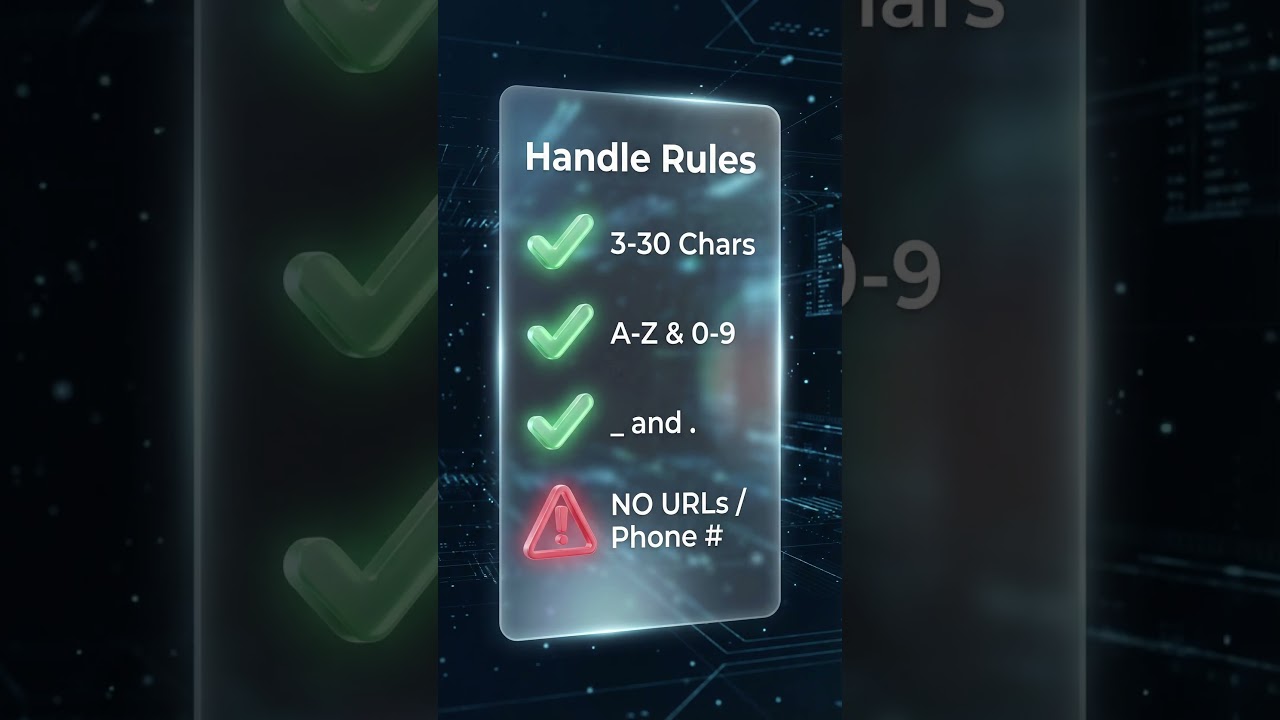
How to Change YouTube @ Handle (Mobile)
Stop looking like a bot in live chat. YouTube just replaced display names with ad handles.
Topic
20 posts tagged Short Tutorial
Stop looking like a bot in live chat. YouTube just replaced display names with ad handles.
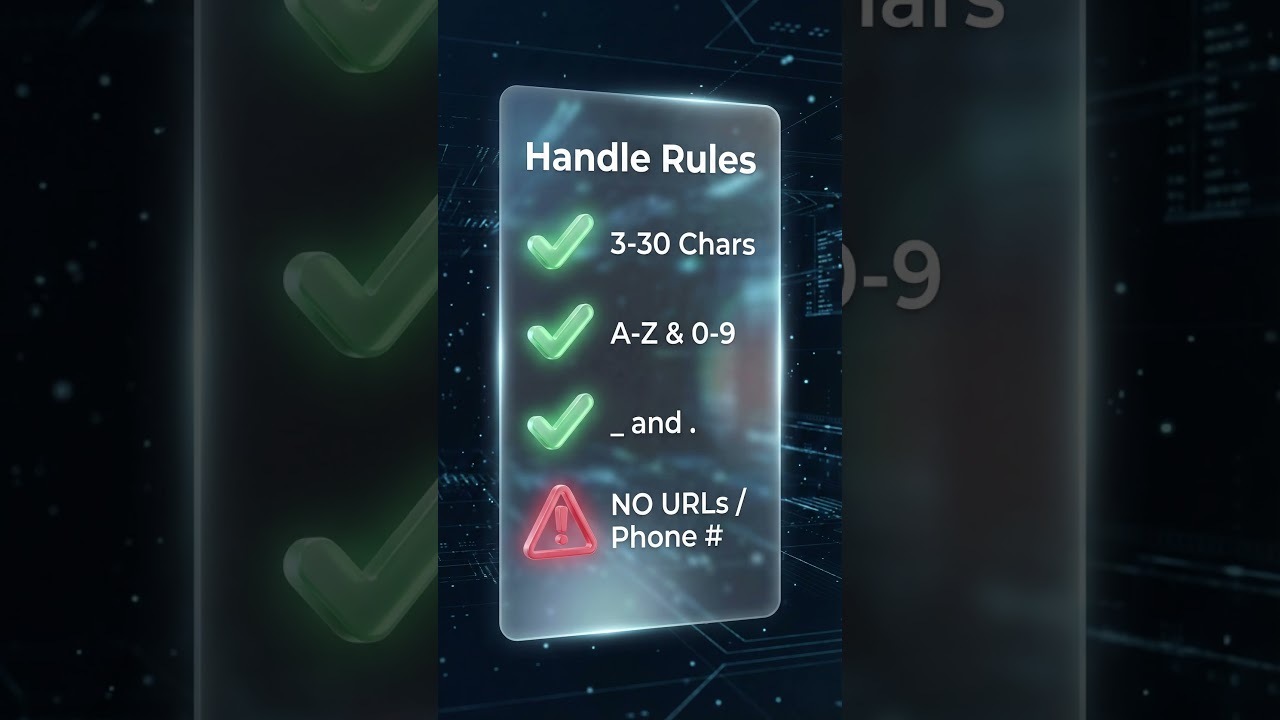
Does your name in live chat look like a barcode or bot? YouTube just updated the chat logic.
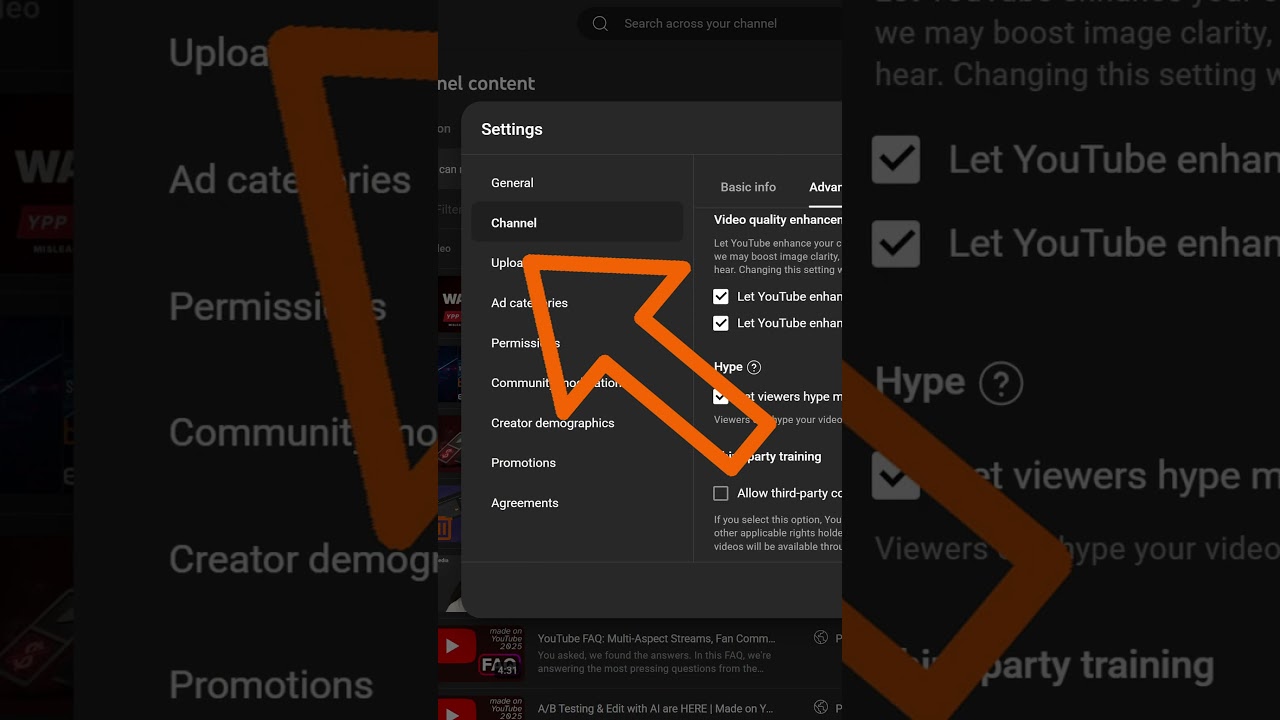
A quick walkthrough for disabling YouTube's AI super resolution setting in Studio so uploads are not upscaled automatically.

Here's how to use the new YouTube Collabs feature in under 60 seconds. In YouTube Studio, go to your video details, scroll all the way down, click show more.

Learn how to edit thumbnails for your YouTube Shorts directly from the app. Select a frame, add text, and customize your short's preview.
Discover how hashtags can help categorize your content & increase discovery. Tips include using 5 or fewer hashtags & monitoring their effectiveness.

Discover YouTube's engagement metrics in YouTube Studio. Analyze views, impressions, click-through rates, and average view duration to understand viewer interactions.

Discover your YouTube Studio dashboard, a creator's hub for managing content & tracking performance.

Explore YouTube Studio's central hub for creators. Manage content, track performance, and stay updated on YouTube's latest features.
Discover how YouTube's Community tab helps creators engage with fans, share updates, and grow their channels.

From now on, you can respond to comments on your own videos with a short answer. Simply go to the reply menu where you'll find the new button to create a short.
Learn how to activate monetization for your existing Shorts to start earning revenue share.
Starting February 1st, 2023, creators in the YouTube Partner Program will be able to monetize their YouTube Shorts using the YouTube Short-atreat share model, with earnings likely coming from every five to ten Shorts.
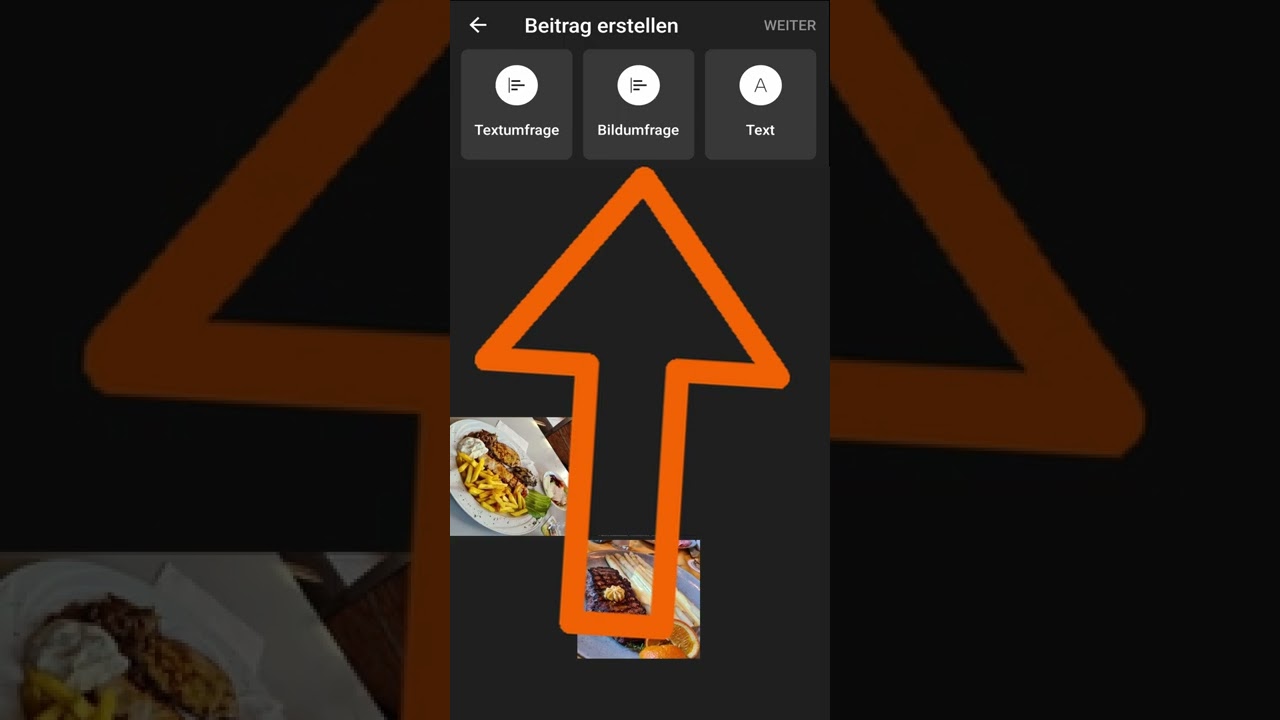
This is how you use image polls in the Community tab on Android and optionally link your own videos.
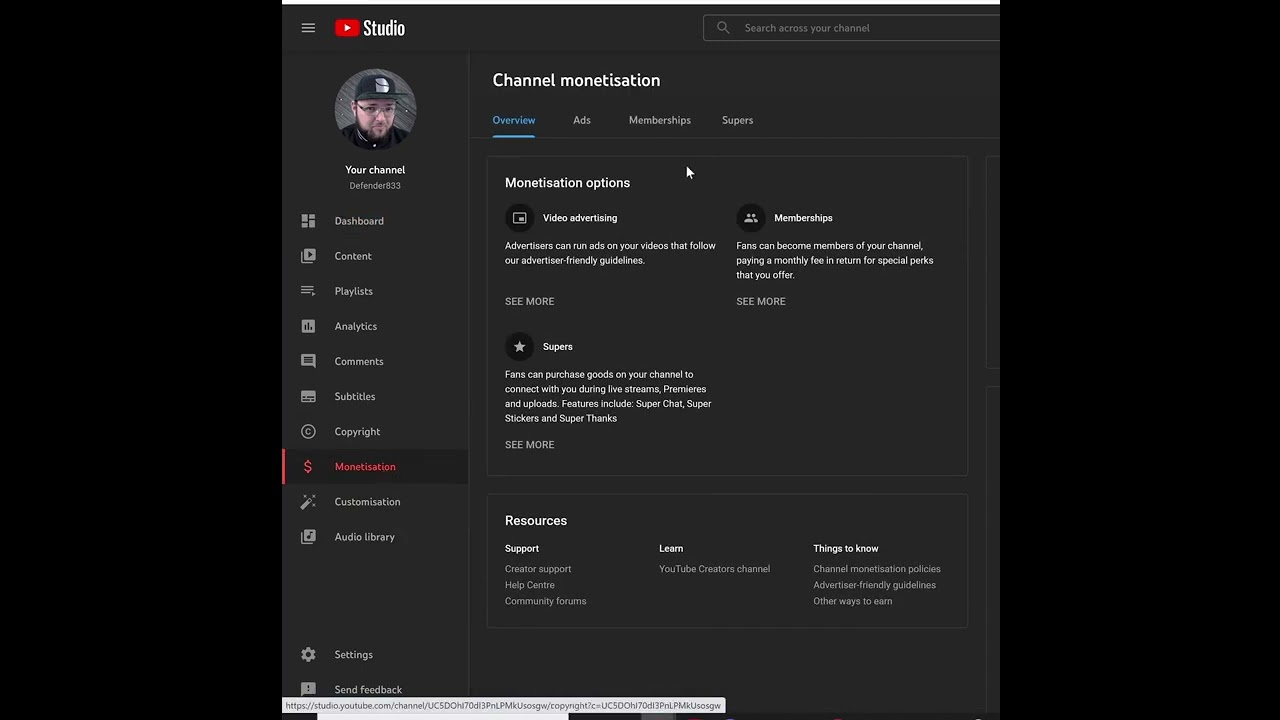
This is how you enable or disable Super Thanks in the Monetization section of YouTube Studio.
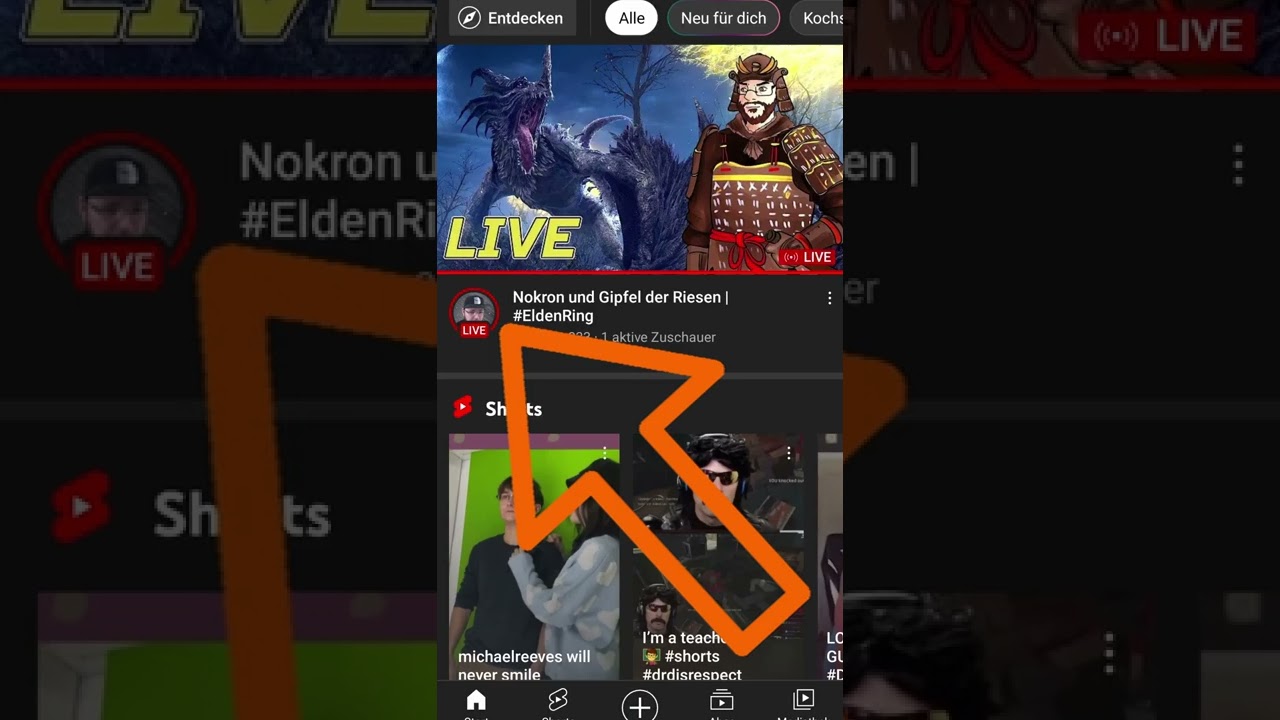
Explains the live indicator in the YouTube app and how viewers can directly access ongoing streams through it.
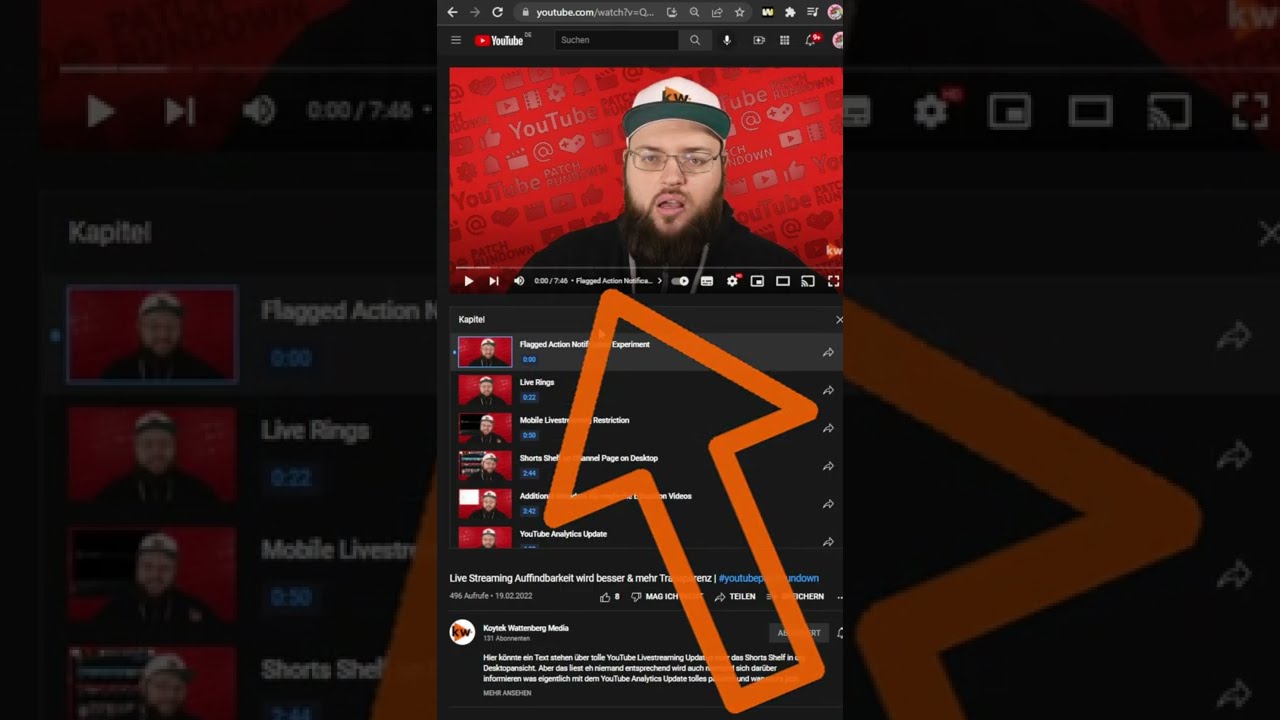
Explains how viewers can utilize YouTube chapters more efficiently on desktop and in the app.

Discover how to search for and access YouTube hashtag channels directly from the search bar or video descriptions.

Learn how to create engaging YouTube Shorts. Tap the app's plus icon, choose 'Create Short', record or use a clip, add music/text, and publish.

Learn how to create engaging YouTube Shorts. Record or use existing clips, add music & text, then publish with a simple process.