
How to Use YouTube Live’s “Take a Break” Feature (Step-by-Step Tutorial with OBS Setup)
Walks through YouTube Live's Take a Break feature and how to configure it in a stream setup with OBS.
Topic
10 posts tagged OBS
Walks through YouTube Live's Take a Break feature and how to configure it in a stream setup with OBS.

New YouTube Studio Mobile features include a notification feed filter & Clips Library. Plus, HDR streaming improvements with RTMP/S for better quality.

OBS lets you save streaming presets with Profile & Scene Collections. Transfer settings like bitrates and scenes between devices for seamless streaming.

Understand the core principle of OBS: scenes composed of sources. Learn how to use various source types and customize their position and size.

Learn how to link your Twitch or YouTube account to OBS for seamless streaming.
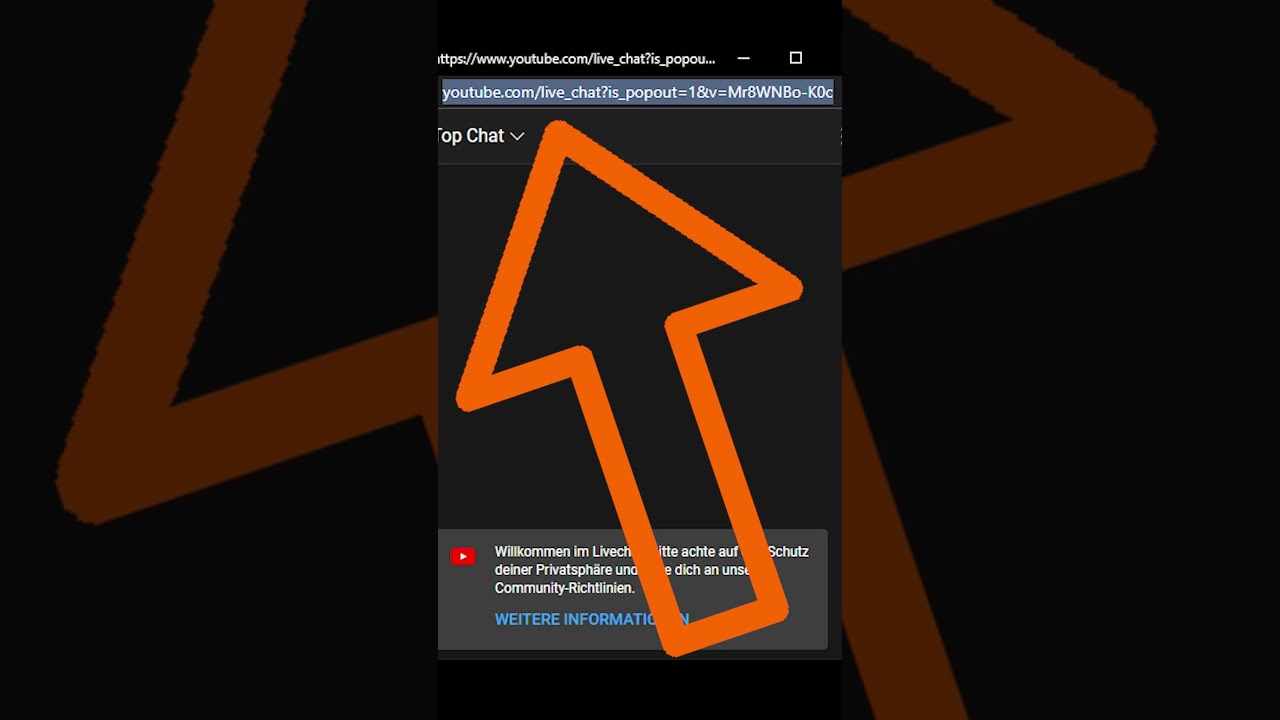
Learn how to display YouTube Live Chat in OBS with free tools. Open chat in a new window, copy the link, and add it as a browser source.

To capture from gaming consoles or DSLR facecams, you need a so-called capture card. Once this is connected to the console and your computer, you can then add the capture card as a source in OBS.
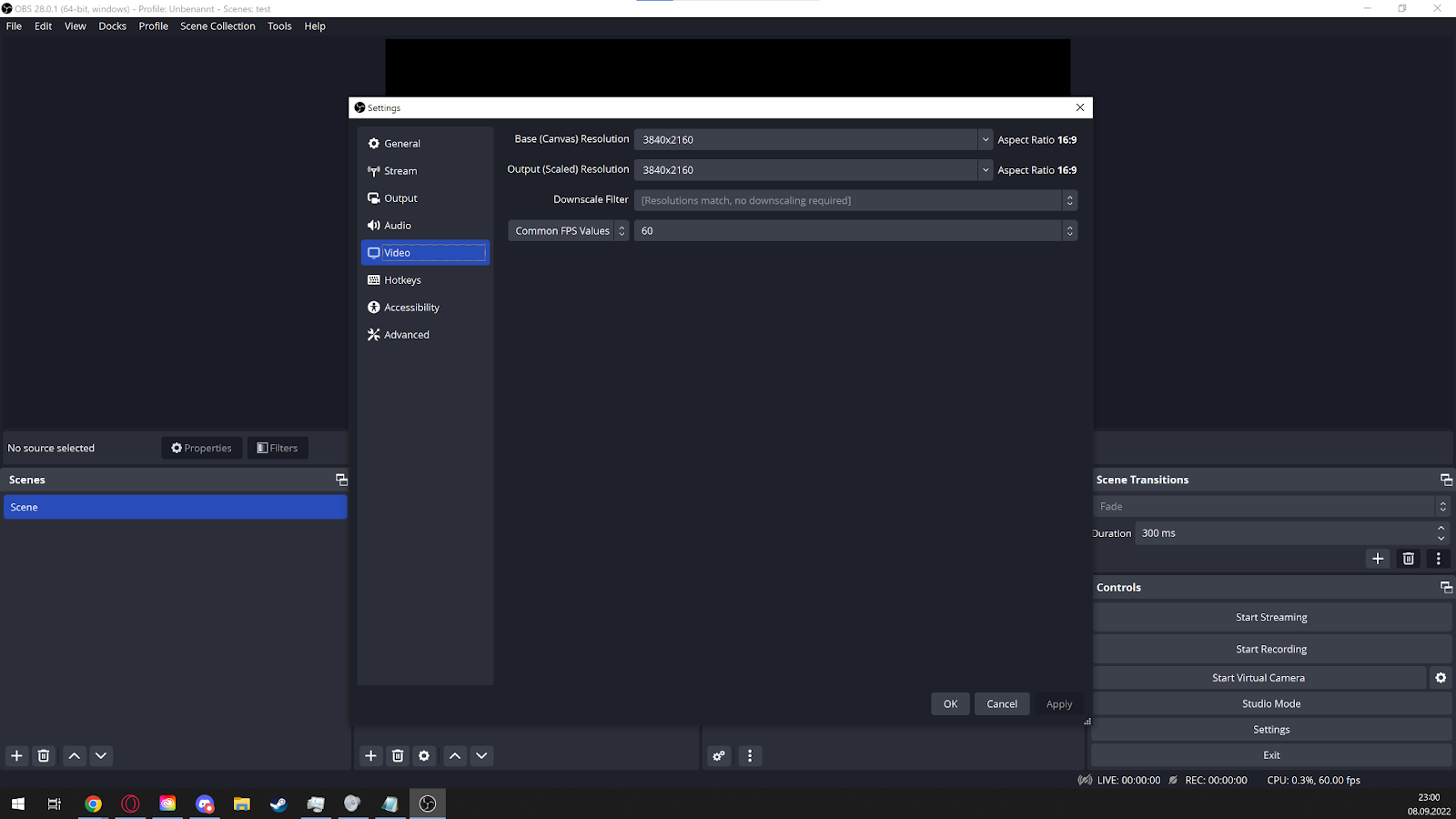
Learn the OBS basics for recording and streaming, from scenes and sources to audio setup, resolution and first-stream preparation.
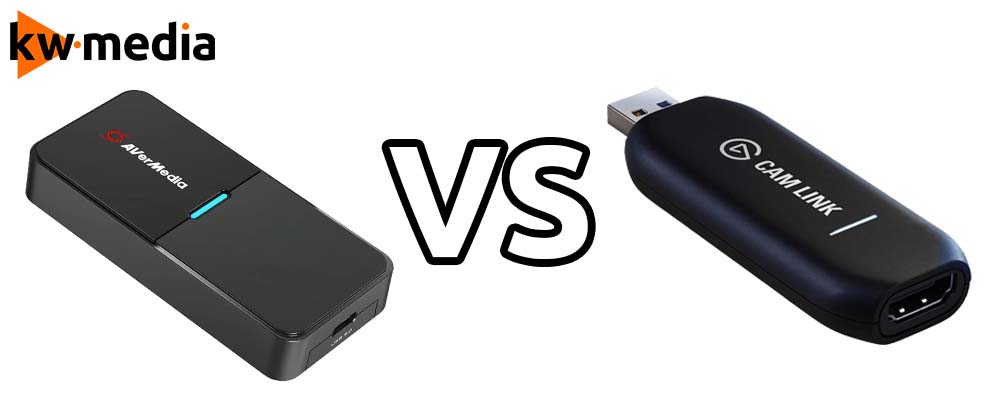
A practical comparison between AVerMedia Streamer Cap 4K and Elgato Cam Link 4K for camera setups, streaming, and recording.
A practical audio guide for creators covering microphones, levels, noise, room sound and the basics of making streams easier to hear.