
Proving you are Human on YouTube now costs $3,000 (C2PA) | Creator News
Let's start with the biggest story of the week. Coffeezilla published a 30 minute investigative piece on the current state of deepfakes and AI scams.
Topic
19 posts tagged YouTube Features
Let's start with the biggest story of the week. Coffeezilla published a 30 minute investigative piece on the current state of deepfakes and AI scams.
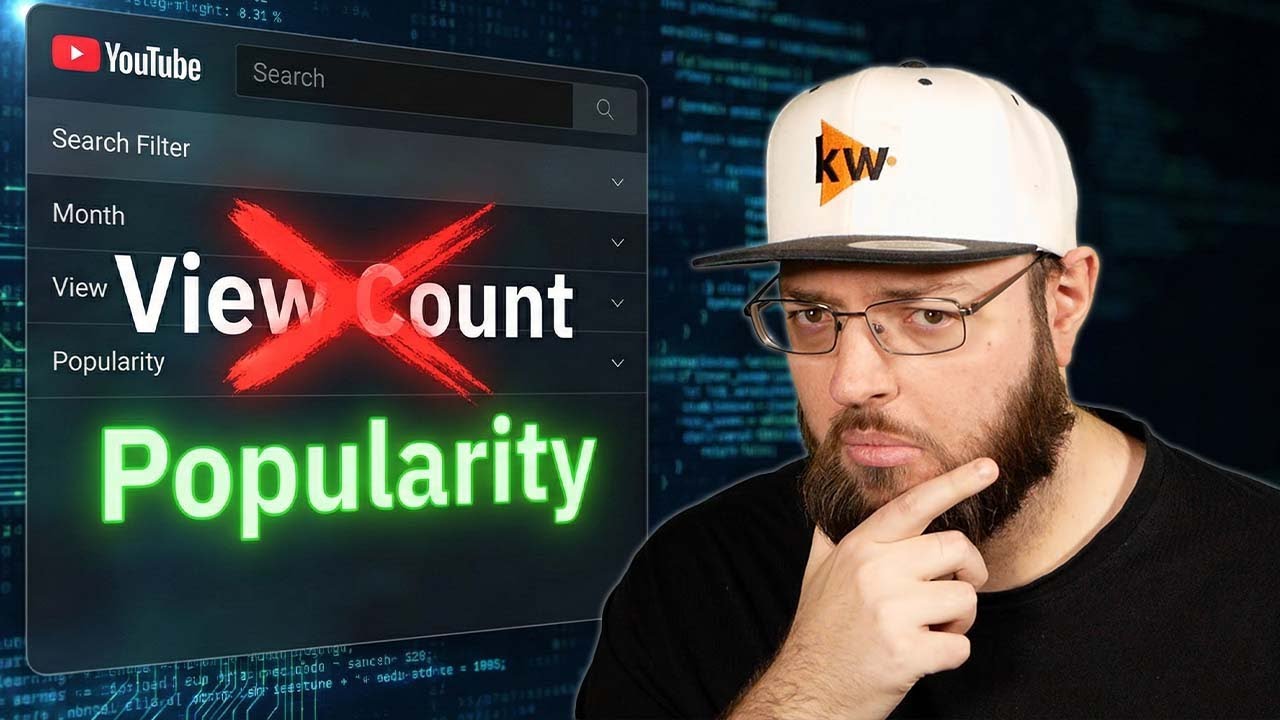
Happy New Year! While most of YouTube's engineering teams are still on vacation, the Search and Discovery team has just quietly launched one of the biggest search overhauls in years.

Breaks down how YouTube Hype works, what the available data suggests, and how smaller creators can think about the feature strategically.
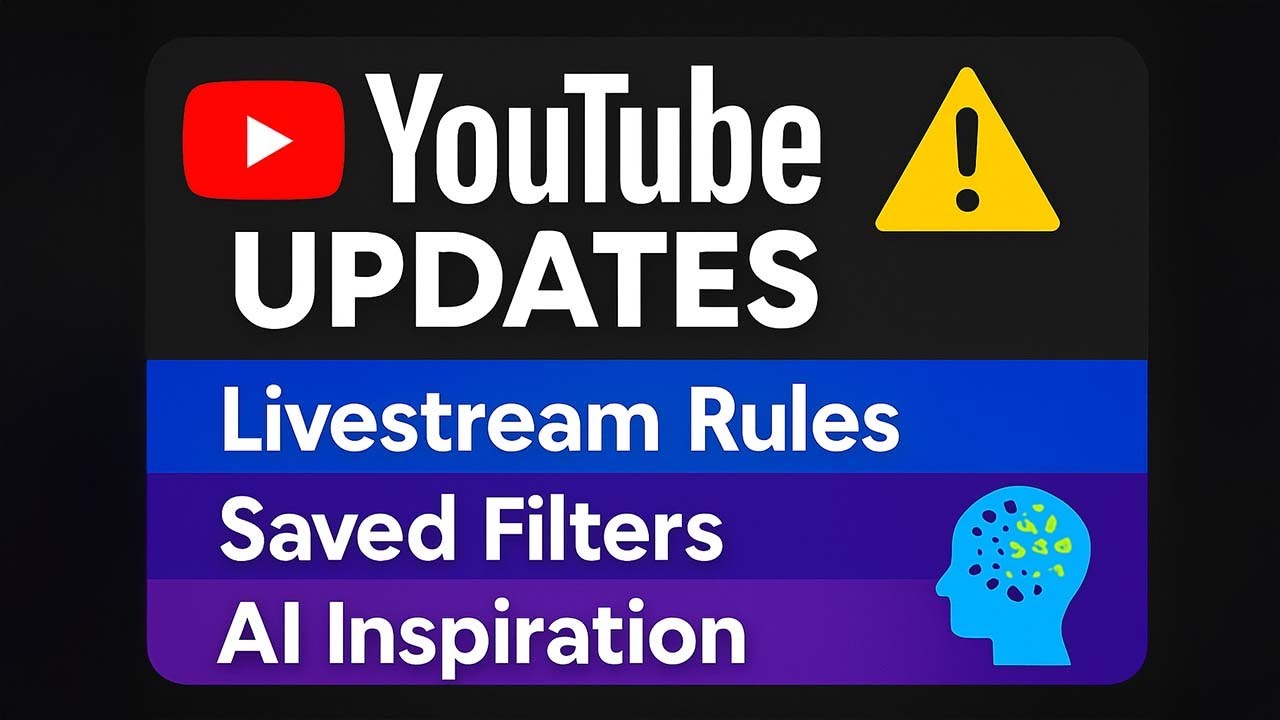
Let's dive into the latest YouTube updates. First up, a recap of the live streaming policy we mentioned last week.
Hey Creators, let's analyze the initial weeks of autodubbing data. To be honest, when autodubbing first launched, I was quite skeptical.
Last week was the "made on YouTube" event. Of course, we already discussed the announcement in the Q&A stream, in case you missed it - feel free to check it out!

Discover where to find impressions data in YouTube Studio, how viewers interact with your videos, and the importance of click-through rates.
Discover how to get your videos showcased on the YouTube homepage as featured content, boosting visibility & audience reach.

Making it easier to share channels is the goal. That's why an experiment is currently running for both creators and users: when sharing a YouTube channel on a smartphone, there is now the option to generate a QR code.

Explains YouTube's Thumbnail Test & Compare feature and how creators can use it to improve engagement with better thumbnail decisions.
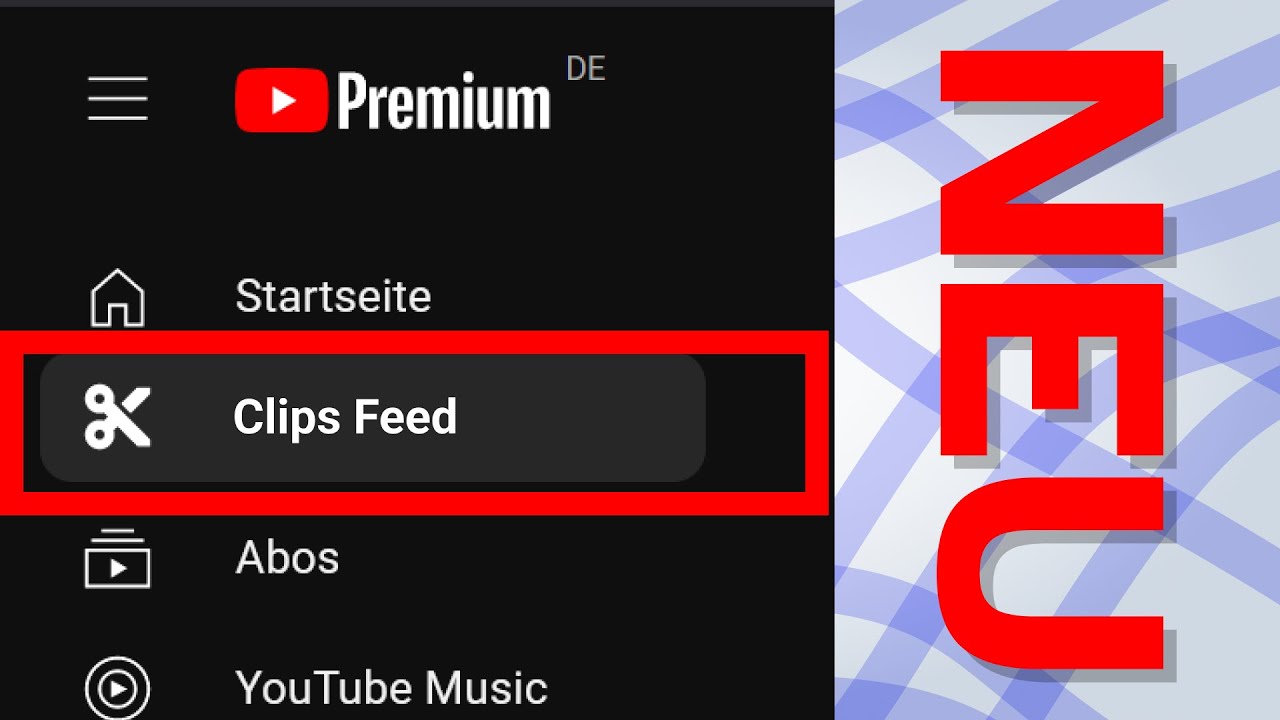
Discover YouTube's latest innovations: an updated Clips Feed, the introduction of Collections in Subscriptions, and the expansion of the Community tab to Fan Communities.

From now on, you can respond to comments on your own videos with a short answer. Simply go to the reply menu where you'll find the new button to create a short.
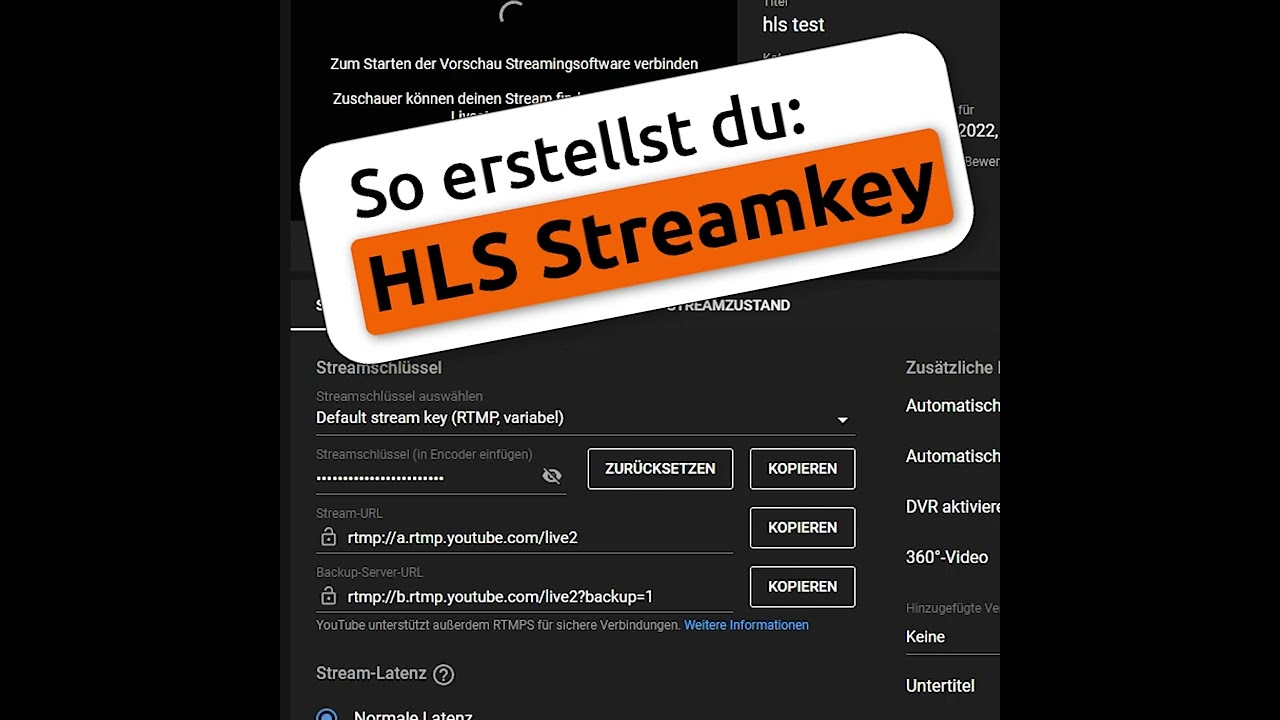
Learn how to set up an HLS stream key to display HDR content correctly on YouTube, involving a simple process in the Live Control Room.

Explains how to format text in YouTube descriptions using Markdown to make it italic, bold, or strikethrough.

Explains YouTube Live redirects and how channels can control who is redirected after a stream.
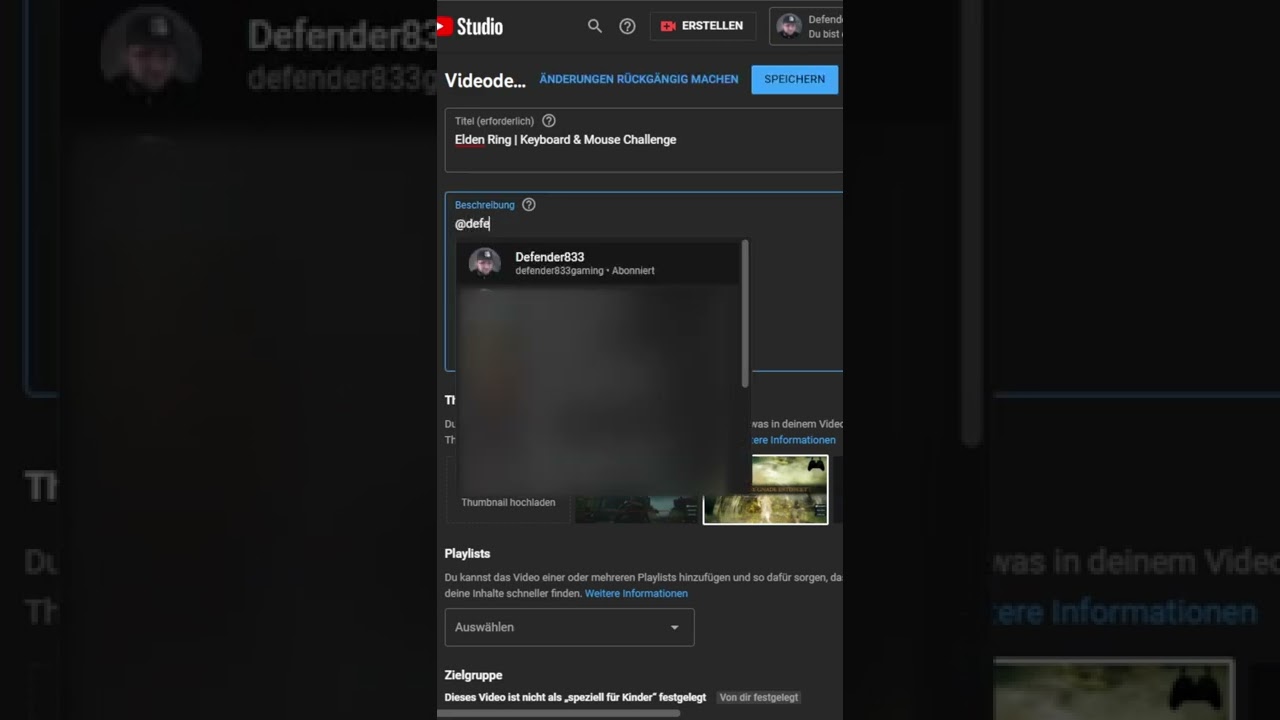
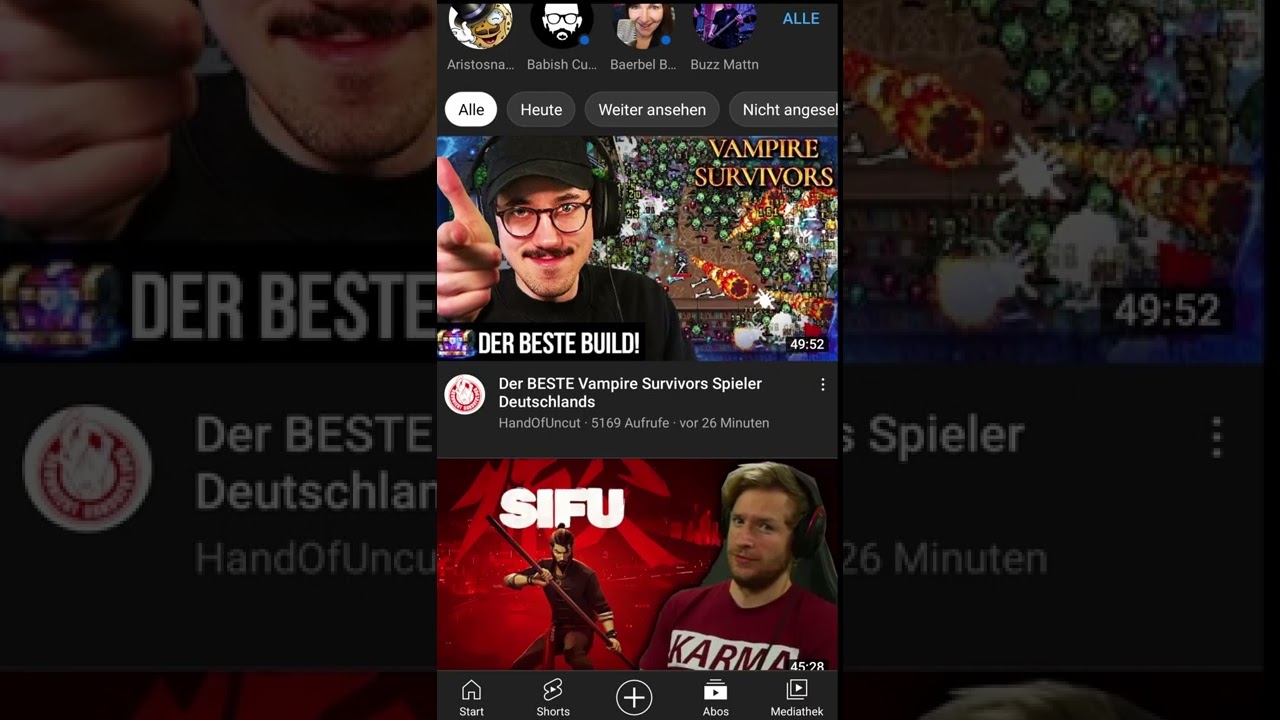
This is how you use @-mentions to directly link other YouTube channels in titles or descriptions.
Shows multiple ways to create Shorts: via the Shorts camera, vertical uploads, or sampling other videos.

Learn how to create engaging YouTube Shorts. Tap the app's plus icon, choose 'Create Short', record or use a clip, add music/text, and publish.

Learn how to create engaging YouTube Shorts. Record or use existing clips, add music & text, then publish with a simple process.